Slide 1 of 7 from Free Inner Cylinder Diagram PowerPoint
6 Steps Cylinder Concept PowerPoint
Inner Cylinder Concept Diagram for Presentations
- Diagram
- Process Flow
- Concept Explanation Slide
- 16:9
- 100% Editable
The Inner Cylinder Concept slide from the Free Inner Cylinder Diagram PowerPoint template offers a clear visual process flow ideal for business presentations and pitch deck templates. Featuring editable shapes and vector icons, this layout supports step-by-step guides and concept explanations with a central cylindrical design connected to six segmented steps, enhancing clarity in corporate presentations and slide decks.
What’s on This Slide
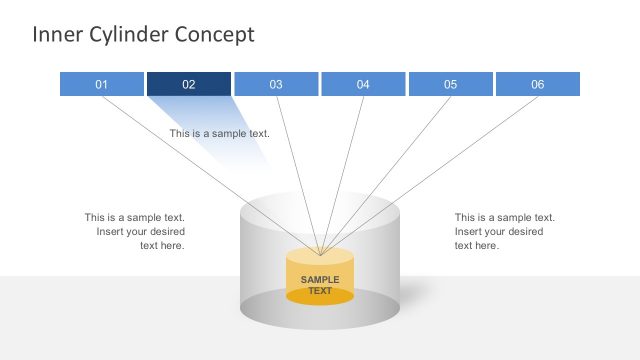
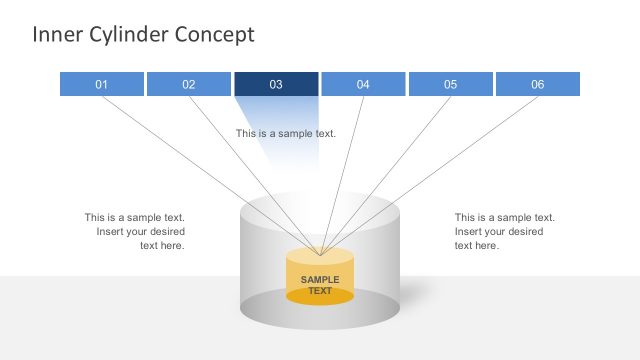
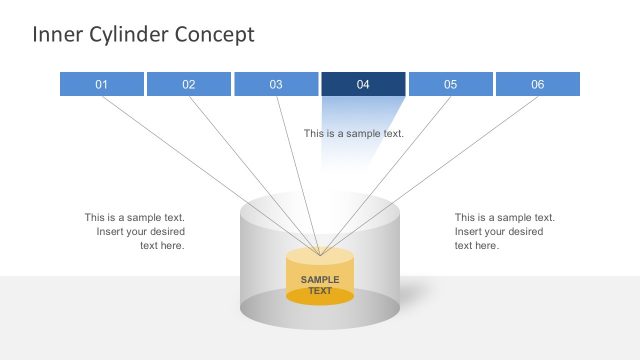
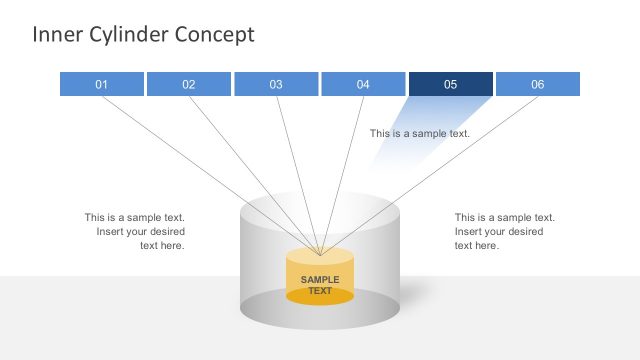
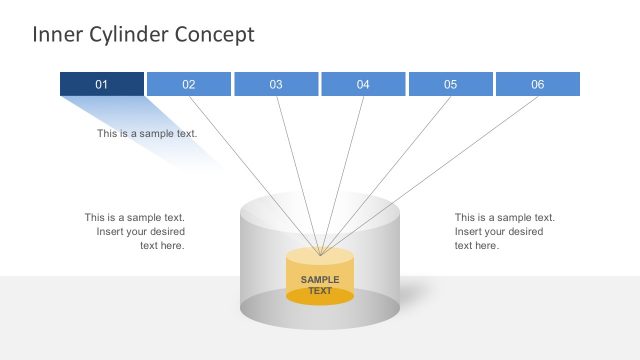
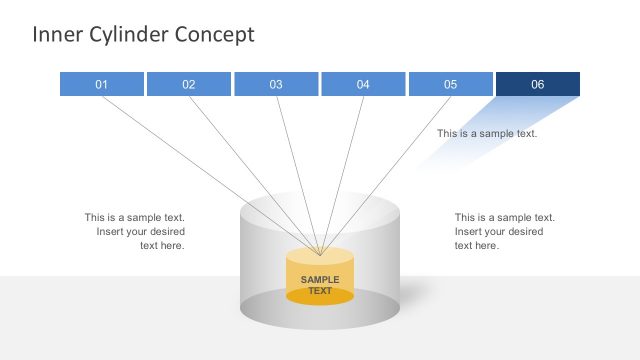
The layout features a central cylindrical shape at the bottom, with a yellow inner cylinder labeled 'SAMPLE TEXT.' Above, there are six horizontal segments numbered 01 to 06, aligned evenly across the top. Each segment has a placeholder for text, which is centered and aligned with the segments. Connecting lines extend from each segment to the inner cylinder, creating a visual flow. The background is light, with a gradient effect that transitions from white at the bottom to a soft blue at the top, enhancing the visual hierarchy of the elements.
How to Use It
This layout serves as a process diagram, illustrating a concept with multiple steps or components. It is suitable for presentations that require a clear visual representation of a process or idea. This slide fits well at the beginning of a presentation to introduce a topic or framework. It can be used in business contexts such as project planning, product development, or educational settings to explain complex concepts in a simplified manner.
Text Placeholders & Capacity
Keep your copy within these limits so it fits without resizing. Node labels can hold about 2 characters each, while node bodies can accommodate around 50 characters.
| Placeholder | Count | Max characters (approx.) |
|---|---|---|
| Slide title | 1 | 30 |
| Item heading | 6 | 2 |
| Item body | 6 | 50 |
Slide Keywords
Download unlimited PowerPoint templates, charts and graphics for your presentations with our annual plan.
DOWNLOADReturn to Free Inner Cylinder Diagram PowerPoint.