Slide 3 of 4 from Free Hexagonal Infographic PowerPoint Template
Free Hexagonal Infographic Template Layout
3-Step Hexagonal Infographic Slide
- Diagram
- Other
- Process Slide
- 16:9
- 100% Editable
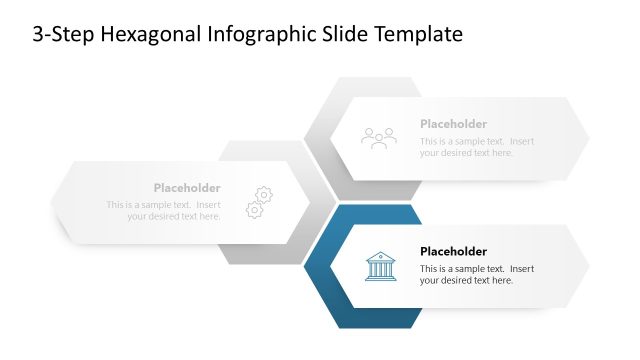
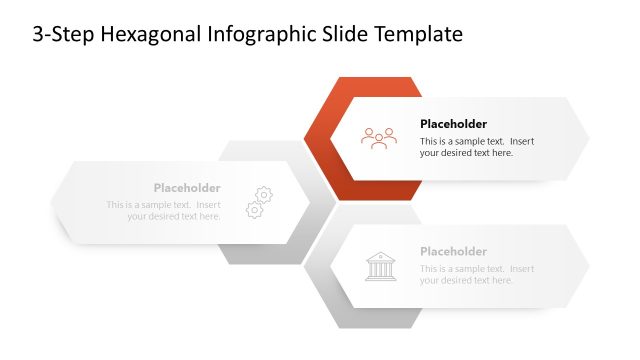
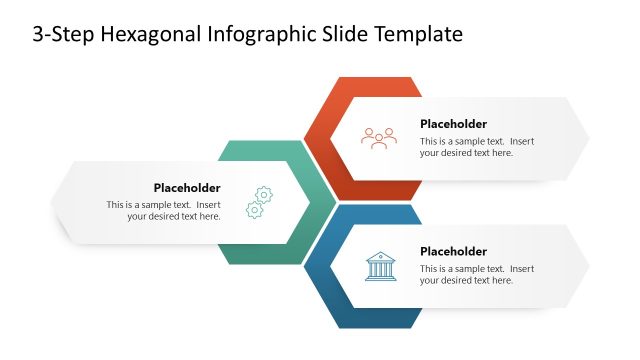
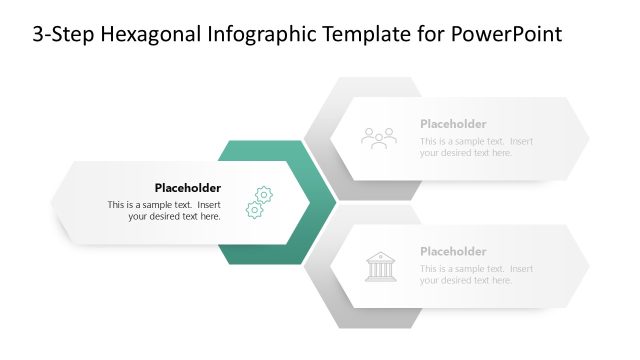
The 3-Step Hexagonal Infographic slide from the Free Hexagonal Infographic PowerPoint Template effectively illustrates processes and project stages. Featuring three editable hexagonal shapes, this layout allows for clear communication of project phases and feature highlights, making it ideal for business presentations.
What’s on This Slide
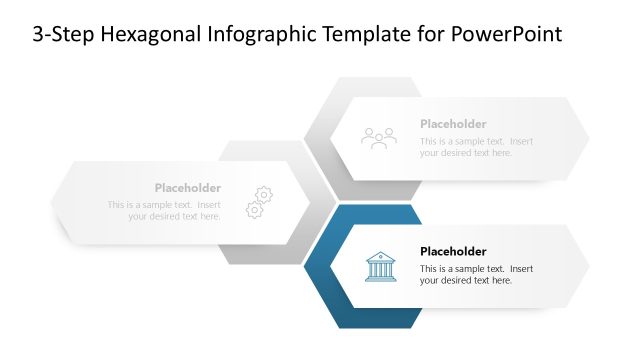
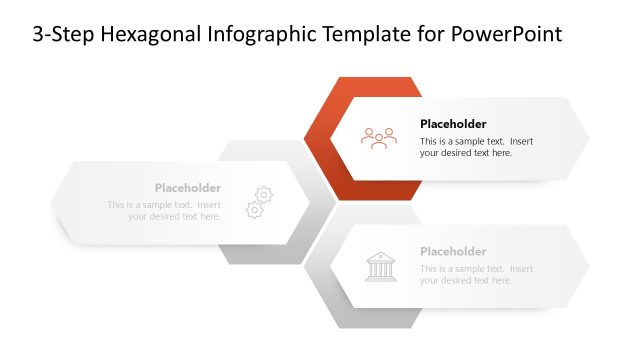
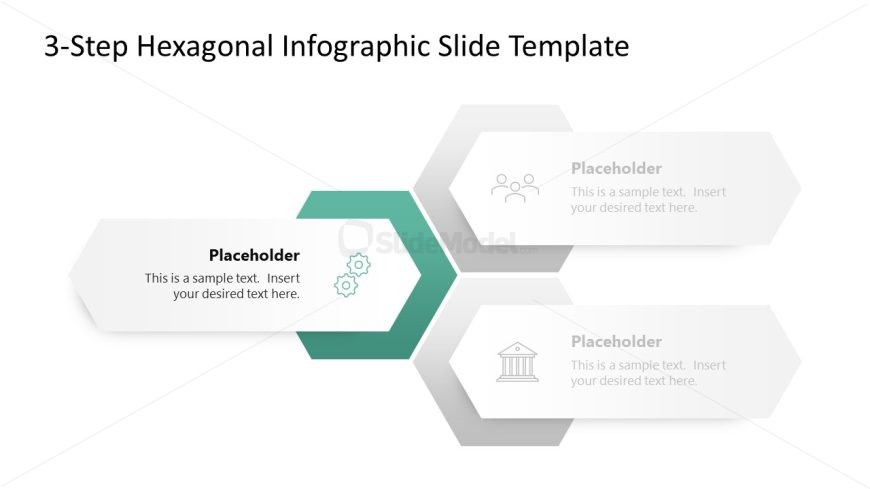
The layout features three hexagonal shapes arranged horizontally, with one central hexagon highlighted in a teal color. The left hexagon contains a gear icon and a text placeholder aligned centrally. The right hexagon includes a building icon and a similar text placeholder. Each hexagon has a light gray background, while the central one stands out with a darker shade. The slide title is positioned at the top center, providing a clear hierarchy. Text placeholders are present in each hexagon, allowing for customization of content.
How to Use It
This layout serves as a three-step infographic, ideal for illustrating processes or stages in a presentation. It fits well after a problem slide, providing a visual transition to solutions or actions. Suitable for business contexts, it can effectively communicate project phases, product features, or strategic initiatives. The hexagonal design allows for a clear and engaging presentation of information, making it useful in various scenarios requiring structured content delivery.
Text Placeholders & Capacity
Keep your copy within these limits so it fits without resizing. Node body slots can hold about 10 words each.
| Placeholder | Count | Max characters (approx.) |
|---|---|---|
| Slide title | 1 | 30 |
| Item body | 3 | 50 |
Slide Keywords
Download unlimited PowerPoint templates, charts and graphics for your presentations with our annual plan.
DOWNLOAD