Slide 2 of 4 from Free Hexagonal Infographic PowerPoint Template
Customizable Free Hexagonal Infographic PPT Template
3-Step Hexagonal Infographic Slide Template
- Diagram
- Comparison Split
- Process Slide
- 16:9
- 100% Editable
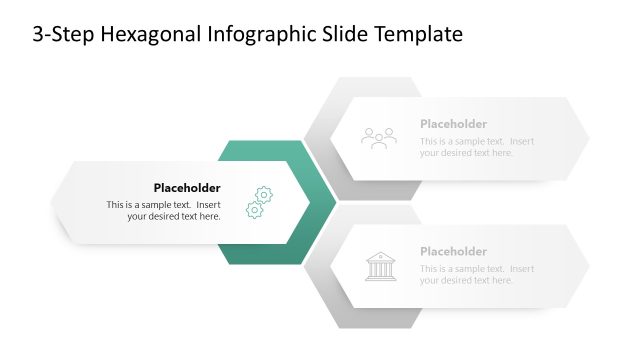
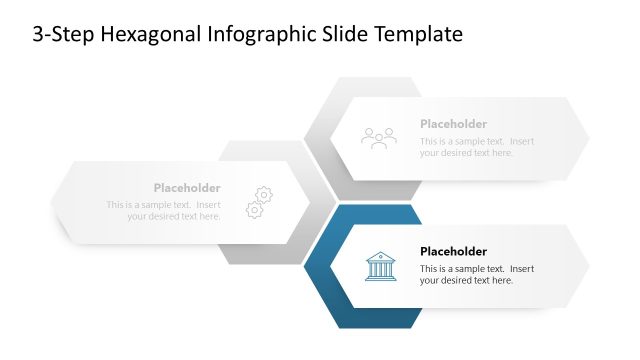
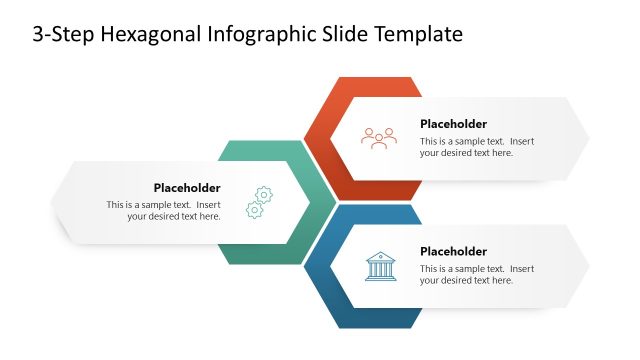
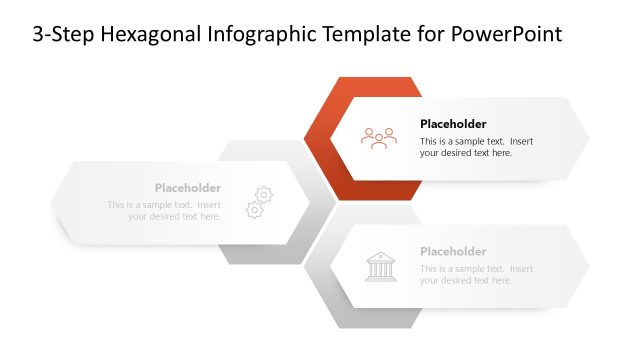
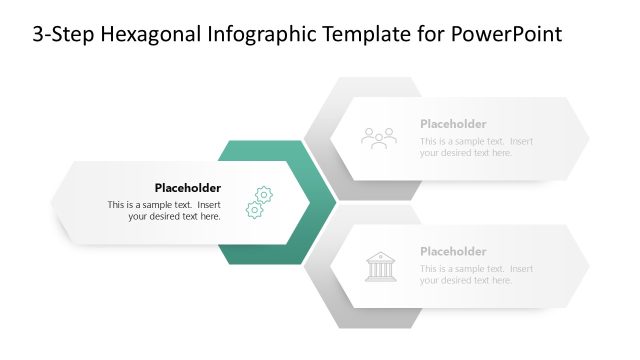
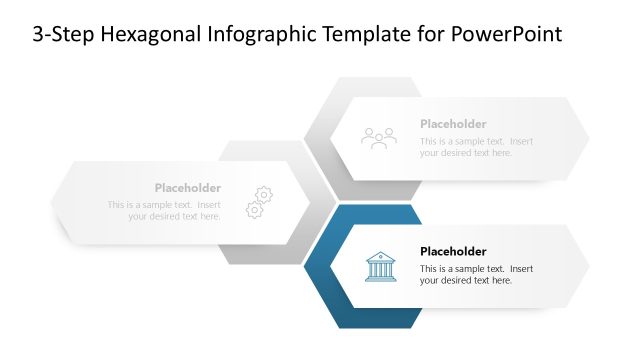
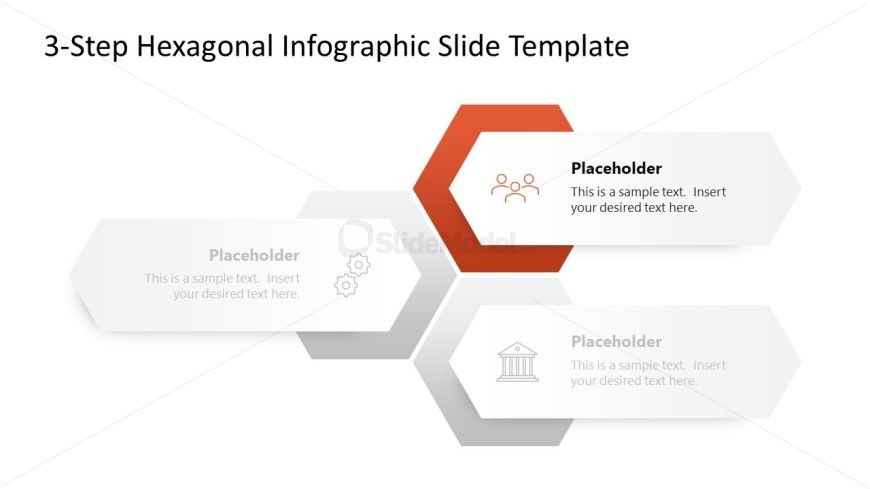
The 3-Step Hexagonal Infographic slide from the Free Hexagonal Infographic PowerPoint Template effectively illustrates processes or project milestones through a visually appealing design. This layout features three editable hexagonal shapes, allowing for easy customization of text and icons, making it ideal for business presentations and step-by-step guides.
What’s on This Slide
The layout features three hexagonal shapes arranged horizontally. The central hexagon is filled with a solid orange color, while the two side hexagons are light gray. Each hexagon contains a text placeholder, aligned centrally, with icons positioned above the text. The top of the slide displays a title in bold, centered text. The overall composition is clean, with a clear visual hierarchy emphasizing the central hexagon. The background is white, enhancing the visibility of the hexagons and icons.
How to Use It
This layout serves as a structured infographic to present three distinct steps or concepts. It is suitable for business presentations, project overviews, or educational content where sequential information needs to be conveyed. Positioned after an introduction slide, it effectively outlines processes or stages. The design allows for easy customization of text and icons, making it versatile for various contexts.
Text Placeholders & Capacity
Keep your copy within these limits so it fits without resizing. Node labels can hold about 4-5 words each, while body text can accommodate roughly 12-15 words.
| Placeholder | Count | Max characters (approx.) |
|---|---|---|
| Slide title | 1 | 30 |
| Item heading | 3 | 25 |
| Item body | 3 | 70 |
Slide Keywords
Download unlimited PowerPoint templates, charts and graphics for your presentations with our annual plan.
DOWNLOAD