Slide 4 of 4 from Free Hexagonal Infographic PowerPoint Template
Free Hexagonal Infographic Presentation Template
3-Step Hexagonal Infographic Slide Template
- Diagram
- Other
- Process Slide
- 16:9
- 100% Editable
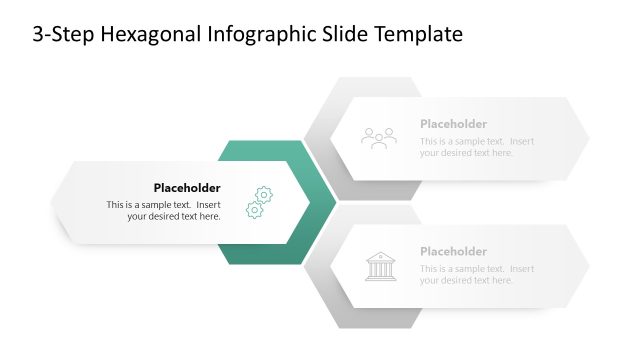
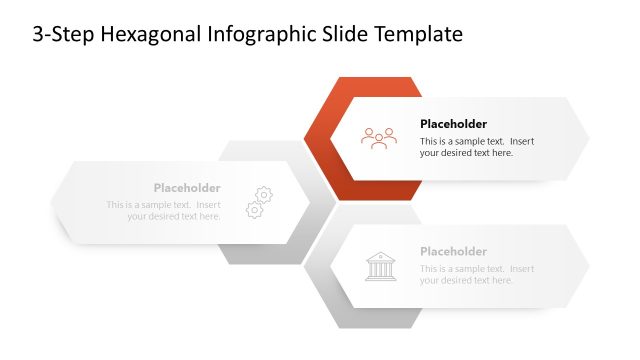
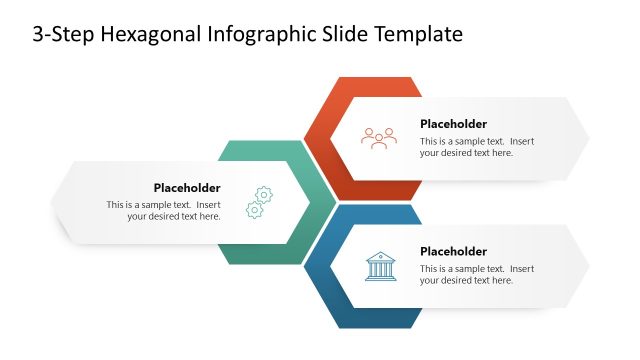
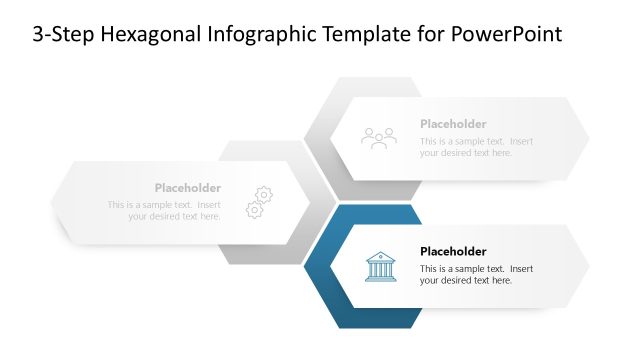
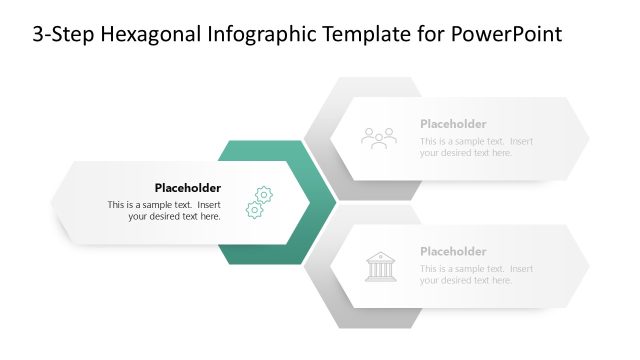
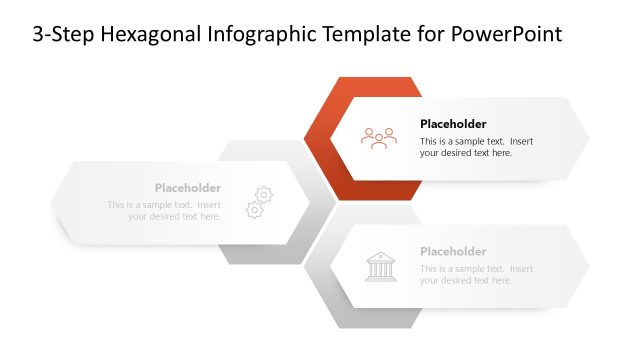
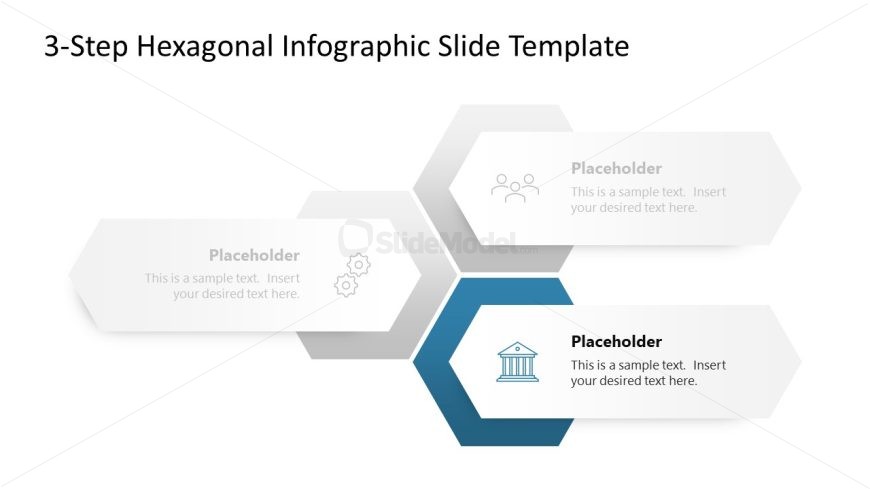
The 3-Step Hexagonal Infographic slide from the Free Hexagonal Infographic PowerPoint Template effectively visualizes processes through a modern design. Featuring three hexagonal shapes, this layout is ideal for project planning, strategic initiatives, and feature presentations. Each hexagon includes text placeholders and icons, ensuring clarity and engagement in business presentations.
What’s on This Slide
The layout features three hexagonal shapes arranged in a horizontal sequence. The central hexagon is colored in a darker blue, while the left and right hexagons are in lighter shades of gray. Each hexagon contains a text placeholder aligned centrally, with icons positioned above the text in the left and right hexagons. The top of the slide includes a title placeholder, centered and prominent. The overall composition is balanced, with hexagons evenly spaced and aligned, creating a clear visual hierarchy.
How to Use It
This layout serves as a three-step process visualization, ideal for illustrating sequential actions or stages. It fits well in presentations focused on project plans, product features, or strategic initiatives. Use this format when you need to convey information in a clear, structured manner, making it suitable for business contexts such as team meetings, project updates, or educational sessions. The hexagonal design adds a modern touch to the presentation.
Text Placeholders & Capacity
Keep your copy within these limits so it fits without resizing. Node body slots can hold about 10-12 words each.
| Placeholder | Count | Max characters (approx.) |
|---|---|---|
| Slide title | 1 | 30 |
| Item body | 3 | 50 |
Slide Keywords
Download unlimited PowerPoint templates, charts and graphics for your presentations with our annual plan.
DOWNLOAD