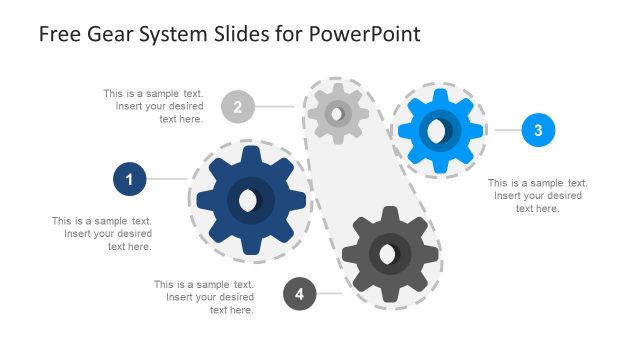
Slide 1 of 2 from Free Gear System Slides for PowerPoint
Free Gear System PowerPoint
Gear System Process Flow Slide
- Diagram
- Process Flow
- Process Slide
- 16:9
- 100% Editable
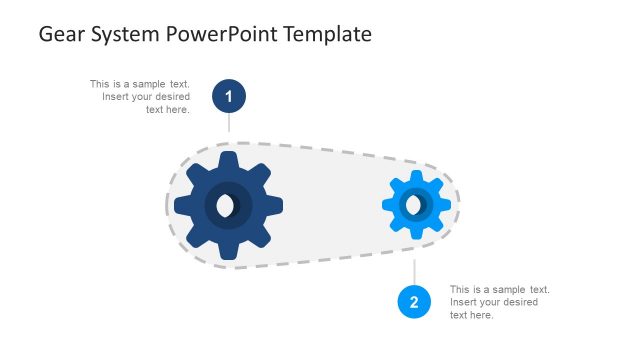
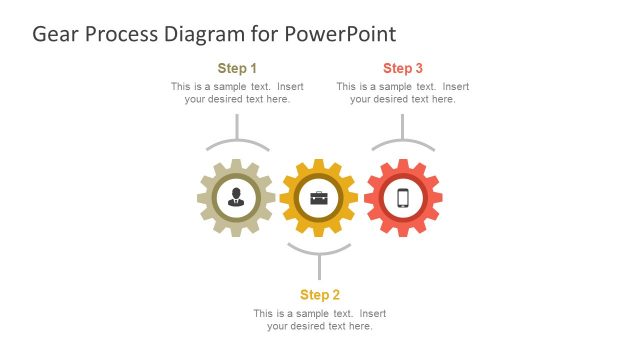
The Gear System Process Flow slide from the Free Gear System Slides for PowerPoint template offers a clear visualization of interconnected workflows using editable shapes and vector icons. Ideal for business presentations, this slide template helps illustrate project planning and operational processes with a clean layout that supports effective communication in corporate presentations and pitch decks.
What’s on This Slide
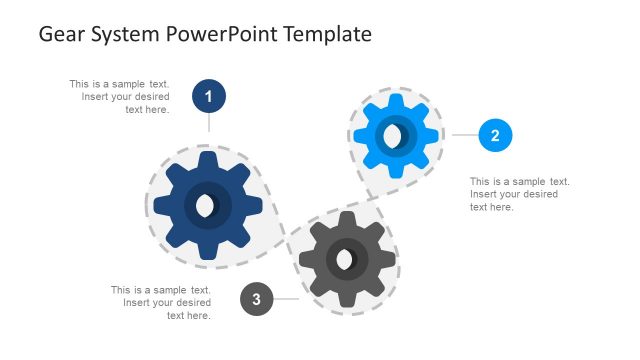
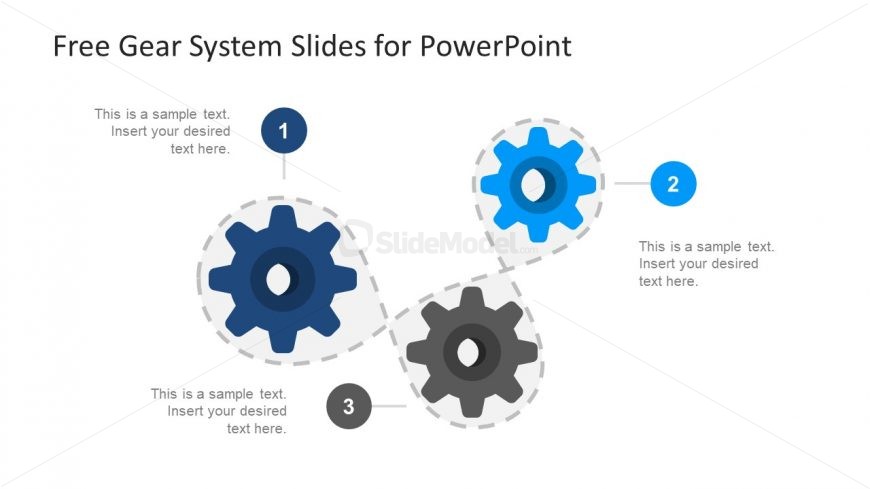
The slide features a central arrangement of three gears connected by dashed lines. The first gear is located at the top left, the second at the top right, and the third at the bottom center. Each gear has a circular shape with a dark blue color, while the third gear is gray. Text placeholders are positioned near each gear, aligned to the right of the first and second gears, and below the third gear. The background is white, allowing for clear visibility of the gears and text. The overall composition emphasizes a process flow.
How to Use It
This layout serves as a process flow diagram, illustrating a sequence of steps or stages represented by gears. It is suitable for presentations that require a visual representation of interconnected processes or workflows. This slide fits well after an introductory problem slide and before a detailed roadmap. It can be used in business contexts such as project planning, operational processes, or system overviews, effectively communicating how different components interact within a system.
Text Placeholders & Capacity
Keep your copy within these limits so it fits without resizing. Node labels can hold about 30 characters each, while body text can accommodate roughly 100 characters.
| Placeholder | Count | Max characters (approx.) |
|---|---|---|
| Item heading | 3 | 30 |
| Body paragraph | 3 | 100 |
Slide Keywords
Download unlimited PowerPoint templates, charts and graphics for your presentations with our annual plan.
DOWNLOADReturn to Free Gear System Slides for PowerPoint.