Slide 2 of 5 from Free Filtering Process Diagram Template for PowerPoint
Free Filtering Process Diagram PPT Template
Filtering Process Diagram Template
- Diagram
- Process Flow
- Process Slide
- 16:9
- 100% Editable
What’s on This Slide
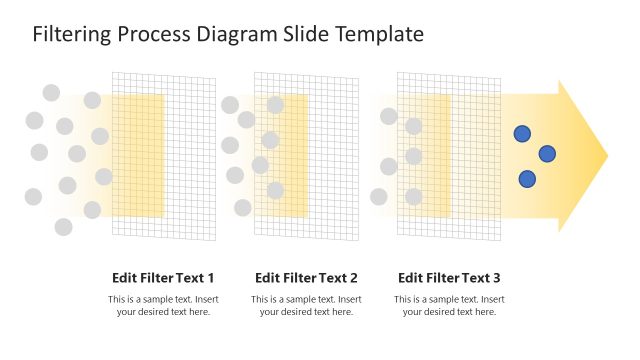
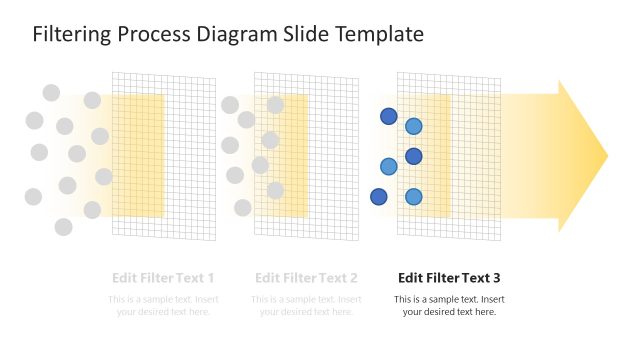
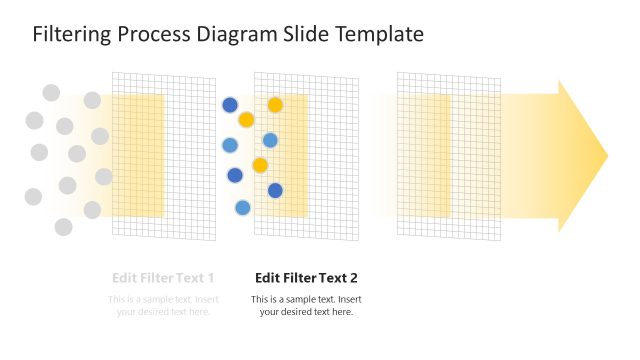
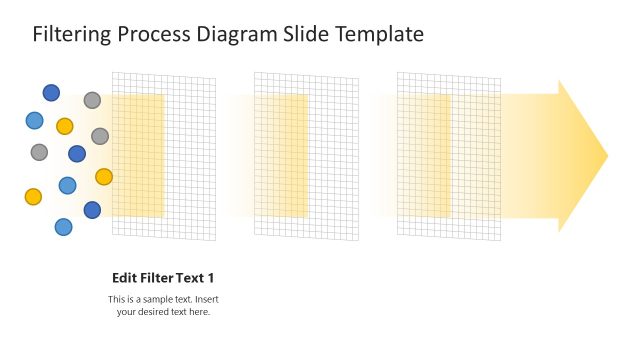
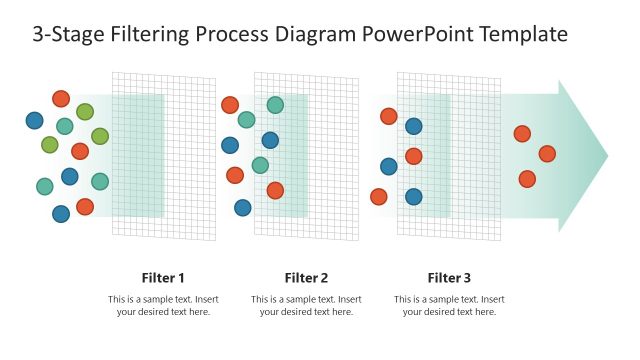
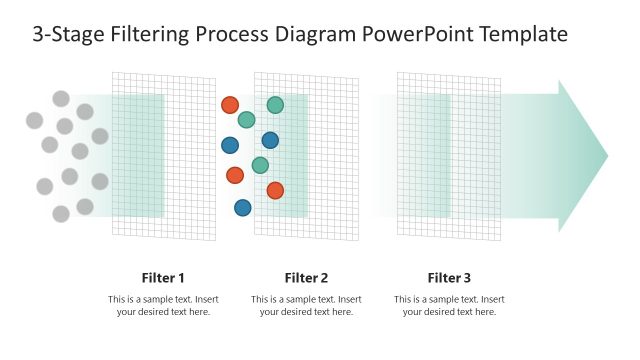
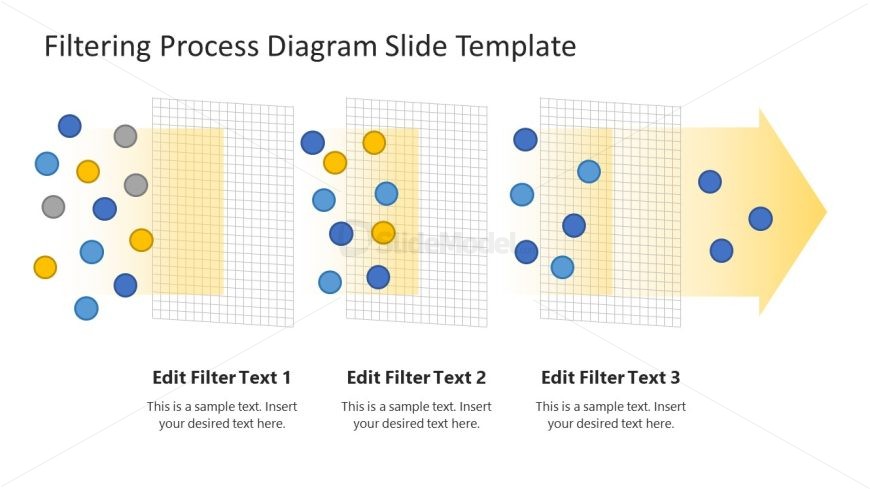
The layout features a horizontal sequence of three filtering stages. Each stage contains a grid-like shape with a yellow background, positioned centrally. Colorful circular nodes in blue, yellow, gray, and orange are scattered around the grids, indicating input and output elements. Text placeholders are aligned below each stage, labeled 'Edit Filter Text 1', 'Edit Filter Text 2', and 'Edit Filter Text 3', with a visual hierarchy emphasizing the titles. An arrow points rightward, suggesting movement through the process. The overall composition is structured and organized.
How to Use It
This layout serves as a process flow diagram, ideal for illustrating filtering or selection processes. It fits well in presentations discussing operational workflows, product development stages, or data processing methodologies. Use it to visually represent how various elements are filtered or sorted through defined stages. This structure can be useful in business contexts like project management, quality control, or data analysis, where clarity in process steps is essential.
Text Placeholders & Capacity
Keep your copy within these limits so it fits without resizing. Node body slots can hold roughly 15-20 words each.
| Placeholder | Count | Max characters (approx.) |
|---|---|---|
| Item heading | 3 | 30 |
| Item body | 3 | 100 |
Slide Keywords
Download unlimited PowerPoint templates, charts and graphics for your presentations with our annual plan.
DOWNLOADReturn to Free Filtering Process Diagram Template for PowerPoint.