Slide 4 of 6 from Free DMAIC PowerPoint Template
DMAIC Presentation Template – Analyze Slide
Analyze Section in DMAIC Template
- Text Layout
- List Blocks
- Process Slide
- 16:9
- 100% Editable
The Analyze Section Layout from the Free DMAIC PowerPoint Template provides a structured format for project analysis and performance reviews. This slide features four editable sections, each with an icon and text placeholder, facilitating clear communication of analysis results. Ideal for business presentations, it enhances the visual appeal and organization of key points.
What’s on This Slide
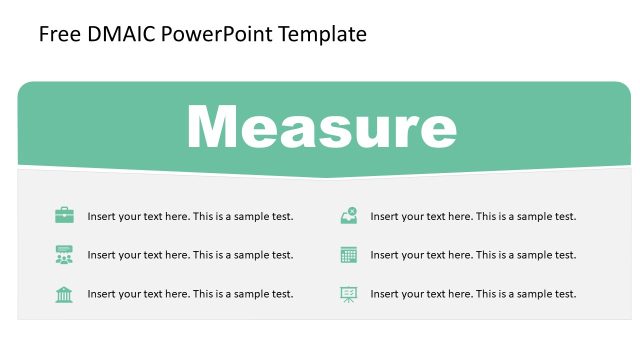
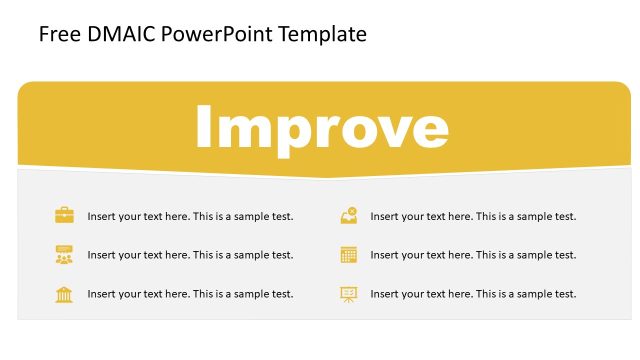
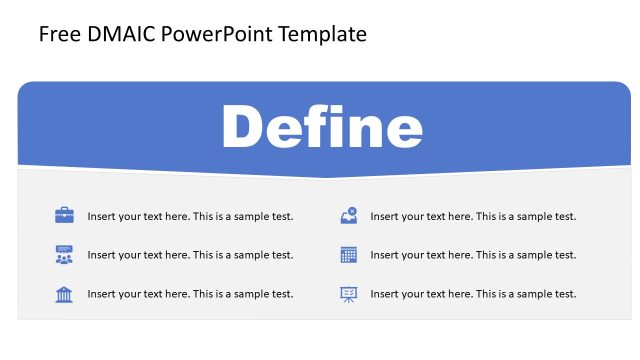
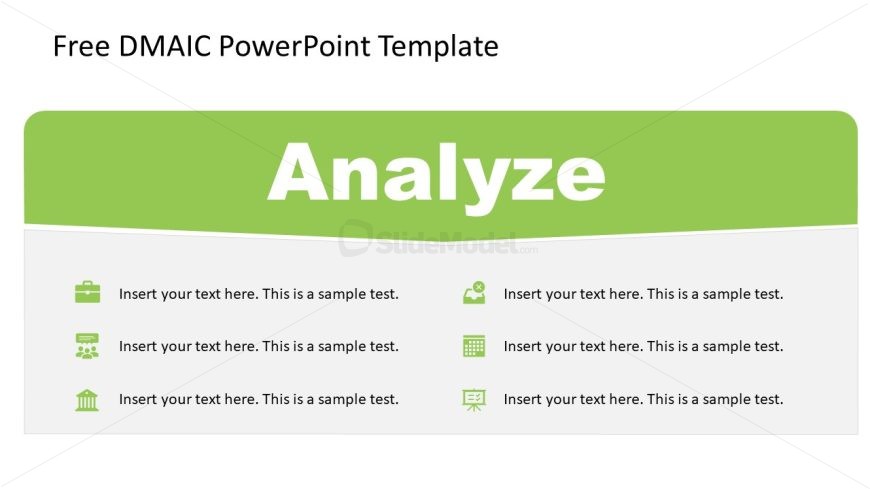
The slide features a prominent green header at the top with the word 'Analyze' in large, bold white text, centered horizontally. Below, there are four rectangular sections arranged in two columns, each containing an icon and a placeholder for text. The icons represent different themes, such as a briefcase, a group of people, a chart, and a building. Each text placeholder is aligned to the left within its section, with a consistent visual hierarchy. The overall layout is clean, with a white background and a clear separation between the header and content areas.
How to Use It
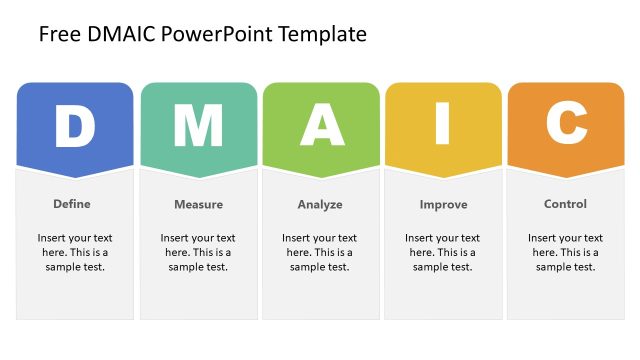
This layout serves as a section for analysis within a DMAIC framework presentation. It fits well after the 'Define' and 'Measure' sections, providing a structured way to present analysis results. It is suitable for business scenarios like project evaluations, performance assessments, or process improvements. The layout allows for concise text entries alongside relevant icons, making it effective for summarizing key points in a visually organized manner.
Text Placeholders & Capacity
Keep your copy within these limits so it fits without resizing. Node slots can accommodate concise text, roughly 6-8 words each.
| Placeholder | Count | Max characters (approx.) |
|---|---|---|
| Slide title | 1 | 30 |
| Item body | 4 | 40 |
Slide Keywords
Download unlimited PowerPoint templates, charts and graphics for your presentations with our annual plan.
DOWNLOADReturn to Free DMAIC PowerPoint Template.