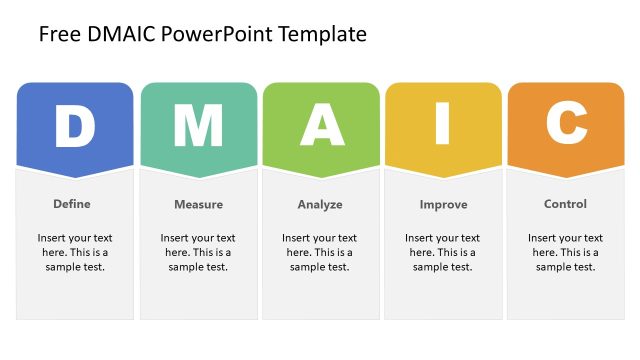
Slide 3 of 6 from Free DMAIC PowerPoint Template
DMAIC PowerPoint Template – Measure Slide
DMAIC Measure Section PowerPoint Slide
- Text Layout
- List Blocks
- Process Slide
- 16:9
- 100% Editable
What’s on This Slide
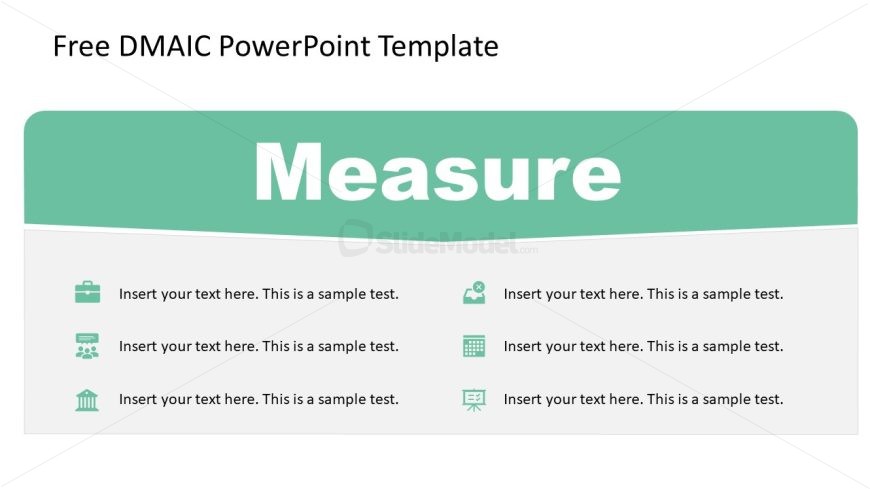
The slide features a large title at the top center labeled 'Measure' in bold white text against a teal background. Below the title, there are four sections arranged in two rows. Each section contains an icon on the left, with corresponding text placeholders on the right. The icons represent different categories, such as a briefcase, group of people, calculator, and a building. The text placeholders are aligned to the left and contain sample text. The overall layout is clean, with a clear visual hierarchy emphasizing the title.
How to Use It
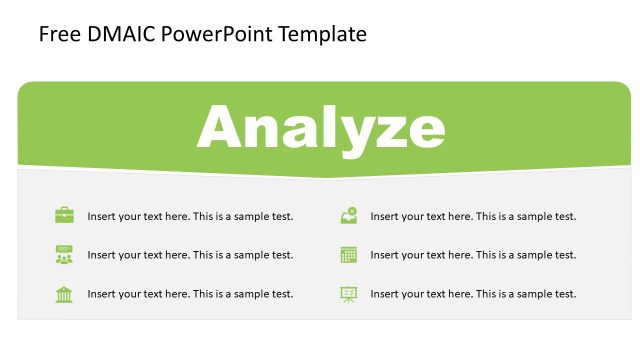
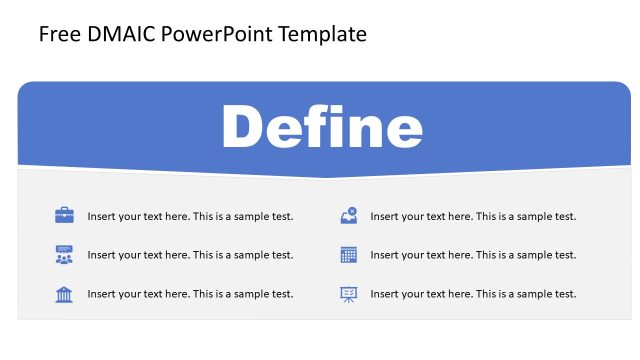
This layout serves as a section divider within a DMAIC presentation, specifically for the 'Measure' phase. It effectively organizes key points or metrics that need to be addressed. This slide is useful for presenting data or findings in a structured manner. It fits well after the 'Define' slide and before the 'Analyze' slide, guiding the audience through the DMAIC process. It is suitable for business contexts where measurement and analysis of data are critical.
Text Placeholders & Capacity
Keep your copy within these limits so it fits without resizing. Node body slots can hold around 10-12 words each.
| Placeholder | Count | Max characters (approx.) |
|---|---|---|
| Slide title | 1 | 30 |
| Item body | 4 | 50 |
Slide Keywords
Download unlimited PowerPoint templates, charts and graphics for your presentations with our annual plan.
DOWNLOADReturn to Free DMAIC PowerPoint Template.