Slide 2 of 6 from Free DMAIC PowerPoint Template
Define Slide for DMAIC Presentation
Define Section Layout in DMAIC Template
- Text Layout
- List Blocks
- Context Slide
- 16:9
- 100% Editable
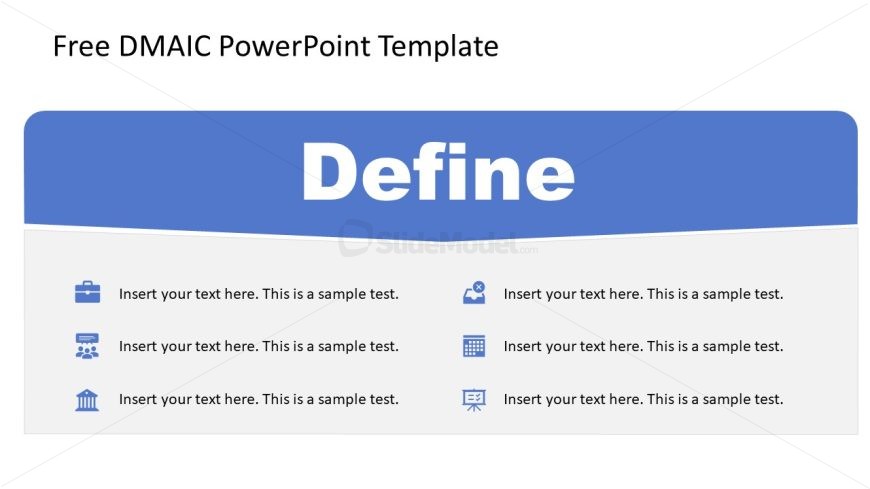
The Define Section Layout from the Free DMAIC PowerPoint Template effectively outlines project goals and introduces process phases. This editable slide layout features a prominent header and organized sections, making it ideal for business presentations focused on process improvement and quality control.
What’s on This Slide
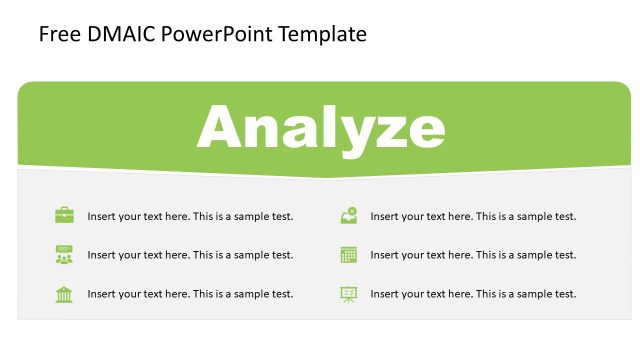
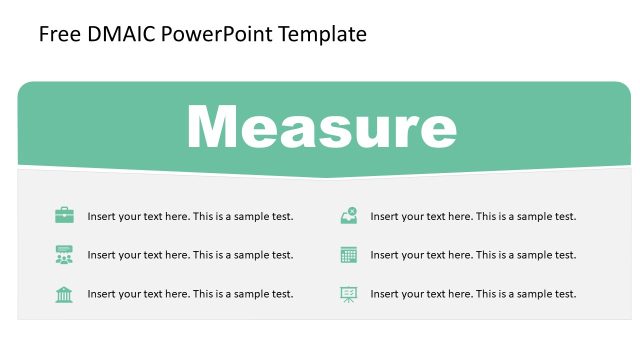
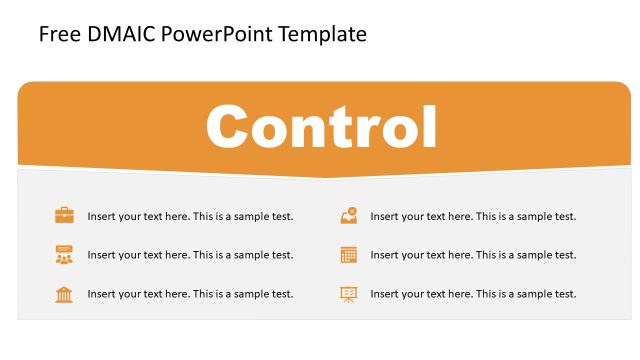
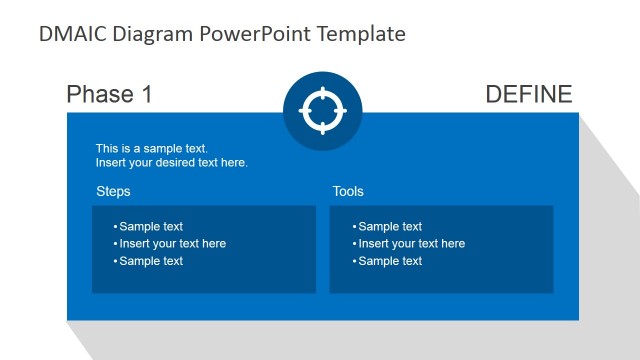
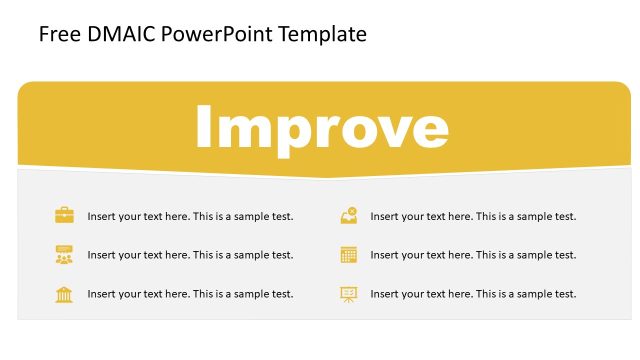
The layout features a large blue header at the top with the word 'Define' centered prominently. Below the header, there are four sections arranged in two rows. Each section contains an icon on the left and a text placeholder on the right. The icons represent different categories, such as a briefcase, group, calculator, and building, aligned vertically. Text placeholders are aligned to the left within each section, allowing for descriptive content. The background is primarily white, enhancing readability and focus on the elements.
How to Use It
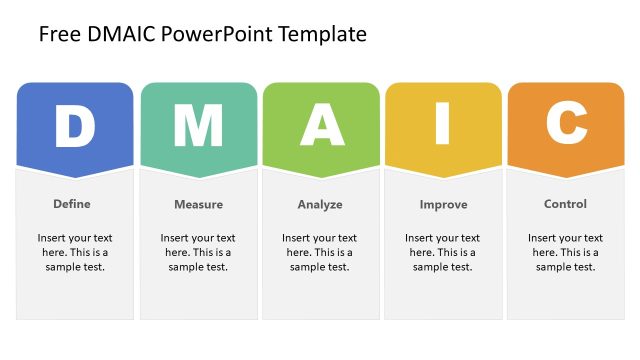
This layout is designed for presenting the 'Define' phase of the DMAIC process. It fits within a sequence that introduces each phase of DMAIC, allowing for clear communication of objectives and activities. This structure is suitable for business presentations focusing on process improvement, project management, or quality control, where defining the problem and scope is essential. It can be used to outline key points or objectives in a concise manner, facilitating audience understanding.
Text Placeholders & Capacity
Keep your copy within these limits so it fits without resizing. Node body slots can accommodate roughly 10-12 words each.
| Placeholder | Count | Max characters (approx.) |
|---|---|---|
| Slide title | 1 | 30 |
| Item body | 4 | 50 |
Slide Keywords
Download unlimited PowerPoint templates, charts and graphics for your presentations with our annual plan.
DOWNLOADReturn to Free DMAIC PowerPoint Template.