Slide 4 of 7 from Free Dark Slides Template for PowerPoint
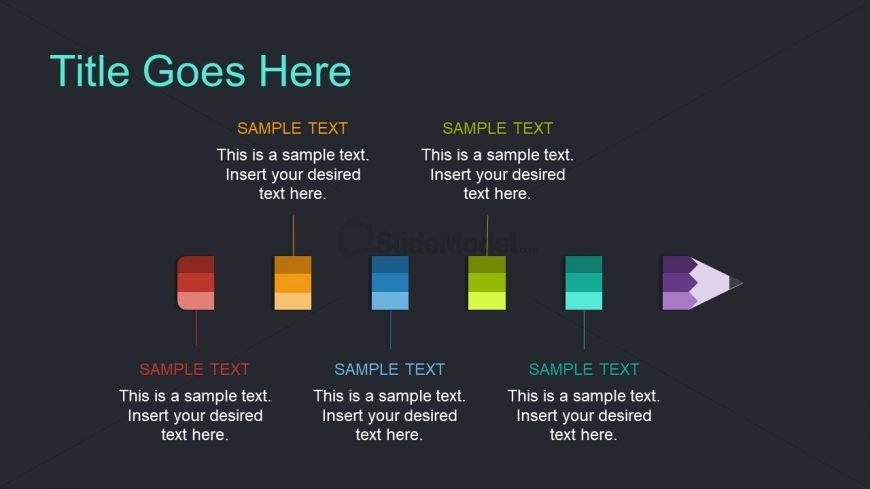
Pencil Timeline Diagram Presentation
Colorful Icon Comparison Slide
- Diagram
- Comparison Split
- Comparison Slide
- 16:9
- 100% Editable
The Colorful Icon Comparison slide from the Free Dark Slides Template for PowerPoint offers a structured layout ideal for product feature comparisons or service attribute overviews. Featuring editable shapes and vibrant vector icons on a dark background, this slide enhances clarity in business presentations and pitch deck templates by visually distinguishing key elements side by side.
What’s on This Slide
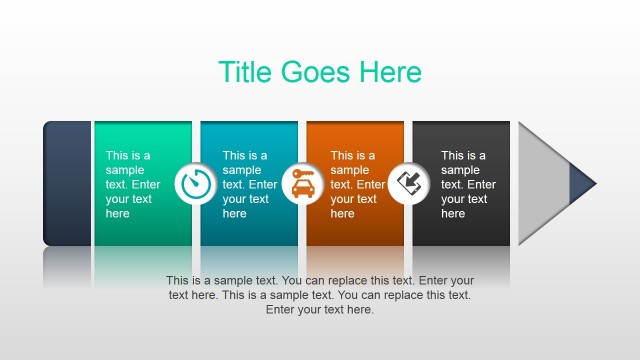
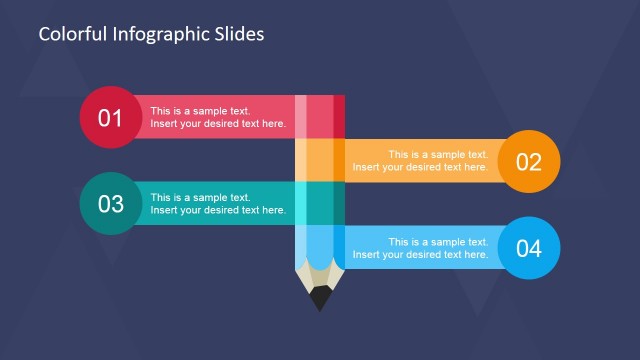
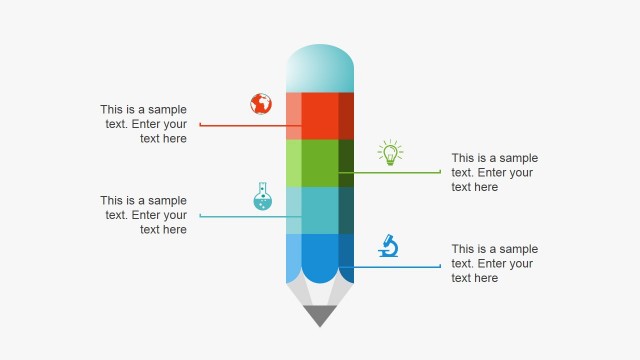
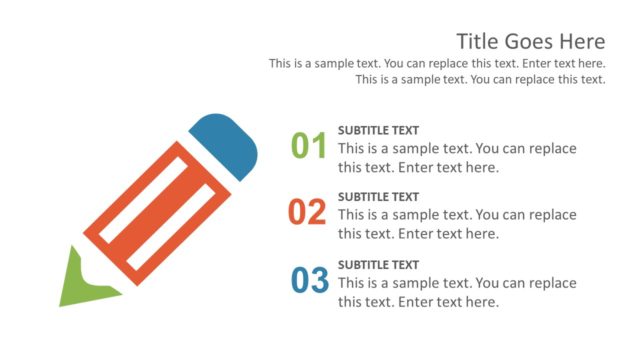
The layout features a top-centered title placeholder followed by four colored rectangular icons arranged horizontally. Each icon has a corresponding text placeholder below it, aligned centrally. The icons vary in color, including red, orange, blue, green, and purple, with the last icon shaped like a pencil. The background is dark, providing contrast to the colorful elements. Each text placeholder is labeled 'SAMPLE TEXT' and has a consistent size and alignment, creating a structured visual hierarchy. The overall composition is balanced and organized.
How to Use It
This layout serves as a comparison tool, ideal for showcasing features or attributes side by side. It fits well in a presentation sequence after introducing a concept, allowing for detailed exploration of each element. Suitable for business scenarios such as product comparisons, feature highlights, or process steps, it enables clear communication of differences or similarities. Use this layout when emphasizing distinct options or categories in a visually engaging manner.
Text Placeholders & Capacity
Keep your copy within these limits so it fits without resizing. Node body slots can hold approximately 15-20 words each.
| Placeholder | Count | Max characters (approx.) |
|---|---|---|
| Slide title | 1 | 40 |
| Item heading | 4 | 30 |
| Item body | 4 | 80 |
Slide Keywords
Download unlimited PowerPoint templates, charts and graphics for your presentations with our annual plan.
DOWNLOADReturn to Free Dark Slides Template for PowerPoint.