Slide 2 of 4 from Free Current State Vs. Future State Slide Template
Table Slide for Current State Vs. Future State Comparison
Current vs. Future State Slide Template
- Table
- Comparison Table
- Process Slide
- 16:9
- 100% Editable
What’s on This Slide
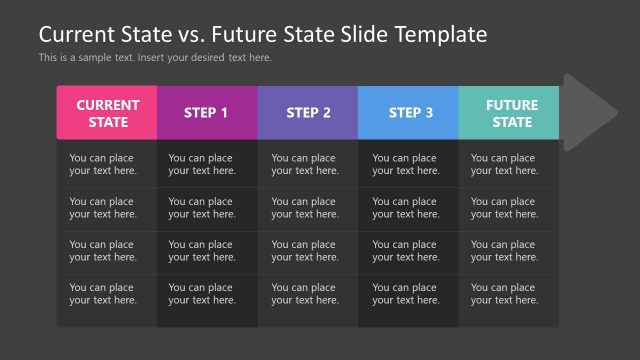
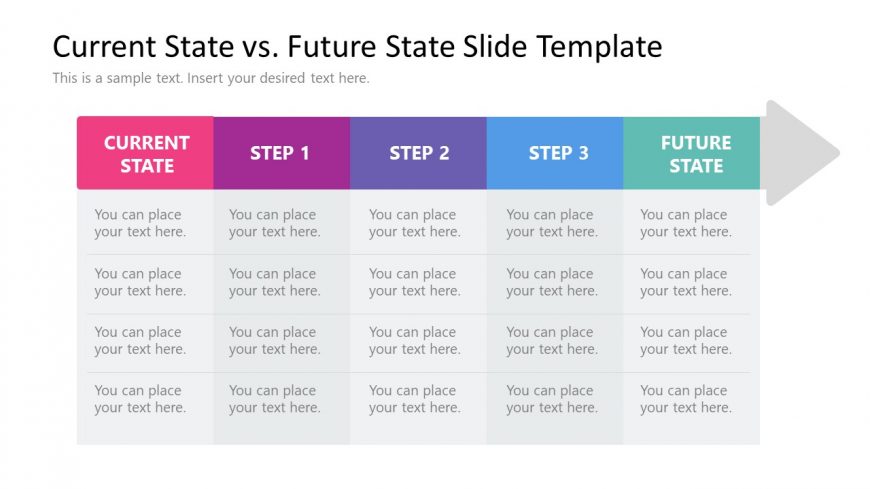
The layout features a horizontal table divided into five columns. The first column is labeled 'CURRENT STATE' and the last 'FUTURE STATE,' with three intermediate columns labeled 'STEP 1,' 'STEP 2,' and 'STEP 3.' Each column contains multiple text placeholders aligned vertically. The text placeholders are evenly spaced and centered within their respective columns. The color scheme includes distinct colors for each column header, with a gradient background. The overall structure emphasizes a clear comparison across the steps leading to the future state.
How to Use It
This layout serves as a structured comparison between the current and future states of a process or project. It is suitable for presentations that outline steps in a transition or improvement plan. This slide can be used in business contexts such as project management, strategic planning, or change management to illustrate progress and future goals. It fits well in a sequence following a problem statement and before a detailed roadmap.
Text Placeholders & Capacity
Keep your copy within these limits so it fits without resizing. Column cells can accommodate roughly 30 characters each.
| Placeholder | Count | Max characters (approx.) |
|---|---|---|
| Column header | 5 | 20 |
| Cell | 20 | 30 |
Slide Keywords
Download unlimited PowerPoint templates, charts and graphics for your presentations with our annual plan.
DOWNLOADReturn to Free Current State Vs. Future State Slide Template.