Slide 1 of 7 from Free Creative Cycle Diagrams for PowerPoint
Free Unique Cycle Diagrams PowerPoint Presentations
Creative Cycle Diagram for Presentations
- Diagram
- Circular Cycle
- Process Slide
- 16:9
- 100% Editable
The Circular Cycle Diagram with Text slide from the Free Creative Cycle Diagrams for PowerPoint template provides a clear visual layout for illustrating cyclical processes and product life cycles. This slide layout is designed with editable shapes arranged in a circular flow, making it useful for business presentations and marketing strategy depictions. It integrates well into slide decks that require a professional and balanced representation of interconnected stages, supporting effective communication in corporate presentations and pitch decks.
What’s on This Slide
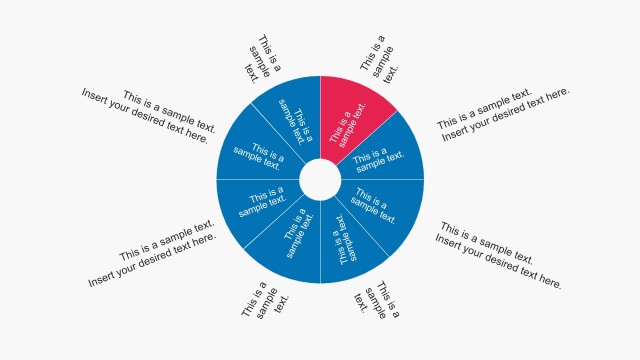
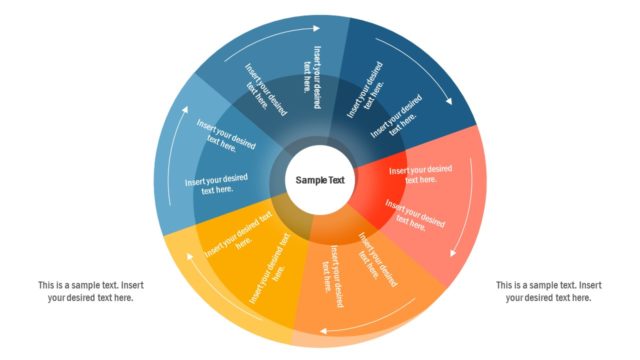
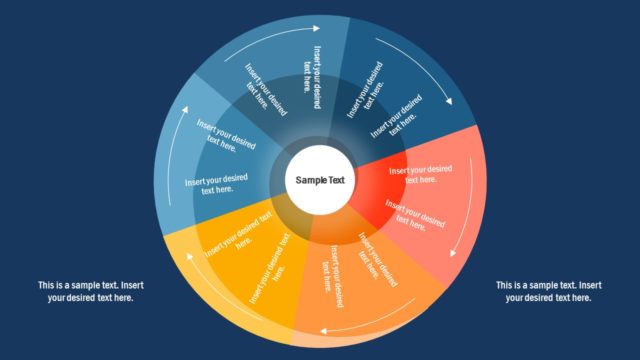
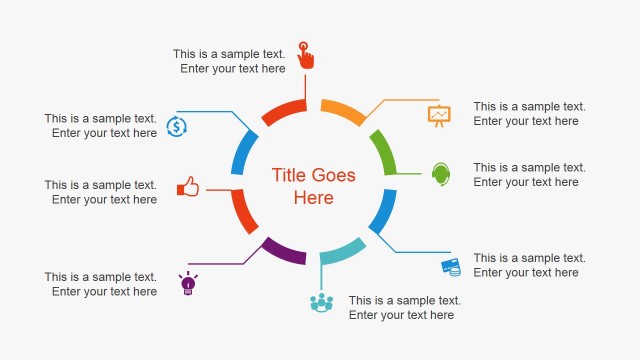
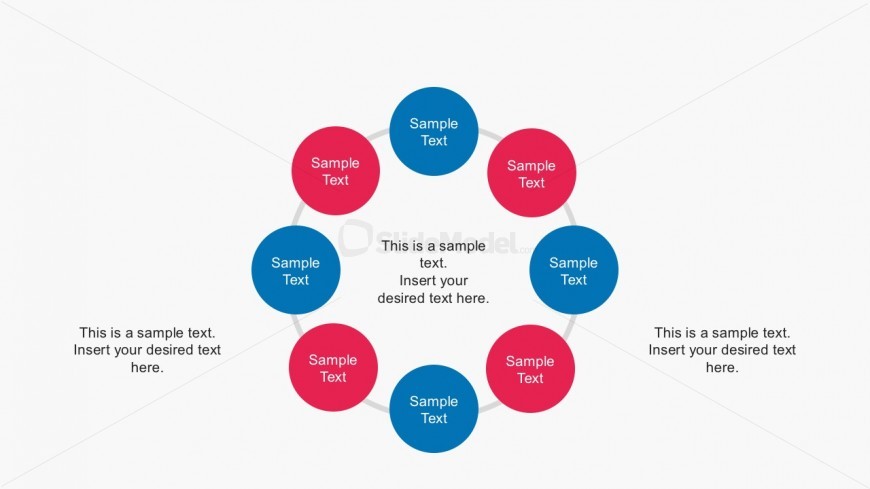
The layout features a circular arrangement of eight nodes, alternating between blue and pink circles. Each node contains a placeholder for text, positioned evenly around the circle. In the center, there are additional text placeholders, aligned horizontally. The nodes are connected by subtle lines, suggesting a flow or relationship among them. The background is plain white, enhancing the visibility of the colored nodes. The overall composition is balanced, with nodes evenly spaced and centered around the middle text area, creating a clear visual hierarchy.
How to Use It
This layout serves as a circular cycle diagram, ideal for illustrating processes or stages in a sequence. It fits well in presentations that require a visual representation of cyclical concepts, such as product life cycles or marketing strategies. This structure can be used in business contexts to depict workflows, project phases, or iterative processes. It is particularly effective when emphasizing the interconnectedness of various elements within a cycle, making it suitable for both team discussions and client presentations.
Text Placeholders & Capacity
Keep your copy within these limits so it fits without resizing. Node labels can hold about 30 characters each, while body text slots are tighter.
| Placeholder | Count | Max characters (approx.) |
|---|---|---|
| Item heading | 8 | 30 |
| Body paragraph | 4 | 60 |
Slide Keywords
Download unlimited PowerPoint templates, charts and graphics for your presentations with our annual plan.
DOWNLOADReturn to Free Creative Cycle Diagrams for PowerPoint.