Slide 1 of 2 from Circular Inner Spiral Diagram for PowerPoint
Circular Spiral PowerPoint Diagram
Circular Inner Spiral Diagram for Presentations
- Diagram
- Circular Cycle
- Process Slide
- 16:9
- 100% Editable
The Circular Inner Spiral Diagram slide from the Circular Inner Spiral Diagram for PowerPoint template offers a clear visualization of cyclical processes using editable shapes and vector icons. This slide template is suited for business presentations and project phase illustrations, providing a structured layout to depict workflows effectively within a corporate presentation or pitch deck template.
What’s on This Slide
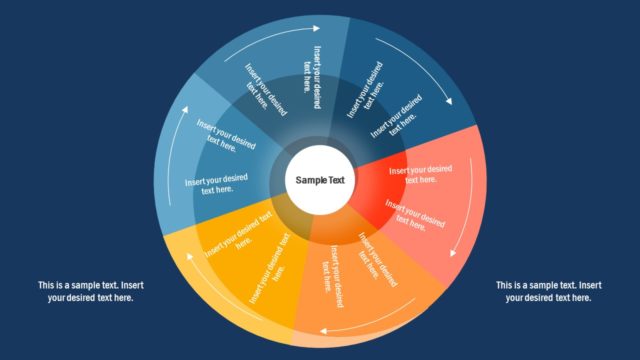
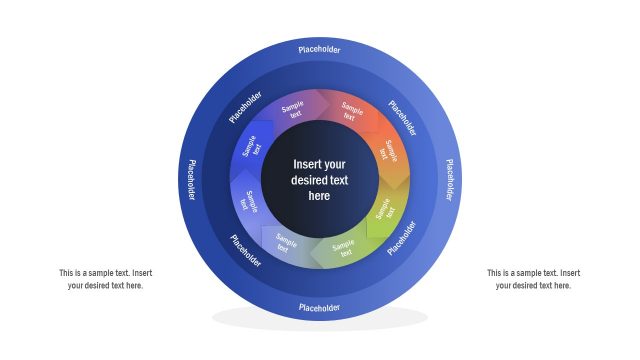
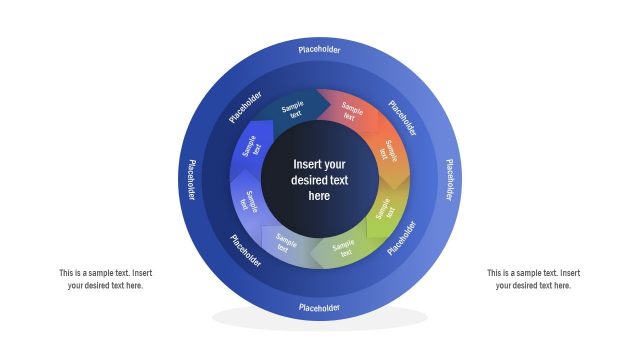
The layout features a circular inner spiral diagram divided into six segments, each colored differently. Each segment contains a text placeholder aligned to the curve, with arrows indicating a clockwise flow. The center contains a circular placeholder labeled 'Sample Text.' Additional text placeholders are positioned outside the main circle, providing space for supplementary information. The color scheme transitions from blue to orange, creating a gradient effect. The visual hierarchy emphasizes the central area, while the segments are equal in size and importance.
How to Use It
This layout serves as a process cycle diagram, ideal for illustrating sequential steps or stages in a circular format. It fits well in presentations discussing workflows, project phases, or strategic processes. This structure is particularly useful in business contexts where visualizing cyclical relationships or iterative processes is essential. It can be employed in training sessions, project updates, or strategic planning meetings to convey complex information clearly and engagingly.
Text Placeholders & Capacity
Keep your copy within these limits so it fits without resizing. Node body slots can hold roughly 40 characters each, allowing for concise text.
| Placeholder | Count | Max characters (approx.) |
|---|---|---|
| Item body | 6 | 40 |
| Item body | 4 | 40 |
| Slide title | 1 | 20 |
Slide Keywords
Download unlimited PowerPoint templates, charts and graphics for your presentations with our annual plan.
DOWNLOADReturn to Circular Inner Spiral Diagram for PowerPoint.