Slide 10 of 13 from Free Corporate Presentation Template
Data Chart for Corporate Template
Horizontal Bar Chart for Data Visualization
- Chart
- Bar Horizontal
- Evaluation Slide
- 16:9
- 100% Editable
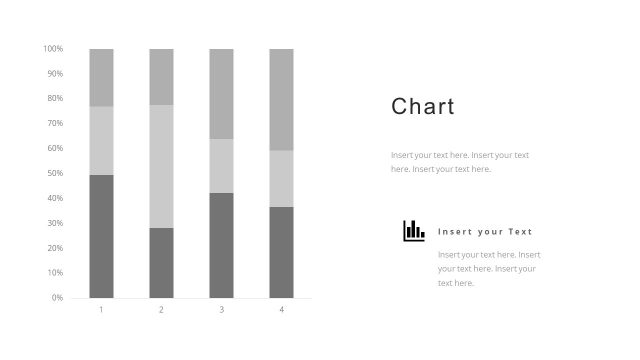
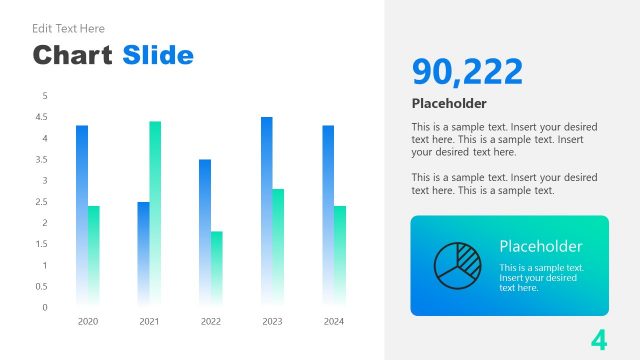
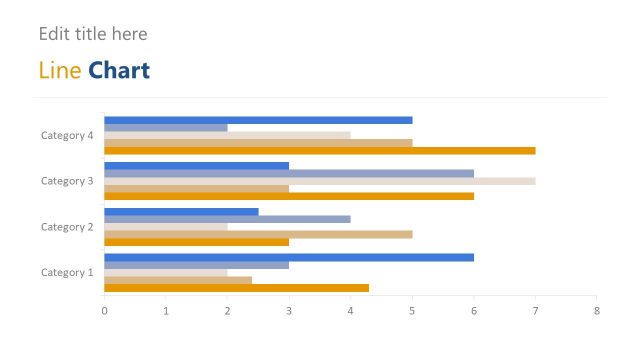
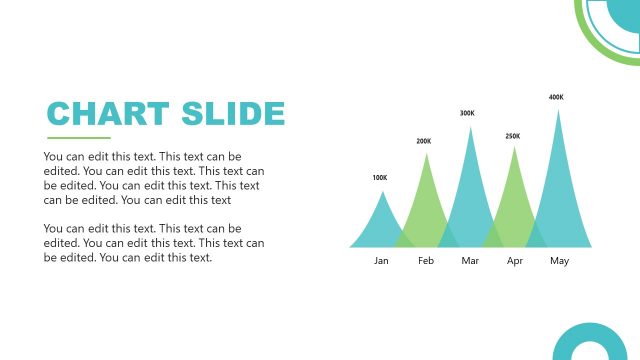
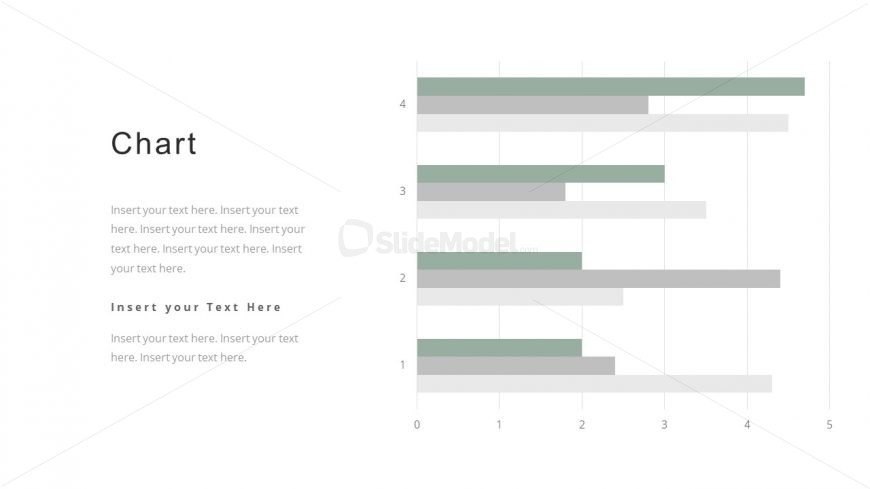
The Horizontal Bar Chart slide from the Free Corporate Presentation Template offers a clear layout for comparing data and performance metrics using editable slides. Its design supports effective market analysis within business presentations by combining a horizontal bar chart with structured text placeholders, enhancing communication of quantitative insights in corporate slide decks.
What’s on This Slide
The layout features a horizontal bar chart on the right side, displaying multiple bars across five distinct levels, each represented by varying shades of gray and green. The left side contains a large title labeled 'Chart' at the top, followed by three text placeholders arranged vertically. The first placeholder is aligned below the title, while the second is positioned lower, with a third placeholder at the bottom. Each text placeholder is designed for body text and is visually distinct from the chart, ensuring clarity in presentation.
How to Use It
This layout serves as a data visualization tool, ideal for showcasing comparisons or trends through a horizontal bar chart. It fits well in a presentation sequence after introducing a problem or analysis, providing a clear visual representation of data. This structure is useful in business scenarios such as performance reviews, market analysis, or project progress updates, allowing for straightforward communication of quantitative information.
Text Placeholders & Capacity
Keep your copy within these limits so it fits without resizing. Body slots can hold roughly 15-20 words each.
| Placeholder | Count | Max characters (approx.) |
|---|---|---|
| Slide title | 1 | 20 |
| Body paragraph | 3 | 100 |
Slide Keywords
Download unlimited PowerPoint templates, charts and graphics for your presentations with our annual plan.
DOWNLOADReturn to Free Corporate Presentation Template.