Slide 20 of 21 from Free Company Profile PowerPoint Template
Company Profile Three Column Text Slide
Three Column Text Layout for Presentations
- Text Layout
- Three Column Text
- Context Slide
- 16:9
- 100% Editable
The Three Column Text slide layout from the Free Company Profile PowerPoint Template is designed for structured presentations, making it perfect for feature comparisons or project phase summaries. With three equal-width columns, this layout allows for clear and organized content delivery, enhancing the overall effectiveness of business presentations.
What’s on This Slide
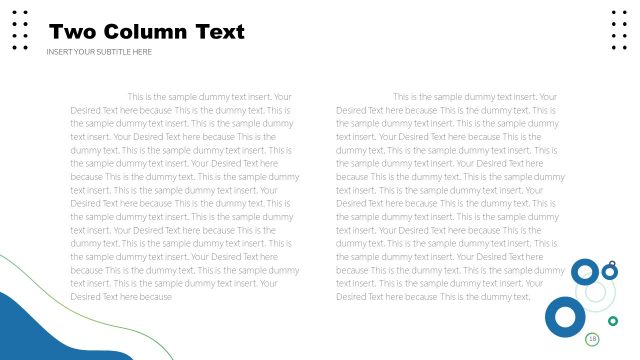
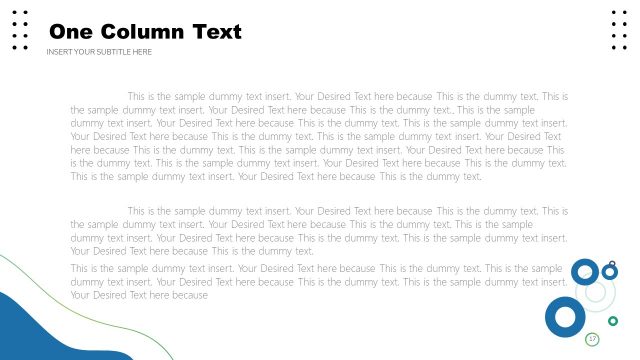
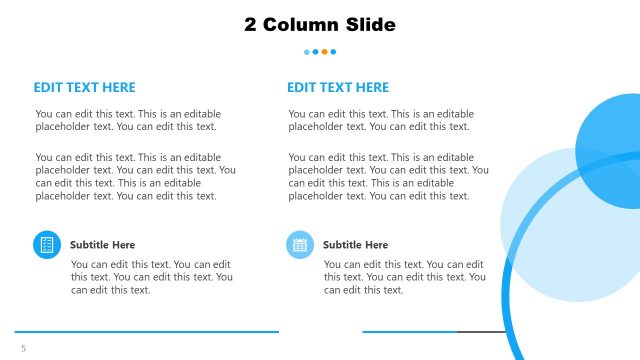
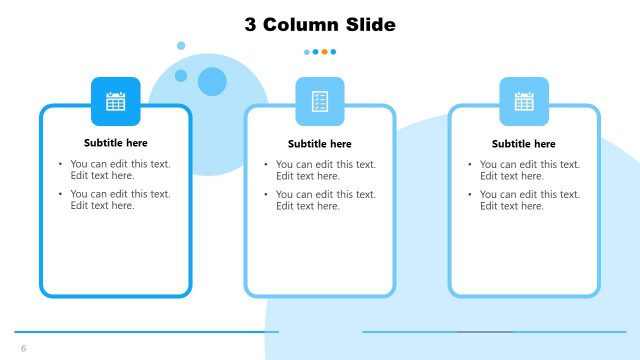
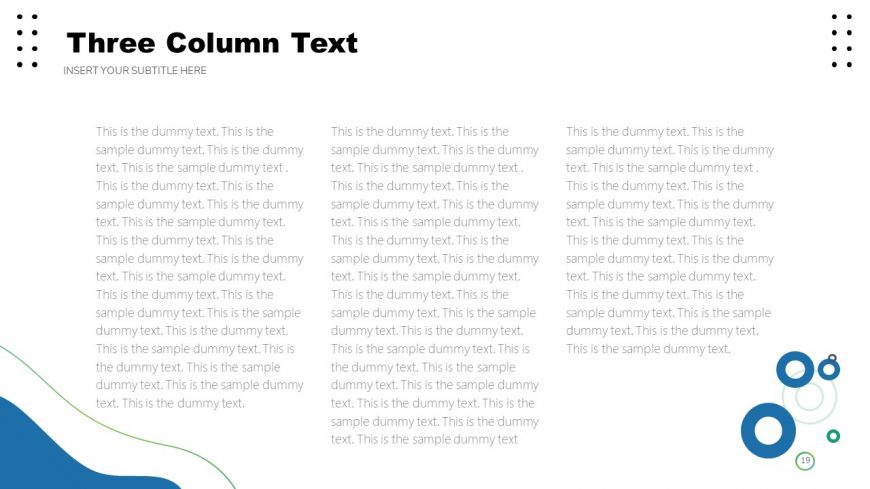
The layout features three equal-width columns aligned horizontally across the slide. Each column contains placeholder text, which is evenly distributed and centered within its respective area. The title is positioned at the top center in a bold font, with a subtitle placeholder directly below it. There are decorative shapes in the bottom left and right corners, adding visual interest. The overall color scheme includes a light background with darker text, ensuring readability. The columns are separated by ample white space, enhancing clarity.
How to Use It
This layout serves as a structured text presentation format, ideal for comparing three distinct ideas or topics. It fits well in a presentation sequence after introducing a concept, allowing for detailed elaboration. This format is suitable for business scenarios such as outlining key features, presenting case studies, or summarizing project phases. It can also be used in educational settings to convey multiple viewpoints or aspects of a subject matter effectively.
Text Placeholders & Capacity
Keep your copy within these limits so it fits without resizing. Body slots can hold substantial text, roughly 50-60 words each.
| Placeholder | Count | Max characters (approx.) |
|---|---|---|
| Slide title | 1 | 30 |
| Subtitle | 1 | 50 |
| Body paragraph | 3 | 300 |
Slide Keywords
Download unlimited PowerPoint templates, charts and graphics for your presentations with our annual plan.
DOWNLOADReturn to Free Company Profile PowerPoint Template.