Slide 19 of 21 from Free Company Profile PowerPoint Template
Company Profile Two Column Text Slide
Two Column Text Layout for Presentations
- Text Layout
- Two Column Text
- Context Slide
- 16:9
- 100% Editable
The Two Column Text layout from the Free Company Profile PowerPoint Template is designed for effective comparison of features and ideas. This editable slide format allows users to present pros and cons or showcase company values clearly and concisely. With its balanced design and light background, it enhances readability and visual appeal, making it an excellent choice for any business presentation.
What’s on This Slide
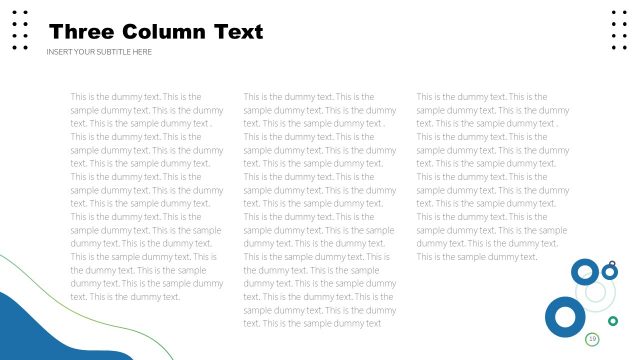
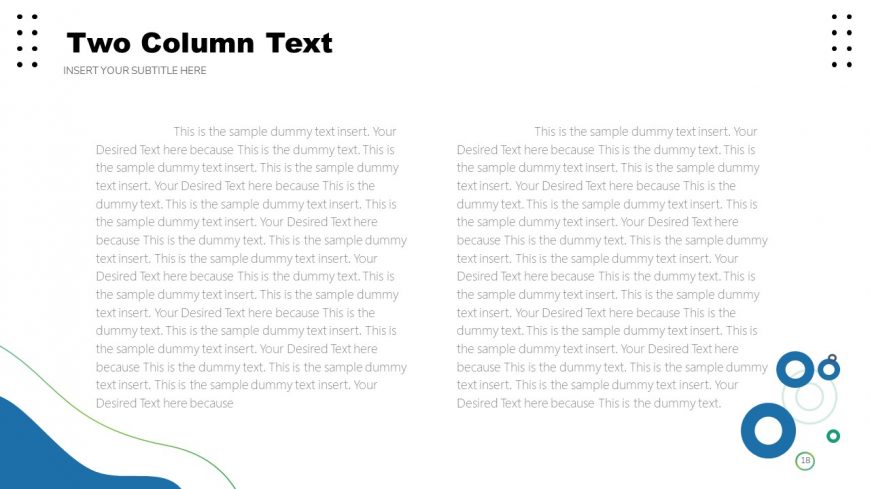
The layout features two equal columns of text, each containing placeholder text. The left column is positioned on the left side, while the right column is on the right. The slide title is prominently displayed at the top center in bold, with a subtitle placeholder directly beneath it. Below the title and subtitle, each column contains multiple lines of text placeholders, aligned to the top of their respective columns. Circular graphic elements are present in the bottom right corner, contributing to the visual hierarchy. The background is light, enhancing readability.
How to Use It
This layout serves as a two-column text format, ideal for comparing information or presenting parallel ideas. It fits well in a presentation sequence after introductory slides, providing detailed content. Real-world scenarios include showcasing product features side-by-side, presenting pros and cons, or comparing company values. This structure allows for clear differentiation of information while maintaining visual balance, making it suitable for various business contexts.
Text Placeholders & Capacity
Keep your copy within these limits so it fits without resizing. Body slots can accommodate roughly 30-40 words each.
| Placeholder | Count | Max characters (approx.) |
|---|---|---|
| Slide title | 1 | 30 |
| Subtitle | 1 | 50 |
| Body paragraph | 6 | 250 |
Slide Keywords
Download unlimited PowerPoint templates, charts and graphics for your presentations with our annual plan.
DOWNLOADReturn to Free Company Profile PowerPoint Template.