Slide 1 of 2 from Free Circular Layered Diagram for PowerPoint
Free Layered Quadrants Diagram for PowerPoint
Layered Quadrants Diagram for PowerPoint
- Diagram
- Layered Stack
- Strategic Analysis Slide
- 16:9
- 100% Editable
What’s on This Slide
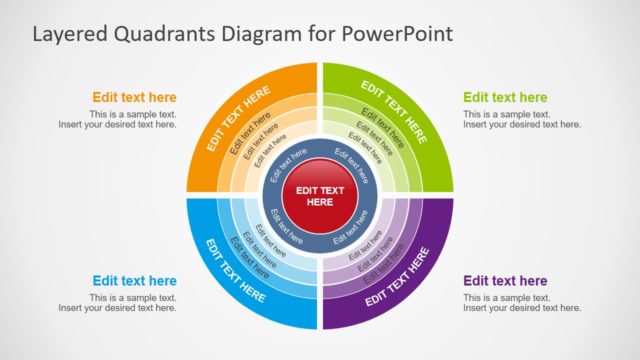
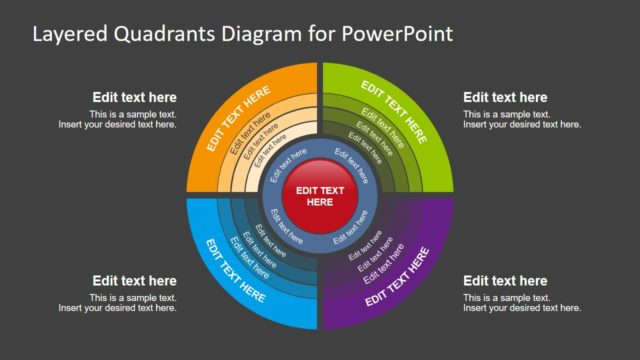
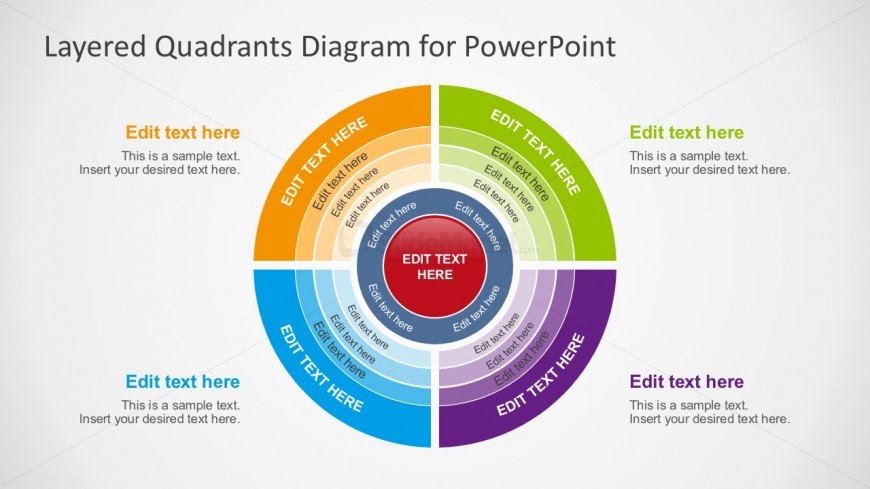
The layout features a central circular shape surrounded by four colored segments, each representing a quadrant. The segments are arranged in a circular pattern, with the top segment in orange, followed by green, blue, and purple. Each segment contains text placeholders aligned to the center, with additional text placeholders in the middle circle. The central circle is red and contains a prominent placeholder. The background is light gray, providing contrast to the colorful segments. The overall composition emphasizes the circular flow and layered structure.
How to Use It
This layout serves as a layered diagram to illustrate concepts or processes divided into four quadrants. It is useful for presenting information in a structured manner, such as strategic analysis or project phases. This slide fits well in a presentation sequence following an introduction or problem statement, allowing for a clear visual breakdown of complex ideas. It can be applied in business contexts for presentations on marketing strategies, product features, or team roles.
Text Placeholders & Capacity
Keep your copy within these limits so it fits without resizing. Node labels can accommodate about 3-5 words each.
| Placeholder | Count | Max characters (approx.) |
|---|---|---|
| Slide title | 1 | 30 |
| Item heading | 4 | 20 |
| Item body | 4 | 50 |
| Item body | 1 | 50 |
Slide Keywords
Download unlimited PowerPoint templates, charts and graphics for your presentations with our annual plan.
DOWNLOADReturn to Free Circular Layered Diagram for PowerPoint.