Slide 2 of 2 from Free Circular Layered Diagram for PowerPoint
Free Color Layered Process Diagrams Templates
Layered Quadrants Diagram for PowerPoint
- Diagram
- Layered Stack
- Process Slide
- 16:9
- 100% Editable
The Layered Quadrants Diagram slide from the Free Circular Layered Diagram for PowerPoint template offers a structured visual for strategy presentations and project planning. This slide template features editable shapes and vector icons arranged in a circular layout divided into four distinct quadrants, making it suitable for performance analysis and concept comparisons. Its design supports clear communication of layered information within a business presentation or slide deck.
What’s on This Slide
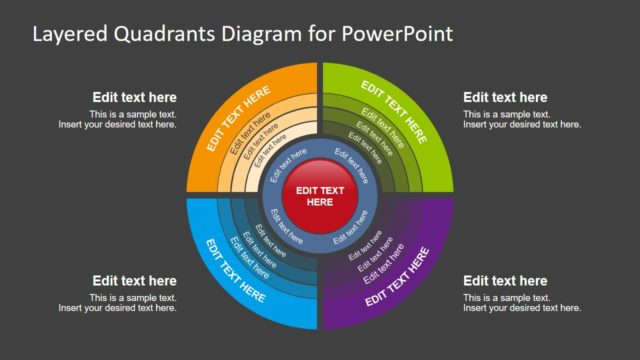
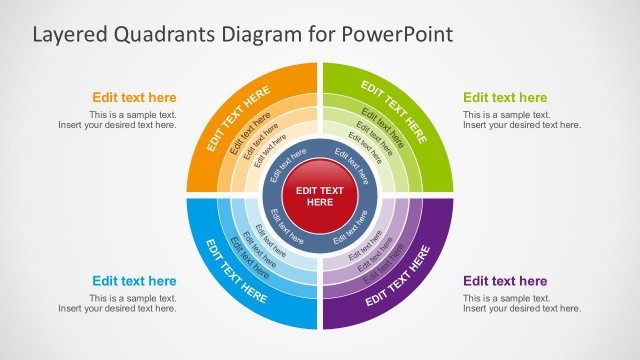
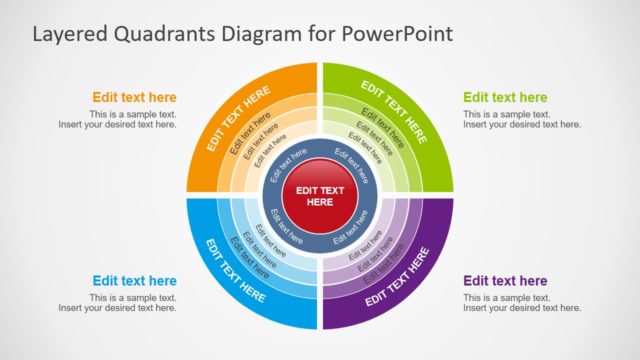
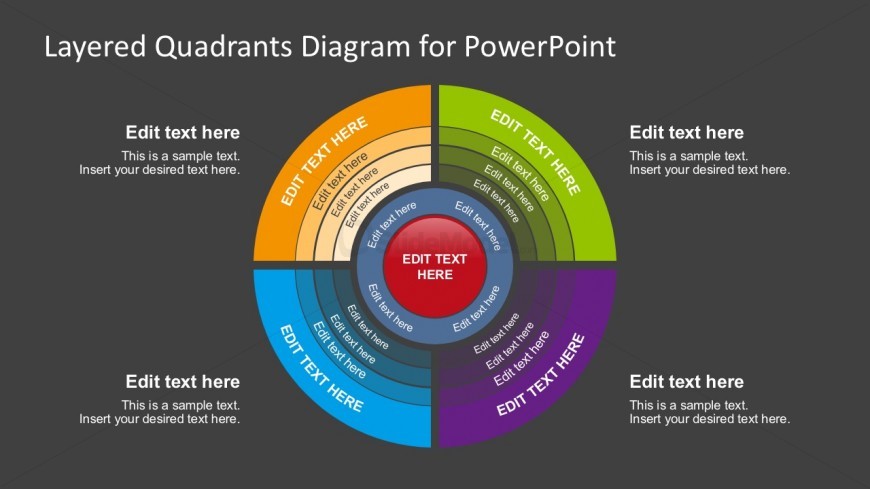
The slide features a circular layered diagram divided into four quadrants, each with distinct colors: orange, blue, green, and purple. At the center is a red circle, surrounded by concentric rings that contain text placeholders. Each quadrant has a placeholder for a title at the top and additional text below. The layout is centered with a dark gray background, enhancing the visibility of the colors. The text placeholders are aligned consistently, providing a clear visual hierarchy. The overall composition is symmetrical, emphasizing the circular flow of information.
How to Use It
This layout serves as a visual representation of concepts divided into four categories, ideal for illustrating relationships or comparisons. It fits well in a presentation sequence after introducing a problem or concept, providing clarity on different aspects. Use it in business contexts such as strategy discussions, project planning, or performance analysis, where layered information needs to be communicated effectively. The design allows for easy customization of text to suit specific topics or themes.
Text Placeholders & Capacity
Keep your copy within these limits so it fits without resizing. Node body slots can hold roughly 10 words each.
| Placeholder | Count | Max characters (approx.) |
|---|---|---|
| Slide title | 1 | 30 |
| Item heading | 4 | 20 |
| Item body | 4 | 50 |
| Body paragraph | 4 | 50 |
Slide Keywords
Download unlimited PowerPoint templates, charts and graphics for your presentations with our annual plan.
DOWNLOADReturn to Free Circular Layered Diagram for PowerPoint.