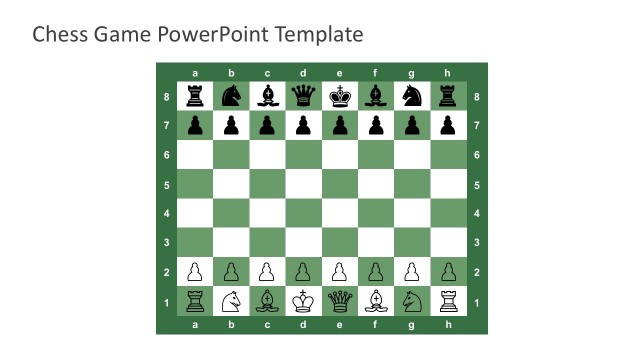
Slide 6 of 6 from Free Chess Game PowerPoint Template
Free Chess Board Sets in PowerPoint Slides
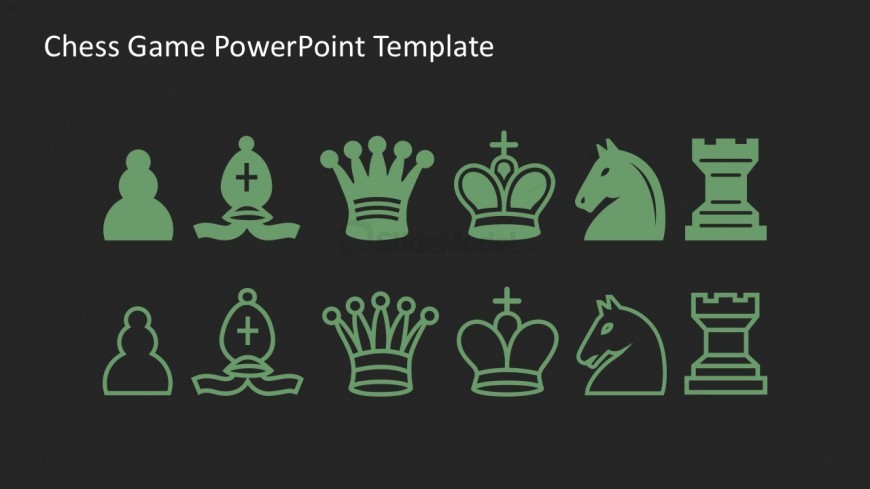
Chess Piece Icons for Presentation
- Media Layout
- Other
- Context Slide
- 16:9
- 100% Editable
The Chess Piece Icons Layout from the Free Chess Game PowerPoint Template offers a structured grid of stylized chess icons ideal for illustrating game rules or strategy discussions. This slide integrates well into business presentations or pitch deck templates focused on thematic content, providing editable shapes that enhance clarity and engagement in chess-related topics.
What’s on This Slide
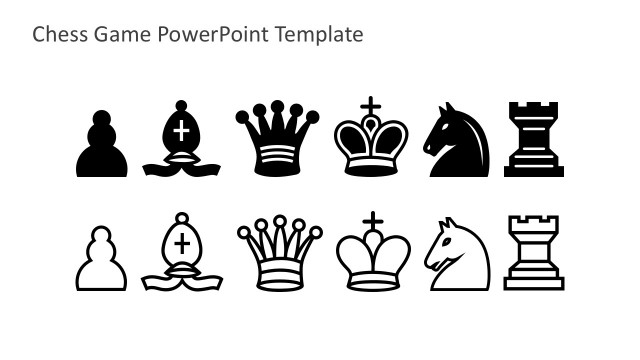
The layout features a grid of chess piece icons arranged in two rows. The top row contains five icons: pawn, bishop, queen, king, and knight, while the bottom row mirrors these with the same pieces in a different orientation. Each icon is a simple, stylized representation in a green color against a dark background. The icons are evenly spaced, creating a balanced visual flow. Text placeholders are present at the top, aligned left, indicating the slide title. The overall composition emphasizes the chess theme through consistent iconography.
How to Use It
This layout serves as a visual representation of chess pieces, suitable for discussions about strategy, game rules, or thematic presentations related to chess. It fits well in a sequence that introduces game elements or highlights specific pieces' roles. Ideal scenarios include educational settings, game design presentations, or marketing materials for chess-related products. The slide can be used to transition into deeper discussions about gameplay or tactics, making it a versatile addition to a chess-themed presentation.
Text Placeholders & Capacity
Keep your copy within these limits so it fits without resizing. Title slot can hold about 5-7 words comfortably.
| Placeholder | Count | Max characters (approx.) |
|---|---|---|
| Slide title | 1 | 30 |
Slide Keywords
Download unlimited PowerPoint templates, charts and graphics for your presentations with our annual plan.
DOWNLOADReturn to Free Chess Game PowerPoint Template.