Slide 3 of 6 from Free Chess Game PowerPoint Template
Free Chess Board PowerPoint Vectors
Chessboard Comparison Slide
- Diagram
- Comparison Split
- Strategic Analysis Slide
- 16:9
- 100% Editable
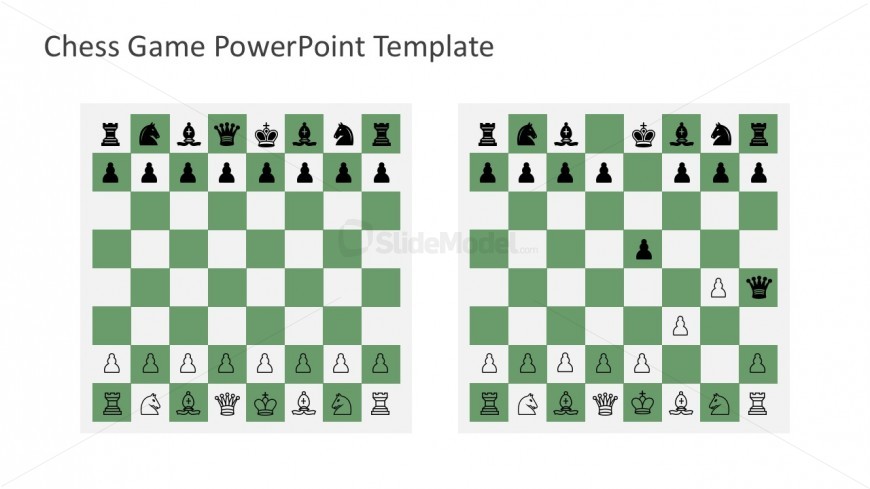
The Chessboard Comparison slide from the Free Chess Game PowerPoint Template offers a clear side-by-side layout ideal for strategic analysis in chess presentations. This slide template supports educators and players in visually contrasting game scenarios using editable shapes and vector icons, making it a practical addition to any business presentation or educational pitch deck template focused on chess tactics.
What’s on This Slide
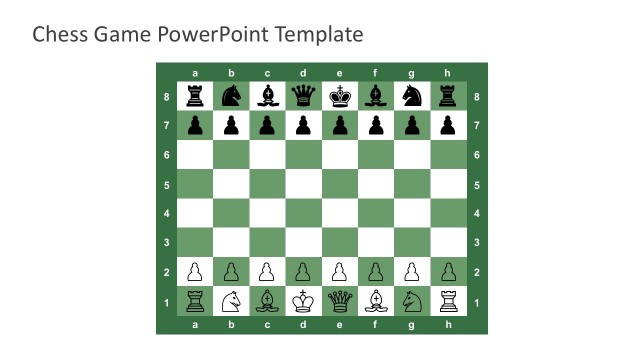
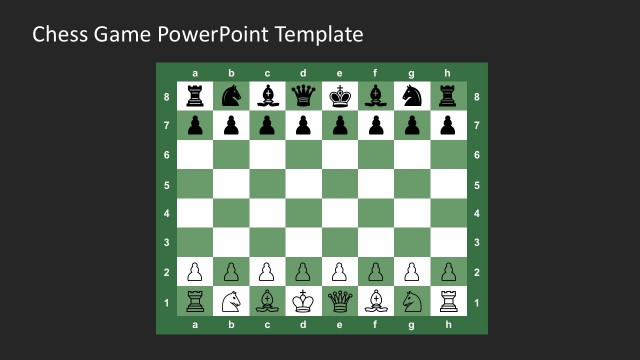
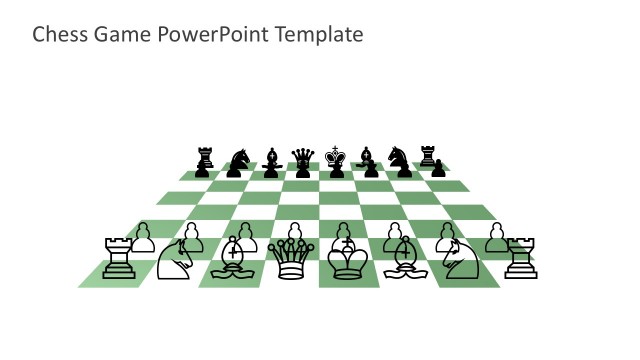
The slide features two chessboards side by side, each with a green background. The left board displays the initial setup of chess pieces, while the right board shows a different arrangement. Each board consists of an 8x8 grid, with alternating light and dark squares. The chess pieces are represented in black and white, positioned on their respective squares. Text placeholders are located above the boards for titles or descriptions, centered along the top edge. The overall layout emphasizes the comparison between the two chess positions.
How to Use It
This layout serves as a visual comparison tool for chess strategies or game scenarios. It fits well in a presentation discussing chess tactics, game analysis, or instructional content. The side-by-side format allows for clear visual differentiation between two positions or strategies. This structure is useful for educators, chess coaches, or players analyzing moves. It can also be adapted for discussions on game variations or historical matches, enhancing understanding through visual representation.
Text Placeholders & Capacity
Keep your copy within these limits so it fits without resizing. Text slots can accommodate concise titles and descriptions.
| Placeholder | Count | Max characters (approx.) |
|---|---|---|
| Slide title | 1 | 30 |
| Body paragraph | 2 | 50 |
Slide Keywords
Download unlimited PowerPoint templates, charts and graphics for your presentations with our annual plan.
DOWNLOADReturn to Free Chess Game PowerPoint Template.