Slide 2 of 6 from Free Chess Game PowerPoint Template
Free Chess Board PowerPoint Slides
Chessboard Layout for Presentations
- Media Layout
- Other
- Concept Explanation Slide
- 16:9
- 100% Editable
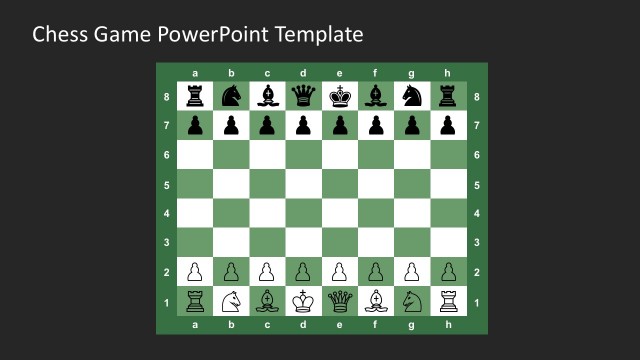
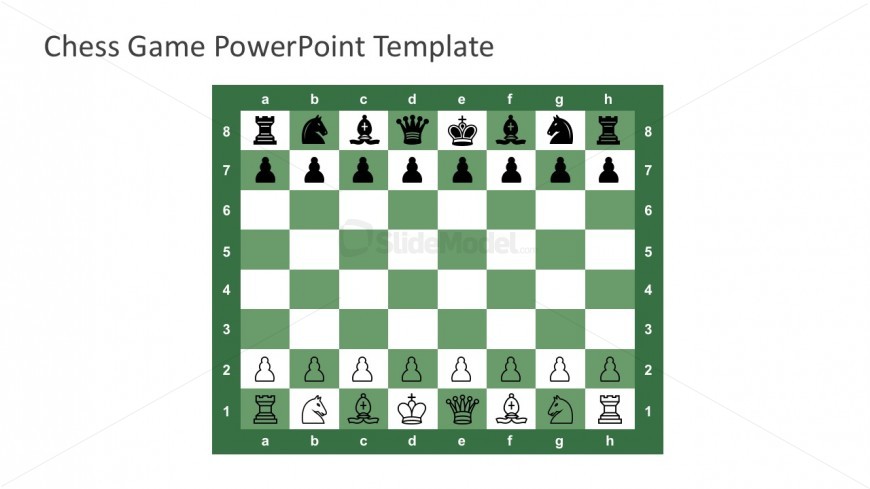
The Chessboard Layout from the Free Chess Game PowerPoint Template offers a clear visual framework for presenting chess strategies and game analysis. This slide template features editable shapes and vector icons arranged on a green and white chessboard, ideal for educational lessons or business presentations emphasizing strategic planning. Its design supports detailed explanation of moves and game scenarios, making it a practical choice for both casual and corporate slide decks.
What’s on This Slide
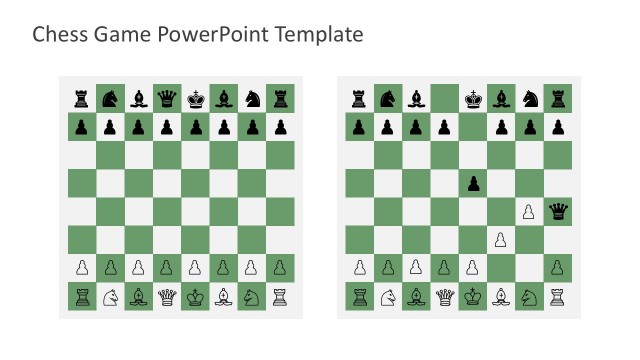
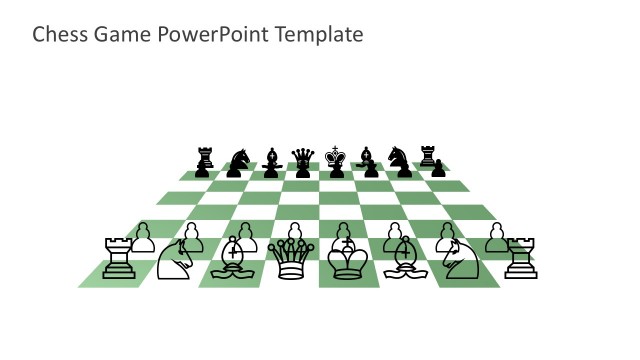
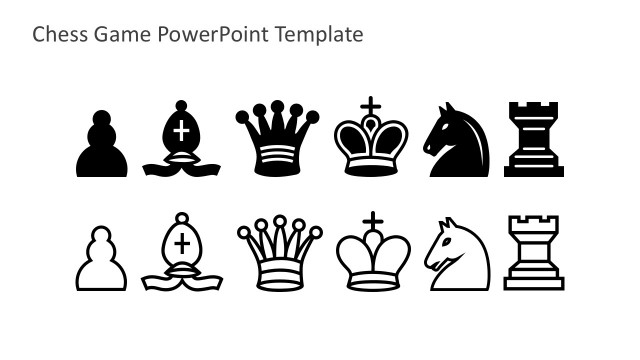
The layout features a chessboard with alternating green and white squares. The board is populated with chess pieces, including rooks, knights, bishops, a queen, and a king, positioned according to standard chess rules. The chessboard occupies the central area, while the title 'Chess Game PowerPoint Template' is placed at the top center in a bold font. The overall composition is framed by a green background, enhancing the visibility of the chess pieces. Text placeholders exist for titles and subtitles, positioned above the chessboard.
How to Use It
This layout serves as a visual representation of a chess game, suitable for discussions on strategy, game analysis, or educational purposes. It fits well in presentations that introduce chess concepts or illustrate game scenarios. This layout can be used in business contexts to symbolize strategic planning or competitive analysis. It is effective for showcasing moves, strategies, or game outcomes in a structured manner, making it suitable for both casual and formal presentations.
Text Placeholders & Capacity
Keep your copy within these limits so it fits without resizing. Title and subtitle slots can hold about 5-6 words each.
| Placeholder | Count | Max characters (approx.) |
|---|---|---|
| Slide title | 1 | 30 |
| Subtitle | 1 | 30 |
Slide Keywords
Download unlimited PowerPoint templates, charts and graphics for your presentations with our annual plan.
DOWNLOADReturn to Free Chess Game PowerPoint Template.