Slide 2 of 2 from Free Cards Checklist Slide Template for PowerPoint
Editable Cards Checklist PPT Template
Free Cards Checklist Slide Template
- Text Layout
- List Blocks
- Process Slide
- 16:9
- 100% Editable
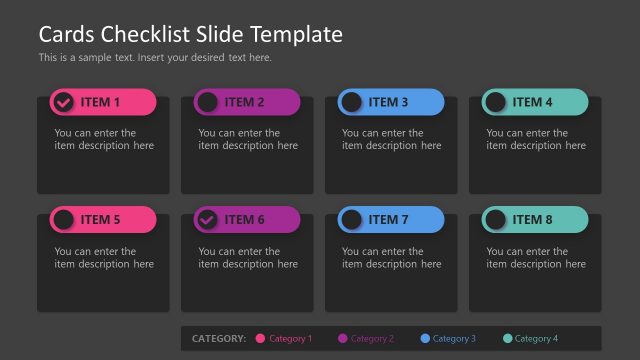
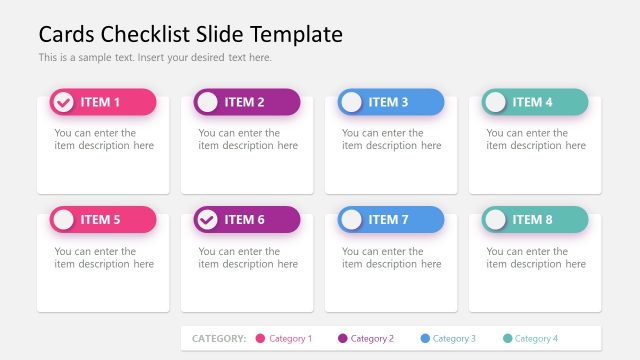
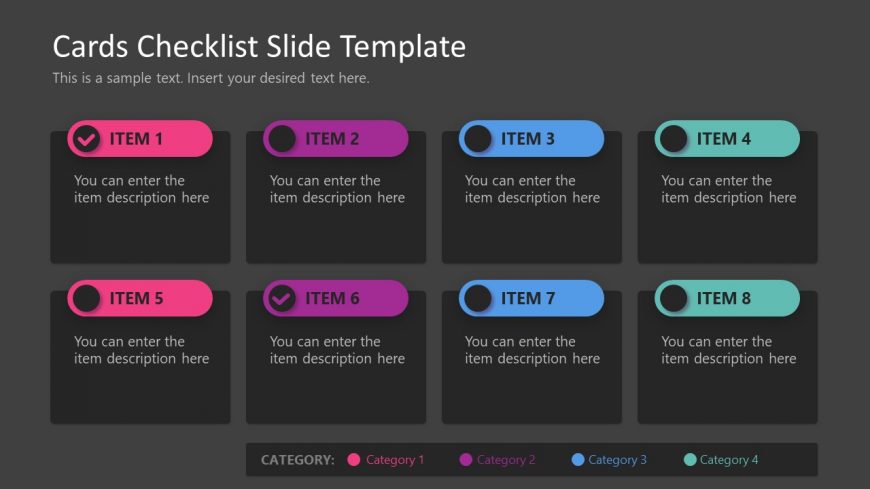
The Checklist Cards Layout from the Free Cards Checklist Slide Template for PowerPoint provides an organized method for task tracking and project updates. Featuring eight editable cards in a 4x2 grid, this layout enhances clarity with its dark background and colorful status icons. Ideal for business presentations, it allows for effective feature overviews and quick visual references.
What’s on This Slide
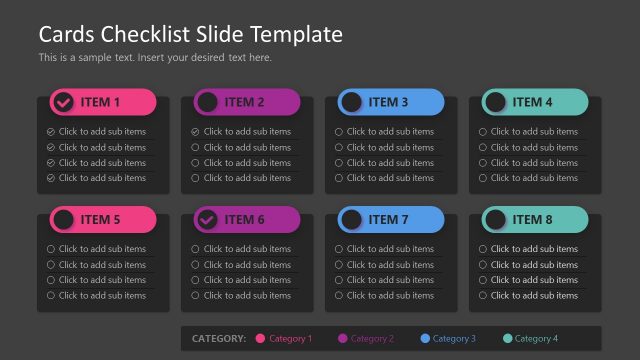
The layout consists of eight rectangular cards arranged in a 4x2 grid. Each card features a colored header with a circular icon indicating status, such as a checkmark or empty circle. The cards are grouped into two rows, with four cards in each row. Text placeholders are present for item titles and descriptions, centrally aligned within each card. The background is dark, enhancing the visibility of the colorful card headers. The overall composition is organized, with clear visual separation between each card.
How to Use It
This layout serves as a checklist or item overview, suitable for tracking tasks or features. It fits well in a presentation sequence following a problem statement or project overview. This format is useful in business scenarios such as project management updates, product feature lists, or team task assignments, allowing for quick visual reference and clarity.
Text Placeholders & Capacity
Keep your copy within these limits so it fits without resizing. Each item title can hold about 20 characters, and descriptions can hold around 50 characters.
| Placeholder | Count | Max characters (approx.) |
|---|---|---|
| Item heading | 8 | 20 |
| Item body | 8 | 50 |
Slide Keywords
Download unlimited PowerPoint templates, charts and graphics for your presentations with our annual plan.
DOWNLOADReturn to Free Cards Checklist Slide Template for PowerPoint.