Slide 1 of 2 from Free Cards Checklist Slide Template for PowerPoint
Cards Infographic Checklist PowerPoint Template
Cards Checklist Slide Template Overview
- Text Layout
- List Blocks
- Evaluation Slide
- 16:9
- 100% Editable
What’s on This Slide
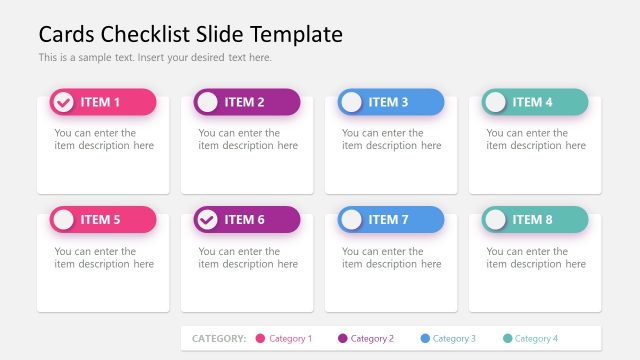
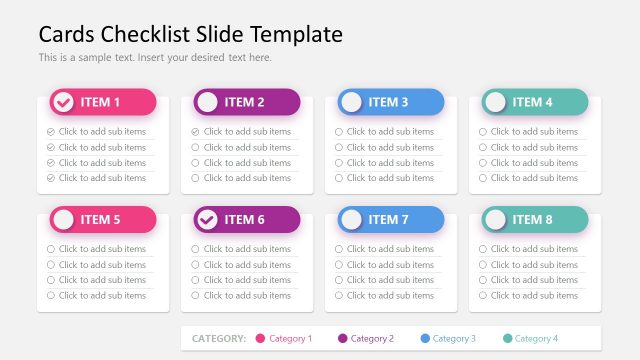
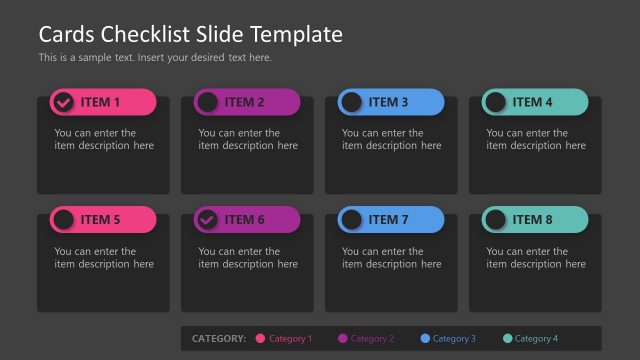
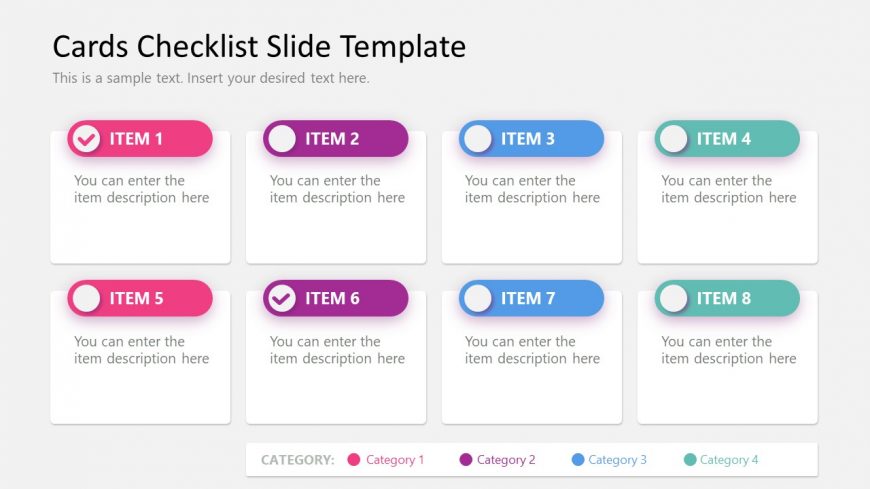
The layout features a grid of eight card-shaped elements arranged in two rows and four columns. Each card has a title area at the top, followed by a description placeholder. The cards are visually distinct with varying background colors: pink, purple, and blue. The first and sixth cards include checkmarks, indicating completion or selection. Text placeholders are centered within each card, and the overall composition is clean and organized, allowing for easy readability. The background is light, enhancing contrast with the card colors.
How to Use It
This layout serves as a checklist or item overview, suitable for tracking tasks or features. It fits well in presentations that require itemization, such as project updates or product feature lists. The grid structure allows for easy comparison of items across categories. This layout is ideal for team meetings, status reports, or product launches where clarity and organization are essential. Use it to present multiple items succinctly while maintaining visual appeal.
Text Placeholders & Capacity
Keep your copy within these limits so it fits without resizing. Each card can hold a title and a brief description, roughly 20 and 50 characters respectively.
| Placeholder | Count | Max characters (approx.) |
|---|---|---|
| Item heading | 8 | 20 |
| Item body | 8 | 50 |
Slide Keywords
Download unlimited PowerPoint templates, charts and graphics for your presentations with our annual plan.
DOWNLOADReturn to Free Cards Checklist Slide Template for PowerPoint.