Slide 2 of 7 from Free Business Forecast PowerPoint Template
Bar Chart and Trend Chart Template
Bar and Line Chart Comparison Slide
- Chart
- Combo Chart
- Analysis Slide
- 16:9
- 100% Editable
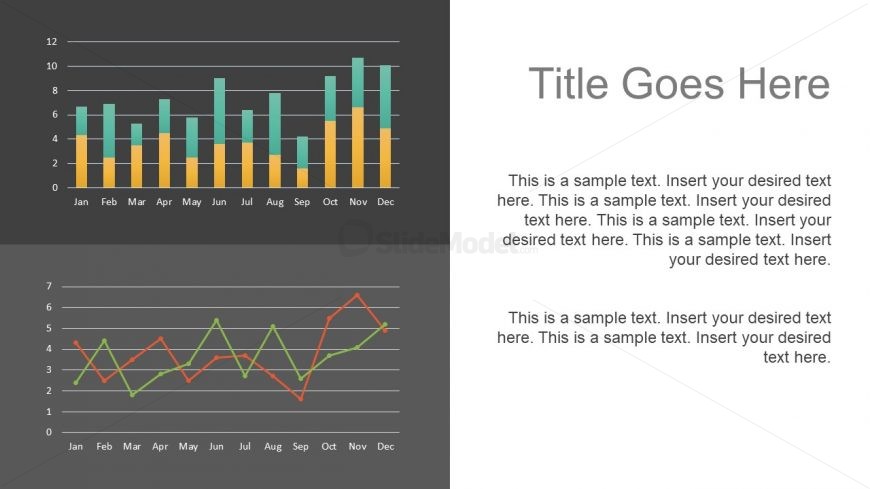
The Bar and Line Chart Comparison slide from the Free Business Forecast PowerPoint Template offers a clear visual analysis tool combining vertical bar and line charts. Ideal for business presentations, this layout supports sales performance comparison, monthly trend analysis, and financial forecasting using editable shapes and vector icons to enhance data clarity within a professional slide deck.
What’s on This Slide
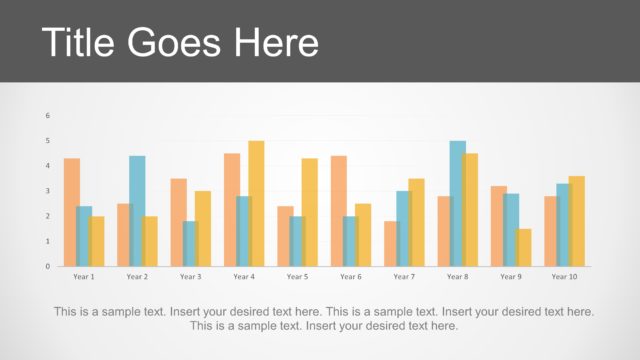
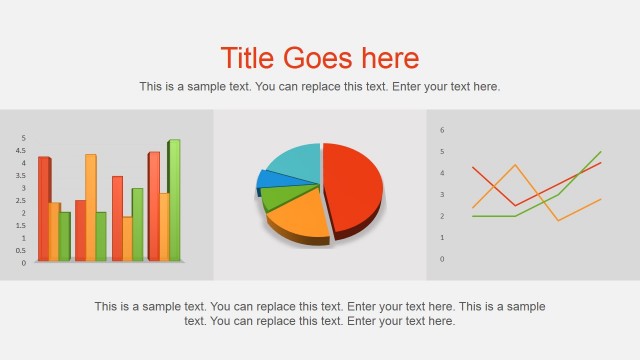
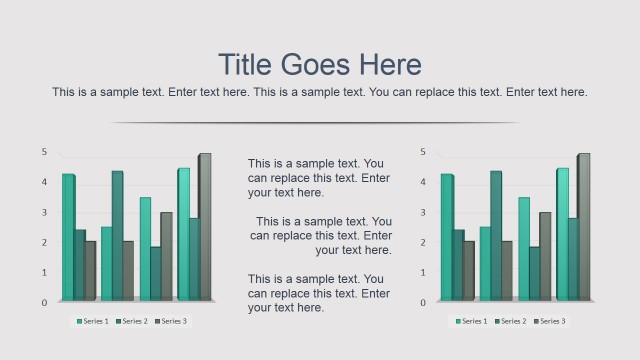
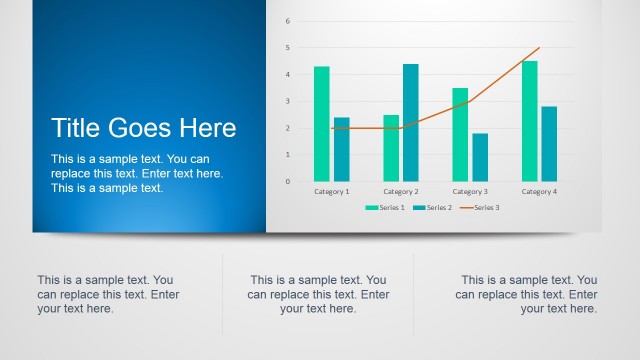
The slide features two main chart types: a vertical bar chart at the top and a line chart at the bottom. The bar chart displays monthly data with bars in varying heights, using two colors for distinction. Below, the line chart shows a trend over the same months, with three lines in different colors representing different data series. Text placeholders are positioned on the right side, with a title placeholder at the top and two body text placeholders below. The background is dark gray, providing contrast to the charts and text.
How to Use It
This layout serves to compare two sets of data visually, making it suitable for presentations that require analysis of trends and performance metrics. It fits well after a problem slide, allowing for a clear depiction of data-driven insights. This structure is effective in business contexts such as sales performance reviews, project updates, or financial forecasts, where both bar and line charts can illustrate different aspects of the same data set.
Text Placeholders & Capacity
Keep your copy within these limits so it fits without resizing. Body slots can hold about 20-25 words each.
| Placeholder | Count | Max characters (approx.) |
|---|---|---|
| Slide title | 1 | 30 |
| Body paragraph | 2 | 150 |
Slide Keywords
Download unlimited PowerPoint templates, charts and graphics for your presentations with our annual plan.
DOWNLOADReturn to Free Business Forecast PowerPoint Template.