Slide 3 of 3 from Free Business Brochure PowerPoint Template
Free Business Brochure Template for Business Discussion
Corporate Text Layout for Business Presentations
- Text Layout
- Two Column Text
- Context Slide
- 100% Editable
What’s on This Slide
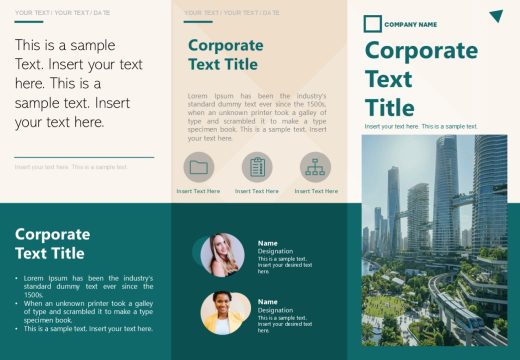
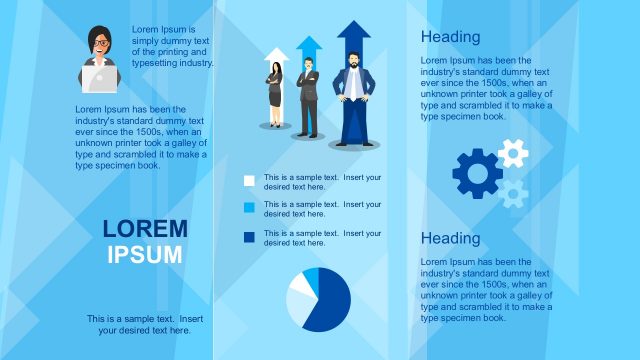
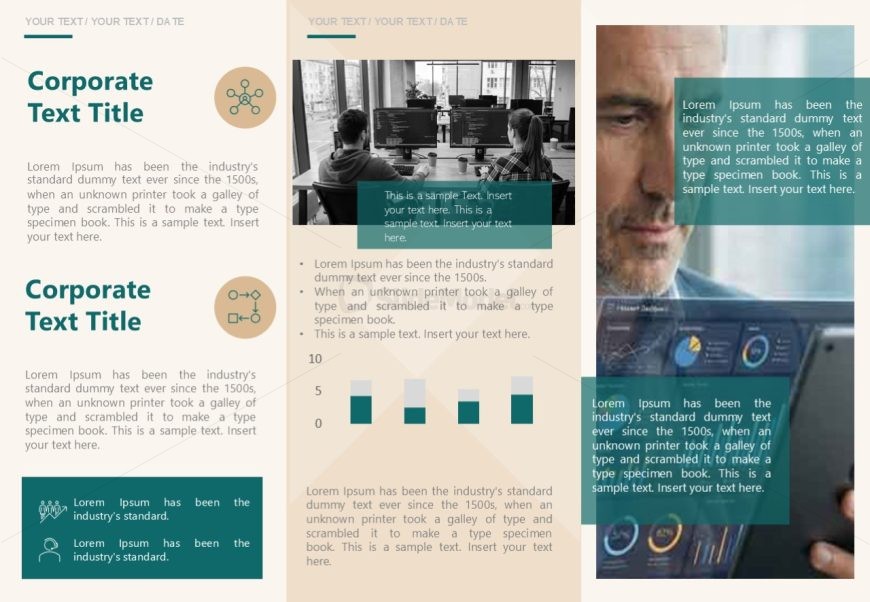
The layout features a two-column design with a central image on the right. The left column contains two circular icons at the top, followed by two sections of text with placeholders for titles and body text. Each text section is separated by a horizontal line. The right column displays a large image of two individuals working at computers, with a smaller image of a man looking at a tablet. Text placeholders are aligned centrally in their respective sections, and the overall color scheme includes shades of green and beige.
How to Use It
This layout is suitable for presenting corporate information or business updates. It fits well in a sequence after introductory slides, providing detailed insights or case studies. Use this structure to highlight key points alongside relevant visuals. Ideal for business meetings, reports, or marketing presentations, it allows for clear communication of complex information in an organized manner.
Text Placeholders & Capacity
Keep your copy within these limits so it fits without resizing. Body slots can accommodate roughly 25-30 words each.
| Placeholder | Count | Max characters (approx.) |
|---|---|---|
| Slide title | 1 | 30 |
| Body paragraph | 4 | 150 |
Slide Keywords
Download unlimited PowerPoint templates, charts and graphics for your presentations with our annual plan.
DOWNLOADReturn to Free Business Brochure PowerPoint Template.