Slide 2 of 5 from Free Balance Shape for PowerPoint
PowerPoint Free Balance Shape Slides
Animated Balance Shape for Presentations
- Diagram
- Other
- Concept Explanation Slide
- 16:9
- 100% Editable
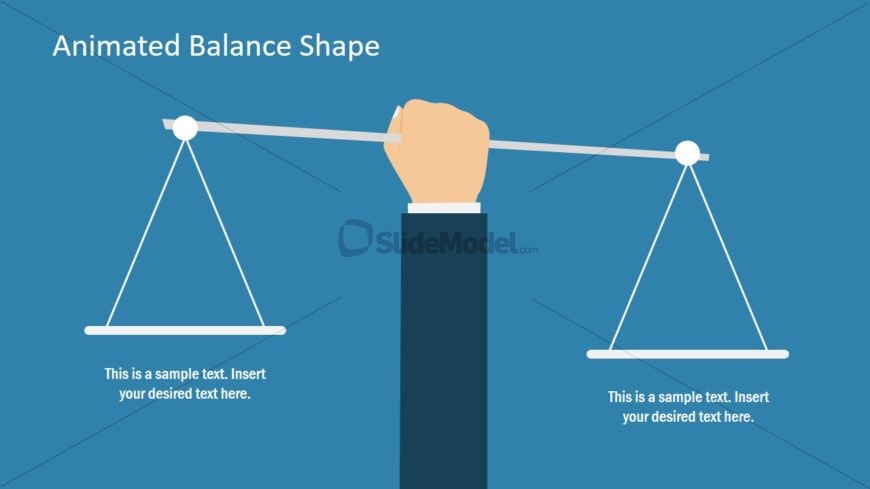
The Animated Balance Shape slide from the Free Balance Shape for PowerPoint template offers a clear visual tool for illustrating decision-making and equity through editable shapes and vector icons. Ideal for business presentations, this slide template supports comparisons and performance balance discussions within a professional slide deck.
What’s on This Slide
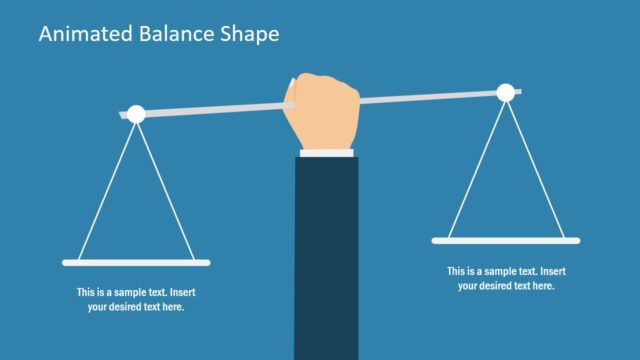
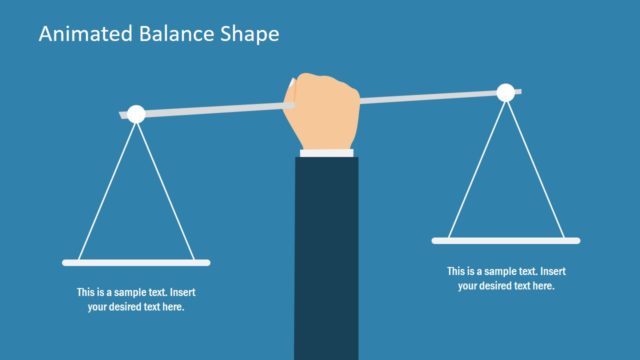
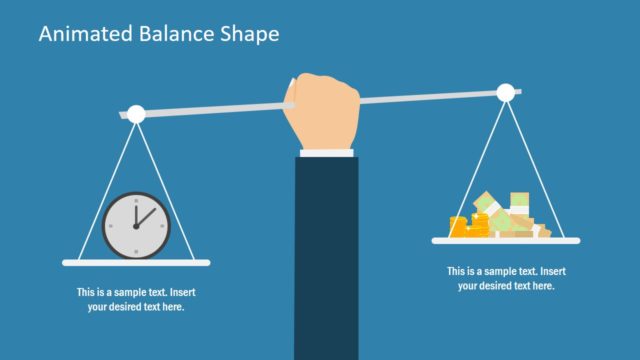
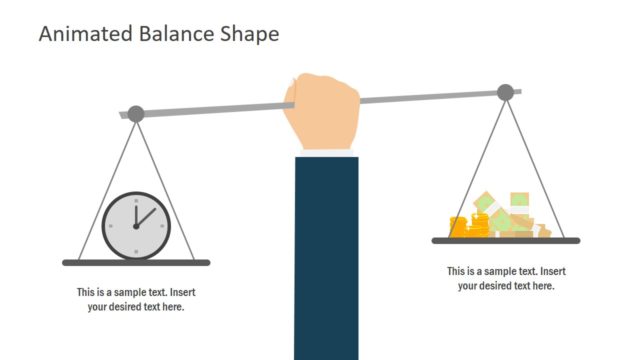
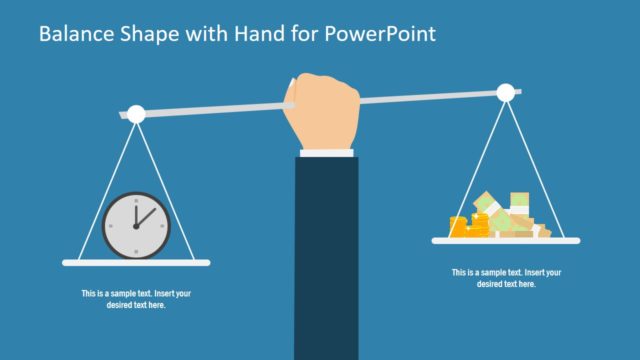
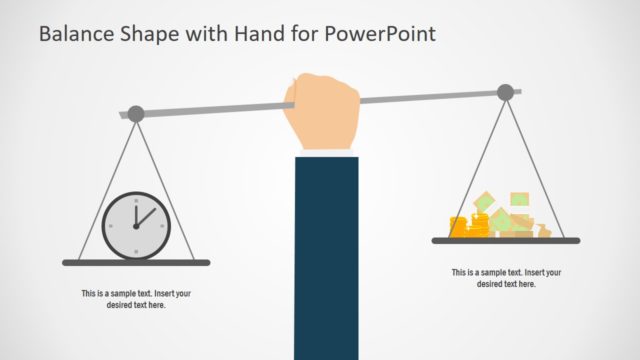
The slide features a central balance scale held by a hand, positioned at the center. The background is a solid blue color. On either side of the scale, there are two horizontal bars for text placeholders, aligned at the bottom left and bottom right. Each bar is outlined in white, with ample space for text. The visual hierarchy emphasizes the balance scale, which is the focal point, while the hand is slightly above it. The overall composition is symmetrical, creating a balanced appearance.
How to Use It
This layout serves to illustrate balance or comparison concepts, making it suitable for discussions on equity, decision-making, or weighing options. It fits well in a presentation sequence after problem identification and before proposing solutions. This structure is useful in business contexts such as performance evaluations, project comparisons, or risk assessments, where visualizing balance is crucial.
Text Placeholders & Capacity
Keep your copy within these limits so it fits without resizing. Text slots can hold a moderate amount of content, roughly 8-10 words each.
| Placeholder | Count | Max characters (approx.) |
|---|---|---|
| Slide title | 1 | 30 |
| Item body | 2 | 50 |
Slide Keywords
Download unlimited PowerPoint templates, charts and graphics for your presentations with our annual plan.
DOWNLOADReturn to Free Balance Shape for PowerPoint.