Slide 3 of 5 from Free Balance Shape for PowerPoint
Measuring Tool PowerPoint Design
Animated Balance Shape for Presentations
- Diagram
- Other
- Comparison Slide
- 16:9
- 100% Editable
The Animated Balance Shape slide from the Free Balance Shape for PowerPoint template offers a clear visual comparison tool ideal for business presentations. Featuring editable shapes and placeholders, it supports performance evaluations, project comparisons, and risk assessments within professional slide decks. This slide layout integrates well into corporate presentations and pitch deck templates, providing a balanced design that highlights key points effectively.
What’s on This Slide
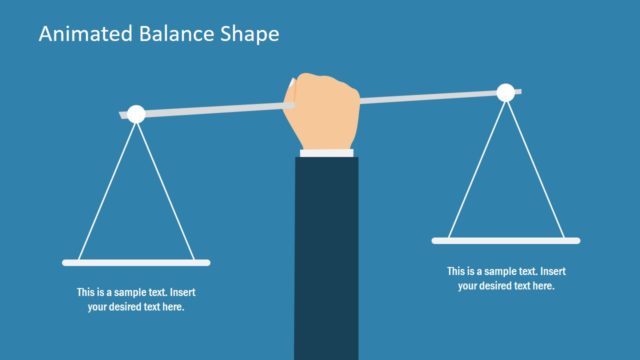
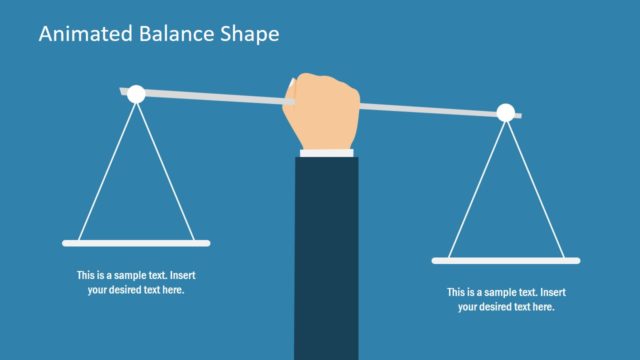
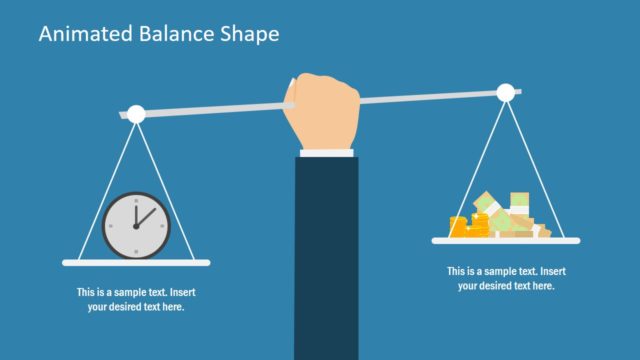
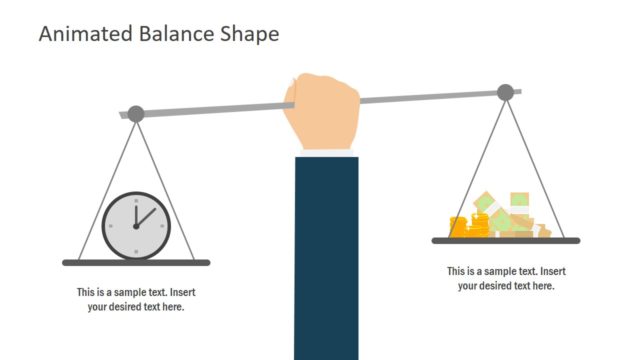
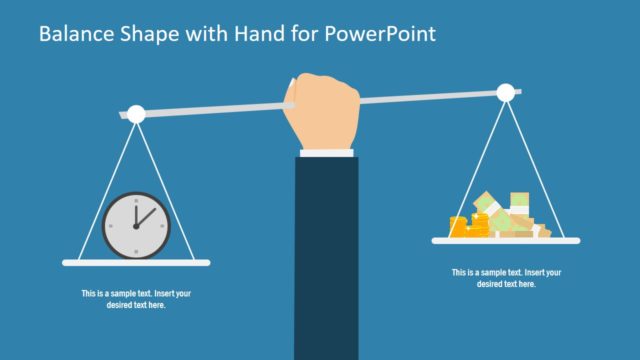
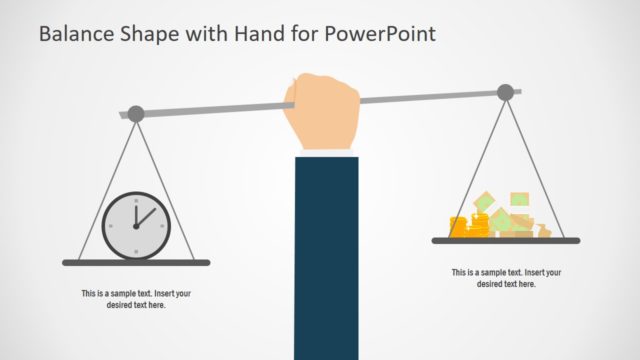
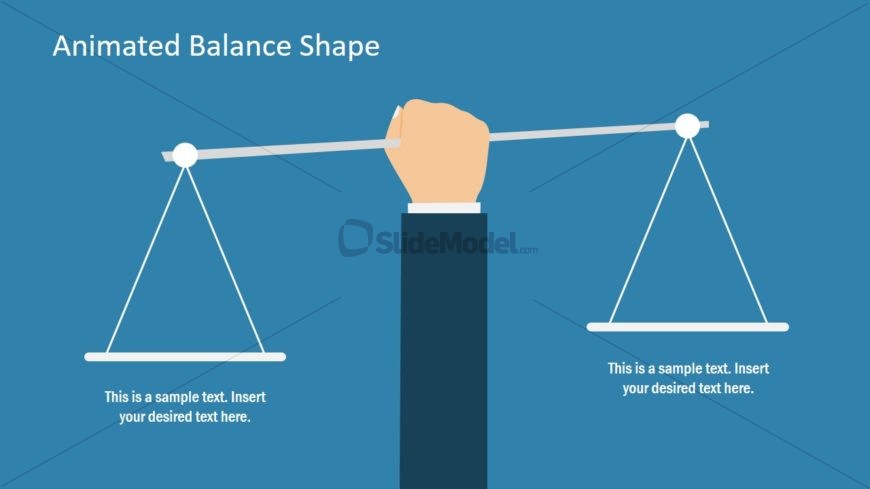
The slide features a central illustration of a hand holding a balance scale. The background is a solid blue color. On the left and right sides of the scale, there are two rectangular placeholders for text, aligned horizontally. Each placeholder is positioned below the scale, with a sample text line indicating where users can insert their desired text. The visual hierarchy emphasizes the scale and hand, with the title placed prominently at the top center of the slide. The overall composition is balanced, with clear separation between text and visual elements.
How to Use It
This layout serves as a visual representation of balance, suitable for discussions on comparisons, evaluations, or decision-making processes. It fits well in a presentation sequence after problem framing and before presenting solutions or recommendations. This structure is useful in business scenarios such as performance evaluations, project comparisons, or risk assessments, where illustrating balance or trade-offs is essential. It can also be adapted for educational contexts to explain concepts of equilibrium or fairness.
Text Placeholders & Capacity
Keep your copy within these limits so it fits without resizing. Text slots can hold about 5-8 words each comfortably.
| Placeholder | Count | Max characters (approx.) |
|---|---|---|
| Slide title | 1 | 30 |
| Item body | 2 | 50 |
Slide Keywords
Download unlimited PowerPoint templates, charts and graphics for your presentations with our annual plan.
DOWNLOADReturn to Free Balance Shape for PowerPoint.