Slide 5 of 5 from Free Balance Shape for PowerPoint
Free Time Vs Money Balance PowerPoint
Animated Balance Shape for Presentations
- Diagram
- Comparison Split
- Comparison Slide
- 16:9
- 100% Editable
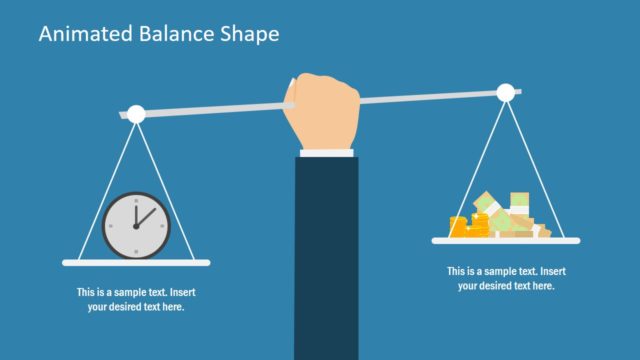
The Animated Balance Shape slide from the Free Balance Shape for PowerPoint template offers an effective visual comparison tool for business presentations. It uses editable shapes and vector icons to illustrate the trade-offs between time and money, aiding discussions on resource allocation and decision-making. This slide is ideal for corporate presentations and pitch deck templates that require clear, balanced visuals within professional slide decks.
What’s on This Slide
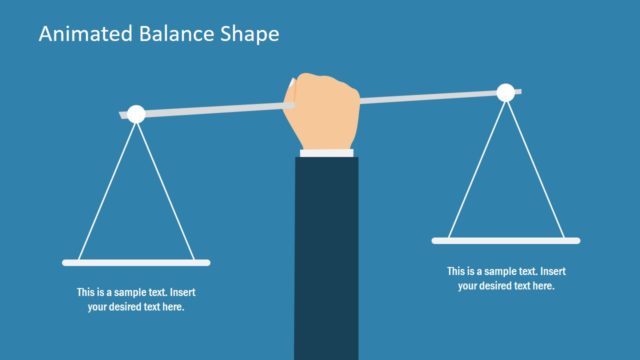
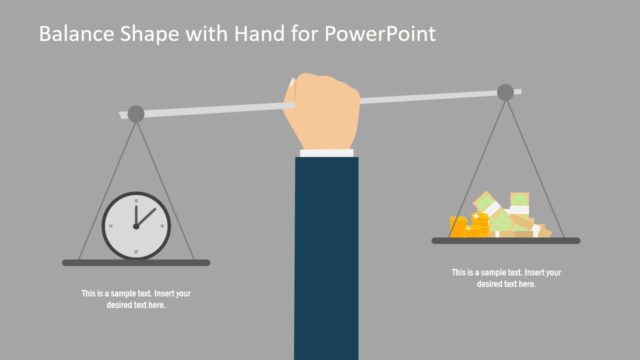
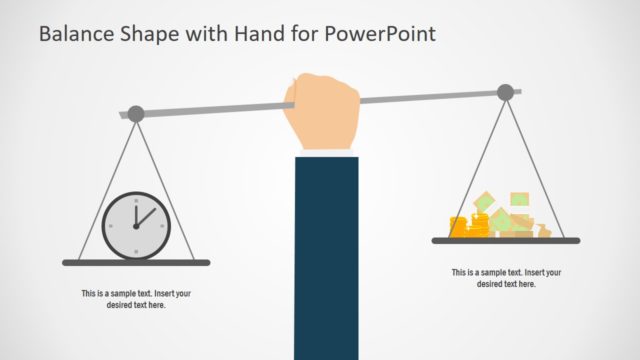
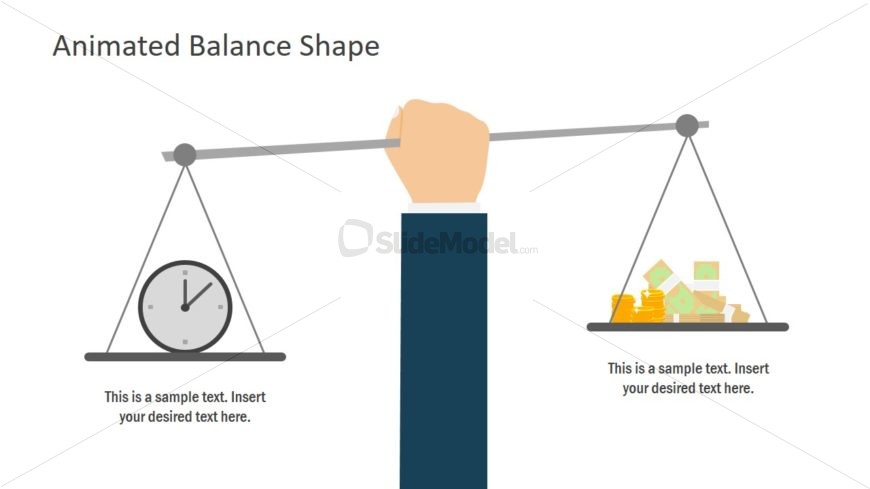
The layout features a central balance scale with a hand holding the beam. On the left side, a clock is depicted on a platform, while the right side shows stacks of coins and bills. Each side has a text placeholder below the icons for additional information. The scale is visually balanced, emphasizing the comparison between time and money. The background is white, providing contrast to the colorful icons. The visual hierarchy is clear, with the title at the top center, followed by the scale and its components.
How to Use It
This layout serves as a visual comparison tool, illustrating the balance between two concepts, such as time and money. It fits well in discussions about resource allocation, prioritization, or decision-making processes. In a presentation, it can effectively highlight trade-offs or emphasize the importance of balancing different factors. This slide is useful in business contexts, such as financial planning, project management, or strategic discussions, where comparisons are essential for understanding implications.
Text Placeholders & Capacity
Keep your copy within these limits so it fits without resizing. Text slots are moderate, roughly 5-8 words each.
| Placeholder | Count | Max characters (approx.) |
|---|---|---|
| Slide title | 1 | 30 |
| Item heading | 2 | 40 |
| Body paragraph | 2 | 50 |
Slide Keywords
Download unlimited PowerPoint templates, charts and graphics for your presentations with our annual plan.
DOWNLOADReturn to Free Balance Shape for PowerPoint.