Slide 3 of 3 from Free Arrows Origami PowerPoint Shapes
Origami Free PowerPoint Template with 3D Arrows
Arrow Origami Process Diagram for Presentations
- Diagram
- Arrow Sequence
- Process Slide
- 16:9
- 100% Editable
The Arrow Origami Process Diagram slide from the Free Arrows Origami PowerPoint Shapes template offers a clear visual for illustrating project stages or step-by-step guides. Featuring editable shapes arranged in a staggered arrow sequence, this slide supports business presentations and pitch deck templates by enhancing process explanation with vector icons and a structured layout.
What’s on This Slide
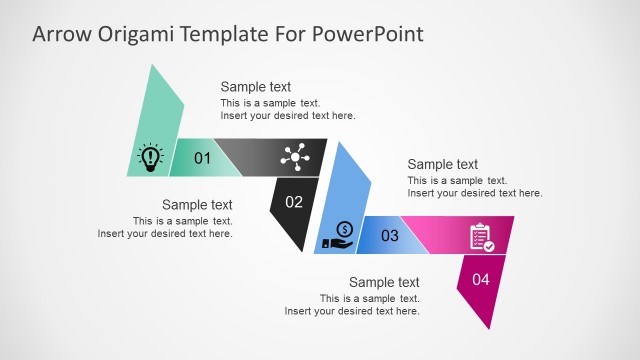
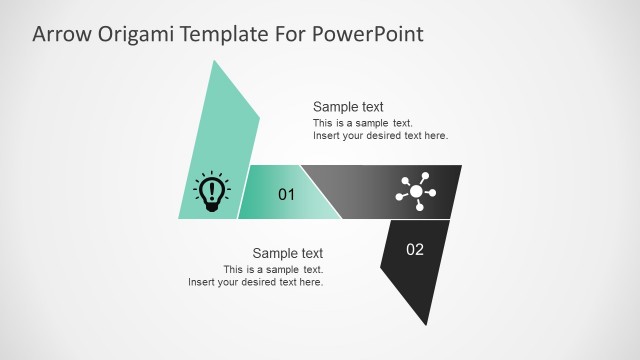
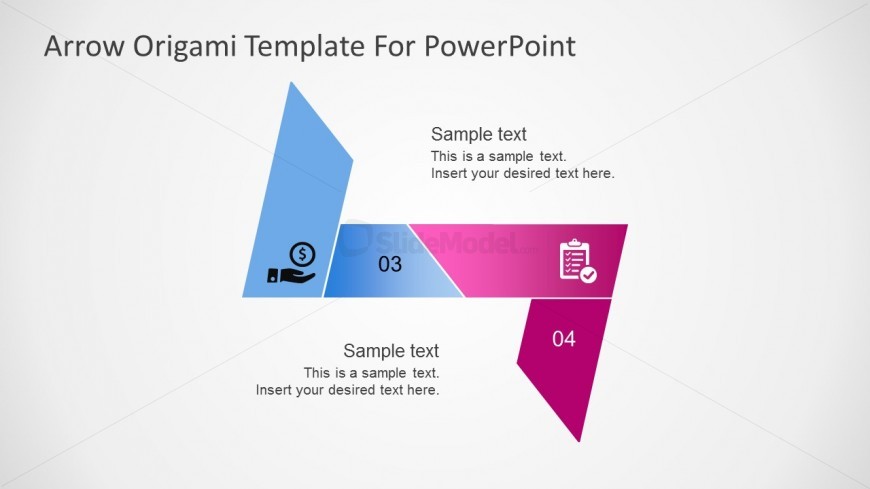
The slide features a process diagram composed of four origami-style arrows arranged in a staggered layout. The first arrow, on the left, is light blue and contains an icon of a dollar sign and a hand. The second arrow, in the center, is blue with the number '03' prominently displayed. The third arrow is pink and includes a clipboard icon with a checkmark. The fourth arrow, on the right, is dark pink with the number '04'. Text placeholders are located below each arrow, aligned centrally, allowing for additional content. The background is a light gradient, enhancing the visual hierarchy.
How to Use It
This layout serves as a visual representation of a sequential process or steps in a project. It is suitable for presentations that outline stages or phases, such as project management, product development, or strategic planning. This slide fits well in a series that introduces concepts, followed by detailed explanations. It can be effectively used to summarize key points or to transition between sections of a presentation, providing clarity and structure to the audience.
Text Placeholders & Capacity
Keep your copy within these limits so it fits without resizing. Node body slots can hold roughly 15-20 words each.
| Placeholder | Count | Max characters (approx.) |
|---|---|---|
| Item heading | 4 | 20 |
| Item body | 4 | 100 |
Slide Keywords
Download unlimited PowerPoint templates, charts and graphics for your presentations with our annual plan.
DOWNLOADReturn to Free Arrows Origami PowerPoint Shapes.