Slide 3 of 4 from Free 8 Step Origami Diagram for PowerPoint
Flat Origami Template PowerPoint
8 Step Origami Diagram for PowerPoint
- Diagram
- Matrix Quadrant
- Process Slide
- 16:9
- 100% Editable
The 8 Step Origami Diagram slide from the Free 8 Step Origami Diagram for PowerPoint template offers a structured visual for process mapping and strategy development. This slide layout uses editable shapes and vector icons arranged in a symmetrical origami-style diagram, making it ideal for business presentations and project planning. It integrates well within slide decks requiring clear communication of sequential steps and complex frameworks.
What’s on This Slide
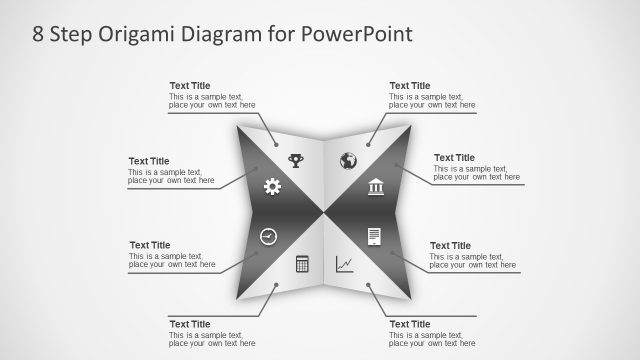
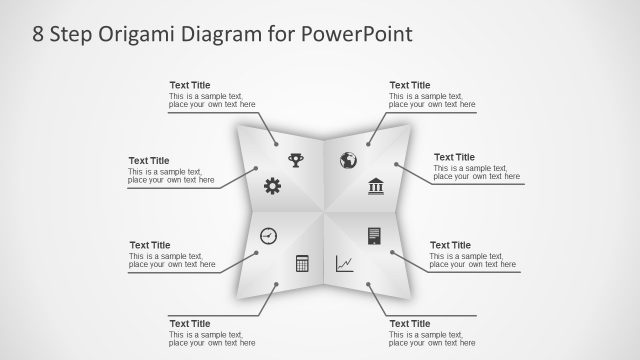
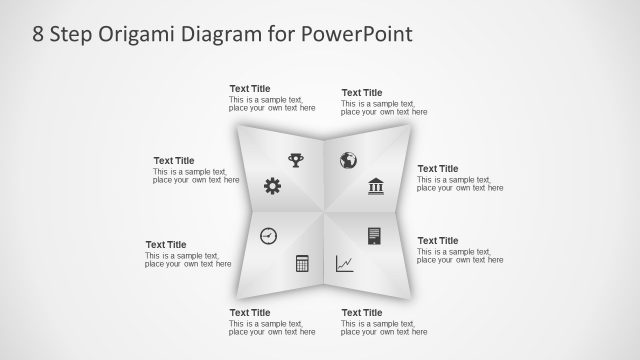
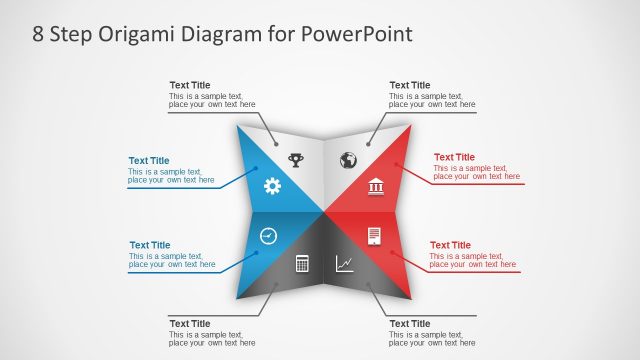
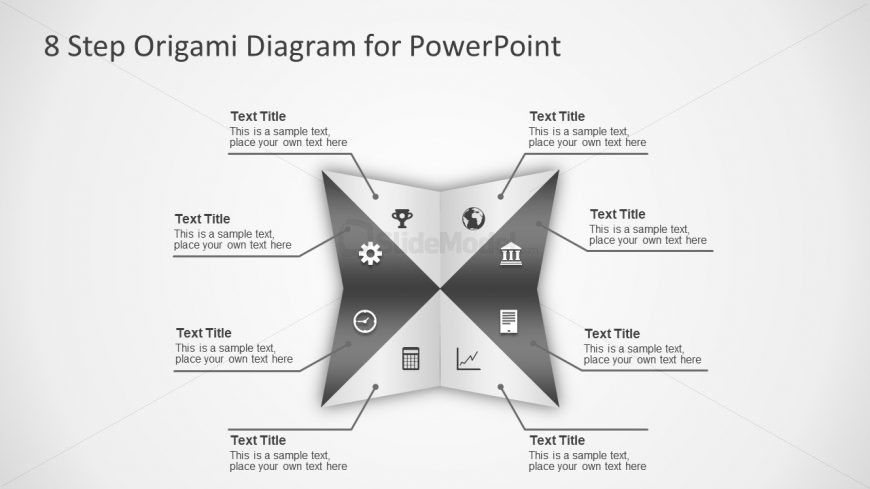
The layout features a central origami-style diagram divided into four triangular sections, each containing a circular icon and a text placeholder. The icons represent various themes, such as a trophy, globe, gear, and graph, positioned in the center of each triangle. Text placeholders are aligned at the top and bottom of each section, allowing for titles and descriptions. The background is a light gradient, enhancing the visual appeal. The overall structure is symmetrical, with a clear visual hierarchy emphasizing the central diagram.
How to Use It
This layout serves as a visual representation of an eight-step process or framework, ideal for presenting sequential information. It fits well in a presentation sequence after introducing a problem or concept, providing a clear roadmap. Use this structure in business scenarios like project planning, process mapping, or strategy development, where clarity and organization are essential. It can effectively communicate complex ideas in a simplified manner, making it suitable for team meetings or client presentations.
Text Placeholders & Capacity
Keep your copy within these limits so it fits without resizing. Node labels can hold about 20 characters each, while body text can accommodate roughly 50 characters.
| Placeholder | Count | Max characters (approx.) |
|---|---|---|
| Slide title | 1 | 30 |
| Item heading | 4 | 20 |
| Item body | 4 | 50 |
Slide Keywords
Download unlimited PowerPoint templates, charts and graphics for your presentations with our annual plan.
DOWNLOADReturn to Free 8 Step Origami Diagram for PowerPoint.