Slide 2 of 3 from Free Arrows Origami PowerPoint Shapes
Free Origami PowerPoint Template with Arrows
Arrow Diagram Template for Presentations
- Diagram
- Arrow Sequence
- Process Slide
- 16:9
- 100% Editable
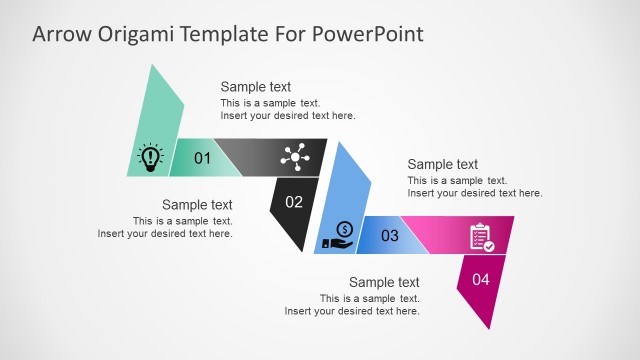
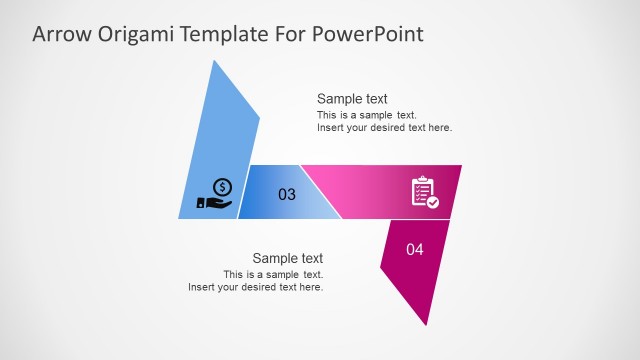
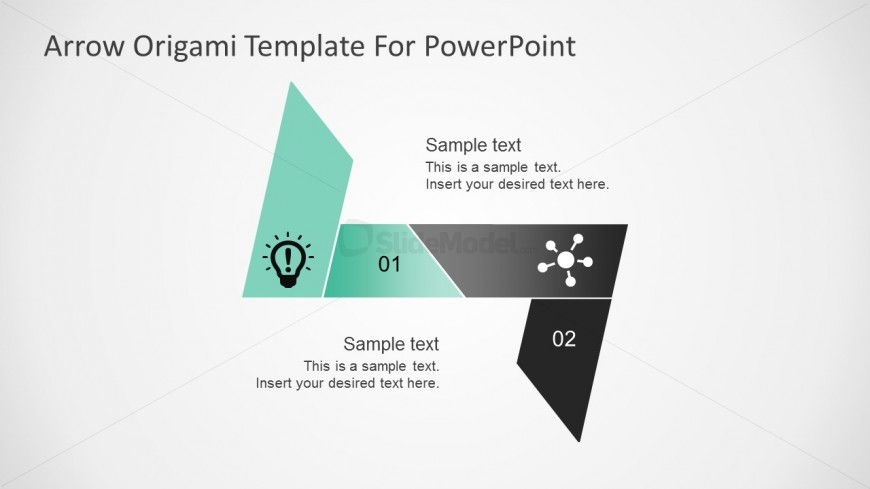
The Arrow Diagram with Steps slide from the Free Arrows Origami PowerPoint Shapes template offers a clear visual for illustrating project milestones or workflow overviews. This editable slide features an arrow-shaped diagram segmented into three parts, guiding audiences through sequential steps effectively. Ideal for business presentations, it supports step-by-step guides using editable shapes and vector icons to enhance clarity in corporate slide decks.
What’s on This Slide
The layout features an arrow-shaped diagram divided into three sections. The top left section is a light teal triangle with an icon of a light bulb. The middle section is a horizontal rectangle in teal and gray, containing the numbers 01 and 02, along with circular icons. The bottom right section is a dark gray triangle. Text placeholders are present in each section, aligned left and centered. The overall composition is structured to guide the viewer's eye through the numbered steps, with a light background enhancing visibility.
How to Use It
This layout serves as a step-by-step process diagram, suitable for illustrating sequential actions or phases. It fits well in a presentation discussing project milestones or a workflow overview. This structure can be used in business contexts such as strategy development, product launches, or training sessions. It effectively communicates progression and is useful for summarizing key points in a clear, visual manner.
Text Placeholders & Capacity
Keep your copy within these limits so it fits without resizing. Body slots can hold approximately 15-20 words each.
| Placeholder | Count | Max characters (approx.) |
|---|---|---|
| Item heading | 2 | 12 |
| Item body | 3 | 100 |
| Slide title | 1 | 40 |
Slide Keywords
Download unlimited PowerPoint templates, charts and graphics for your presentations with our annual plan.
DOWNLOADReturn to Free Arrows Origami PowerPoint Shapes.