Slide 8 of 8 from Free Abela's Chart Chooser PowerPoint Template
Additional Diagram Missing in Abelas Chart Chooser
Chart Suggestions for Presentations
- Diagram
- Matrix Grid
- Concept Explanation Slide
- 16:9
- 100% Editable
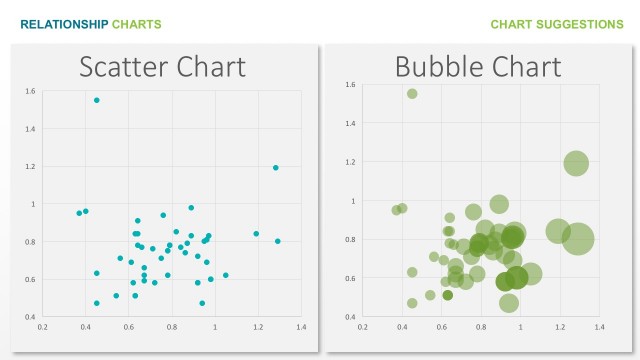
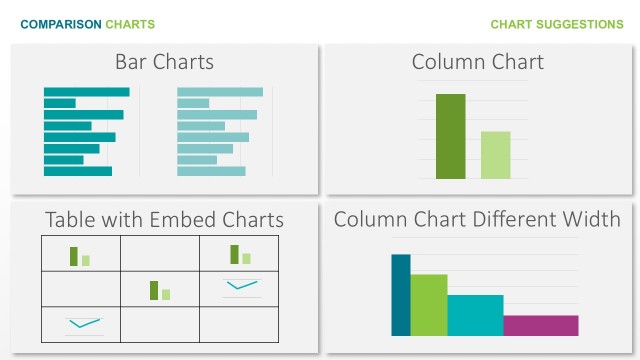
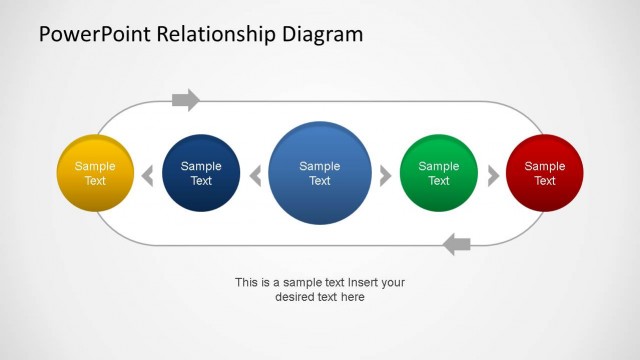
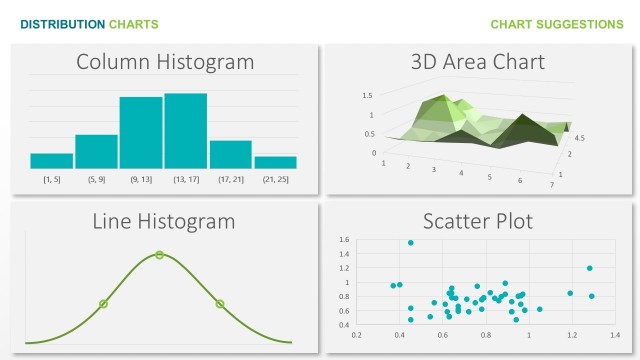
The Chart Suggestions Layout from the Free Abela's Chart Chooser PowerPoint Template offers a clear 2x2 grid design to present various chart types, aiding data visualization discussions in business presentations. This slide template supports effective communication of flow charts, hierarchies, networks, and quadrant diagrams, making it a practical choice for strategy meetings and pitch decks. Its editable shapes and vector icons enhance customization within PowerPoint slides and Google Slides templates.
What’s on This Slide
The layout consists of four distinct sections arranged in a 2x2 grid. Each section features a title at the top and a corresponding diagram below. The top left section is labeled 'Flow Chart' and contains a flowchart with circular and rectangular nodes connected by arrows. The top right section is labeled 'Hierarchy' and displays a tree structure with circular nodes. The bottom left section, labeled 'Networks,' shows a network diagram with multiple connecting lines and nodes. The bottom right section is labeled 'Quadrants' and features a grid of four colored squares. Text placeholders exist for each title, centered above their respective diagrams.
How to Use It
This layout serves as a visual guide for suggesting various chart types suitable for different data presentations. It fits well in a presentation sequence after introducing data concepts or before diving into specific data analysis. This layout is useful for business scenarios where multiple visualization options need to be presented, such as during strategy meetings or data analysis workshops. It helps audiences quickly grasp available chart types and their applications, facilitating informed decision-making on data representation.
Text Placeholders & Capacity
Keep your copy within these limits so it fits without resizing. Node labels can accommodate roughly 3-5 words each.
| Placeholder | Count | Max characters (approx.) |
|---|---|---|
| Slide title | 1 | 30 |
| Item heading | 4 | 20 |
Slide Keywords
Download unlimited PowerPoint templates, charts and graphics for your presentations with our annual plan.
DOWNLOAD