Slide 7 of 8 from Free Abela's Chart Chooser PowerPoint Template
Abela’s Chart Chooser Among Items Comparison
Comparison Charts for Data Visualization
- Diagram
- Comparison Split
- Comparison Slide
- 16:9
- 100% Editable
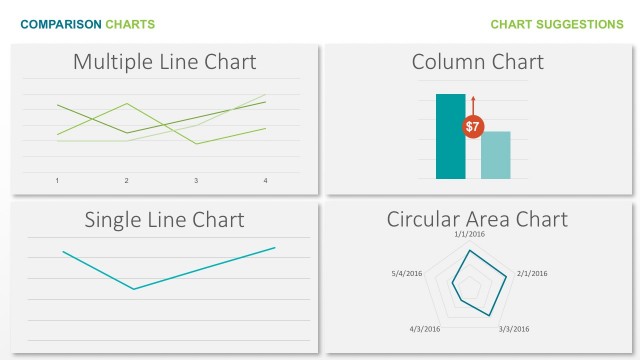
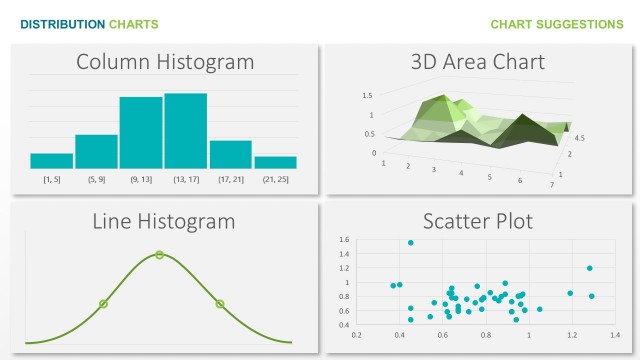
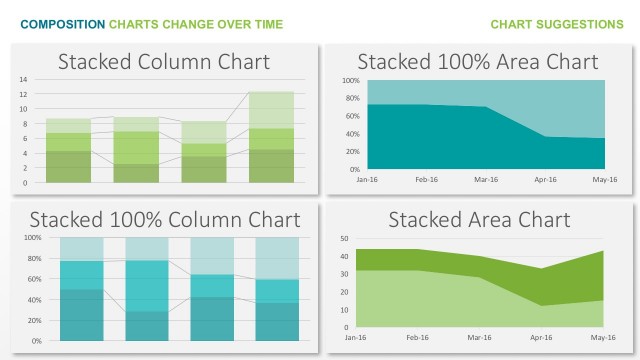
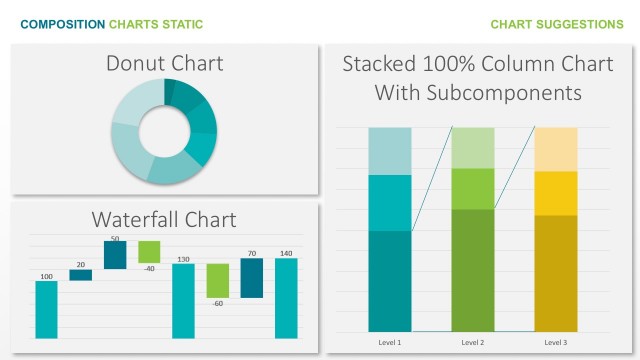
The Comparison Charts slide from the Free Abela's Chart Chooser PowerPoint Template offers a structured layout for visualizing diverse chart types side by side. Ideal for business presentations and marketing reports, this slide template supports clear data comparison using editable shapes and vector icons, enhancing the effectiveness of corporate presentations and pitch deck templates.
What’s on This Slide
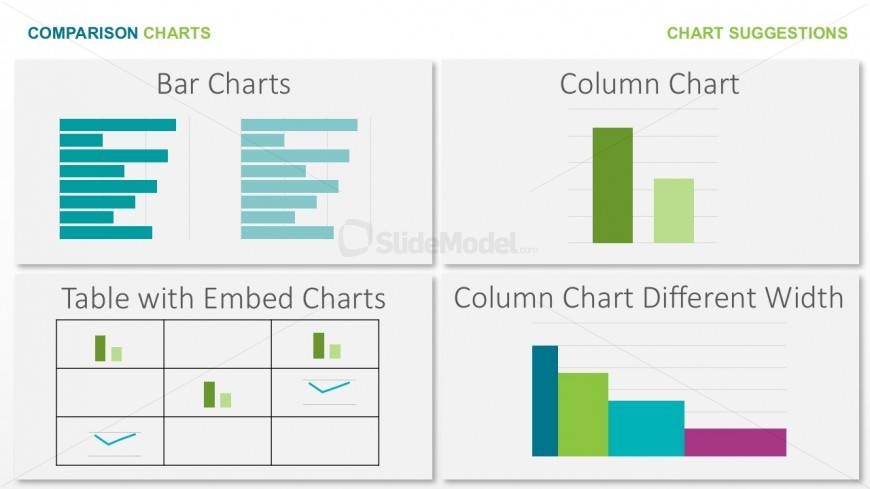
The layout features four distinct sections arranged in a 2x2 grid. The top left section displays bar charts with horizontal bars, while the top right section presents a column chart with vertical bars. The bottom left section contains a table with embedded charts, showcasing various chart types. The bottom right section illustrates a column chart with varying widths. Each section includes a title, and the overall background is light with a subtle gradient. Text placeholders exist for titles and chart labels, aligned centrally within their respective sections.
How to Use It
This layout serves as a comparison chart display, effectively showcasing different chart types side by side. It fits well in a presentation sequence that discusses data visualization options or chart selection. This structure is useful for business scenarios such as data analysis presentations, marketing reports, or educational contexts where various chart formats need to be compared. It allows for quick visual reference and decision-making regarding chart usage.
Text Placeholders & Capacity
Keep your copy within these limits so it fits without resizing. Node labels can hold about 3-5 words each.
| Placeholder | Count | Max characters (approx.) |
|---|---|---|
| Slide title | 1 | 30 |
| Item heading | 4 | 20 |
Slide Keywords
Download unlimited PowerPoint templates, charts and graphics for your presentations with our annual plan.
DOWNLOAD