Slide 8 of 9 from Free 8 Step Zig Zag PowerPoint Diagram
Zigzag Dumbbell Shape Infographic Presentation
8 Step Zig Zag Diagram for PowerPoint
- Diagram
- Zigzag Sequence
- Process Slide
- 16:9
- 100% Editable
The 8 Step Zig Zag Diagram slide from the Free 8 Step Zig Zag PowerPoint Diagram template offers a clear visual process flow ideal for business presentations and project management overviews. This editable slide features a horizontal zigzag sequence with customizable nodes and icons, supporting effective workflow explanations in corporate presentation slide decks.
What’s on This Slide
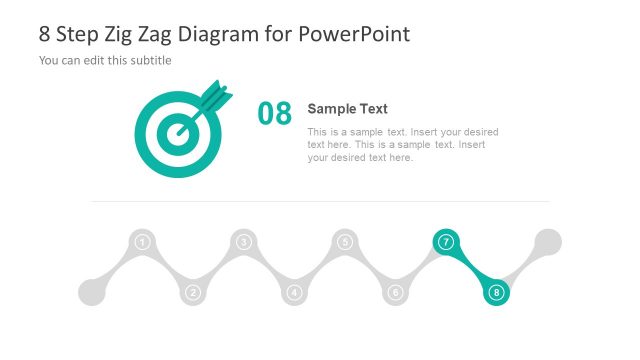
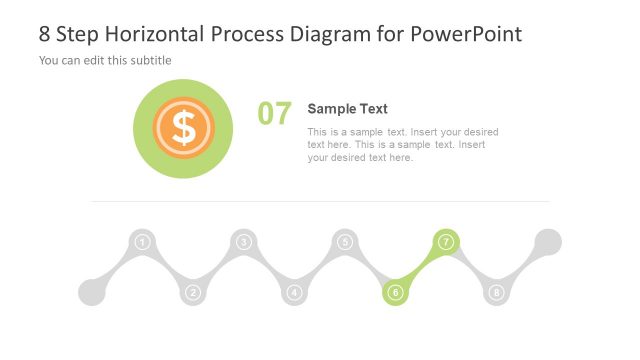
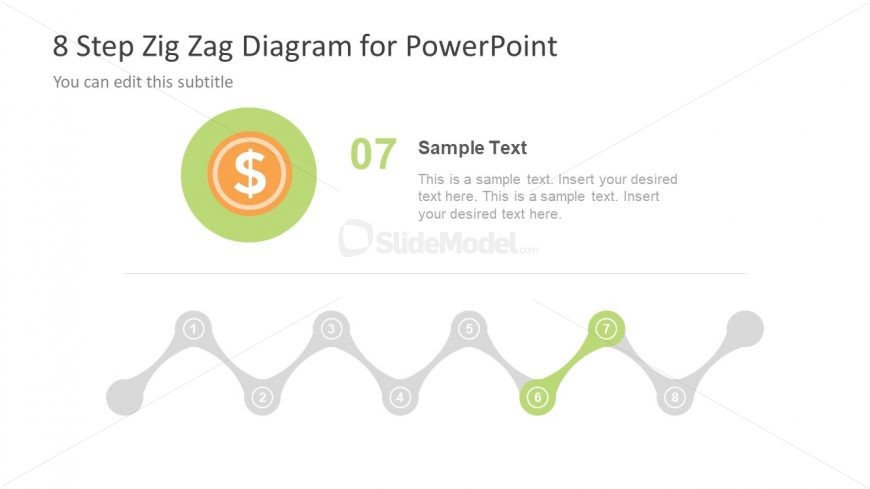
The layout features a zigzag diagram with eight nodes, positioned horizontally across the center. Each node is represented by a circular shape, alternating in color, with the seventh node highlighted in green. Above the diagram, there is a title area containing the main title and a subtitle placeholder, both aligned to the left. A dollar sign icon is centrally placed above the seventh node, emphasizing its importance. Text placeholders are present for the title, subtitle, and body text, allowing for customization. The overall color scheme is light with a white background.
How to Use It
This layout serves as a process flow diagram, illustrating an eight-step sequence. It is suitable for presentations that outline business processes, project management steps, or workflows. Positioned towards the end of a presentation, it can summarize key points or actions taken. This layout is particularly useful in business contexts where clarity in sequential steps is essential, such as in project updates or process explanations. It can be utilized individually or as part of a series of steps in a broader presentation.
Text Placeholders & Capacity
Keep your copy within these limits so it fits without resizing. Body slots can accommodate roughly 10-15 words each.
| Placeholder | Count | Max characters (approx.) |
|---|---|---|
| Slide title | 1 | 40 |
| Subtitle | 1 | 40 |
| Item body | 8 | 80 |
Slide Keywords
Download unlimited PowerPoint templates, charts and graphics for your presentations with our annual plan.
DOWNLOADReturn to Free 8 Step Zig Zag PowerPoint Diagram.