Slide 5 of 7 from Free 7 Step Arrows Concept PowerPoint Template
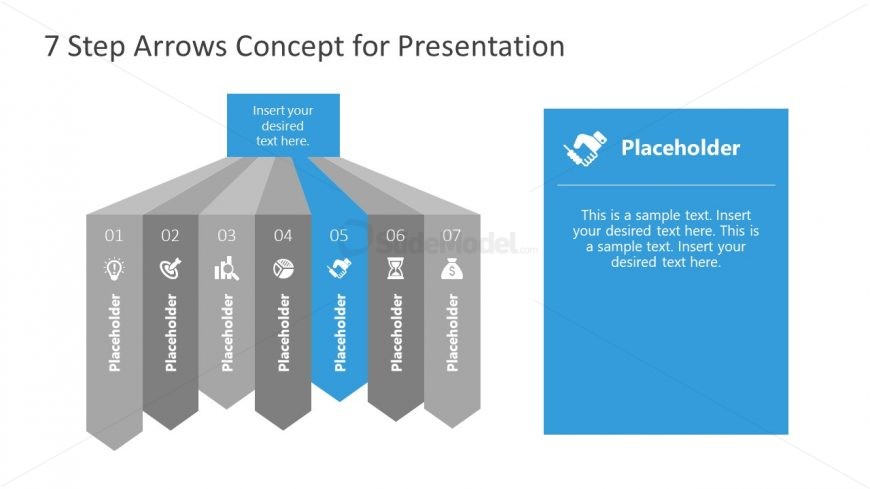
Downward Arrow Agenda Step 5
7 Step Arrows Concept for Presentation
- Diagram
- Arrow Sequence
- Process Slide
- 16:9
- 100% Editable
The 7 Step Arrows Concept slide from the Free 7 Step Arrows Concept PowerPoint Template offers a clear process diagram with editable shapes ideal for project planning and strategic initiatives. This slide layout uses arrow-shaped segments to visually represent sequential steps, supporting business presentations and instructional content with a balanced design and space for detailed notes.
What’s on This Slide
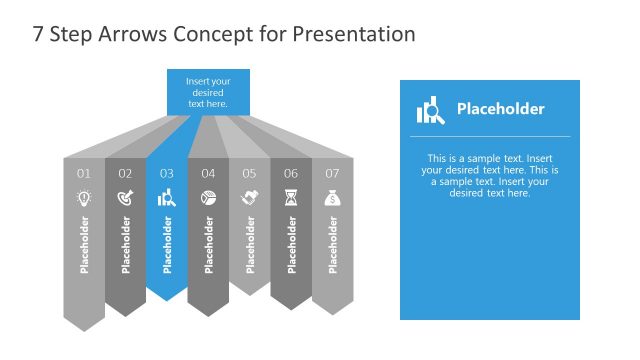
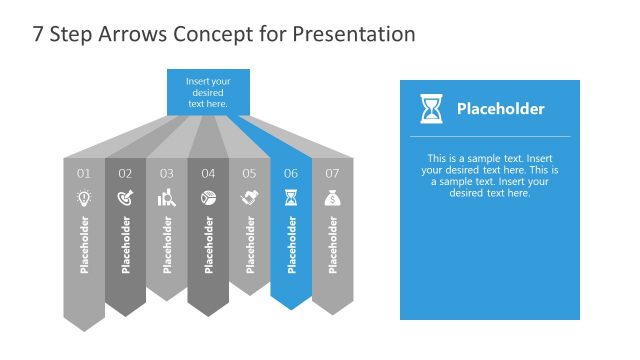
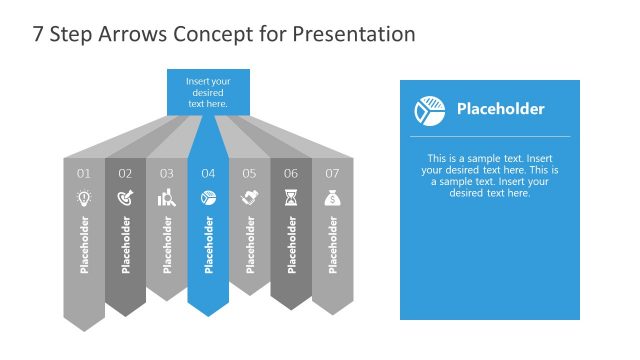
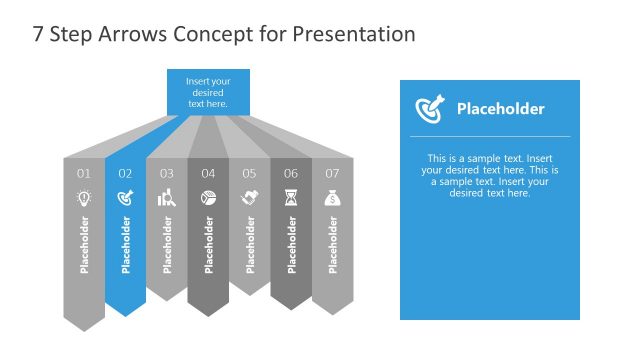
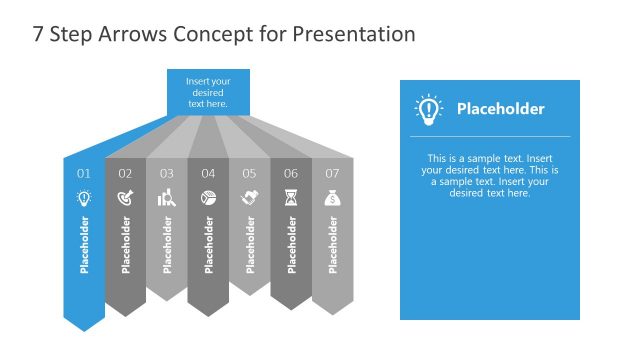
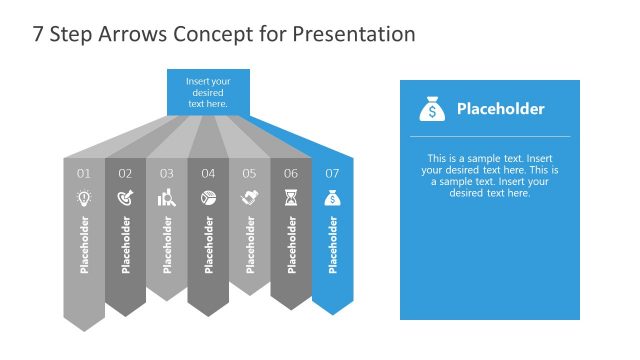
The layout features seven arrow-shaped segments arranged in a horizontal line, with the fifth segment highlighted and pointing downward. Each segment contains a placeholder for text, aligned centrally within the segments. The fifth segment has a distinct color, while the others are in shades of gray. To the right, there is a rectangular placeholder for additional text, with a blue background and an icon above it. The overall composition is balanced, with a clear visual hierarchy emphasizing the fifth segment and the adjacent text box.
How to Use It
This layout serves as a step-by-step process illustration, ideal for presentations that outline sequential actions or stages. It fits well in a narrative where each step builds on the previous one, making it suitable for project plans, strategic initiatives, or instructional content. This structure can be used to guide audiences through complex topics in a clear and organized manner, enhancing understanding and retention of information.
Text Placeholders & Capacity
Keep your copy within these limits so it fits without resizing. Node body slots can hold about 20-25 words each.
| Placeholder | Count | Max characters (approx.) |
|---|---|---|
| Slide title | 1 | 40 |
| Item heading | 7 | 20 |
| Item body | 7 | 100 |
| Body paragraph | 1 | 250 |
Slide Keywords
Download unlimited PowerPoint templates, charts and graphics for your presentations with our annual plan.
DOWNLOAD