Slide 4 of 7 from Free 7 Step Arrows Concept PowerPoint Template
Downward Arrow Agenda Step 4
7 Step Arrows Concept for Presentation
- Diagram
- Arrow Sequence
- Process Slide
- 16:9
- 100% Editable
The 7 Step Arrows Concept slide from the Free 7 Step Arrows Concept PowerPoint Template offers a structured process diagram ideal for project management updates and strategic planning sessions. This slide layout uses editable shapes and vector icons arranged in a clear arrow sequence to visually guide audiences through sequential phases. It suits business presentations or training materials requiring a focused, step-by-step progression within a corporate presentation or pitch deck template.
What’s on This Slide
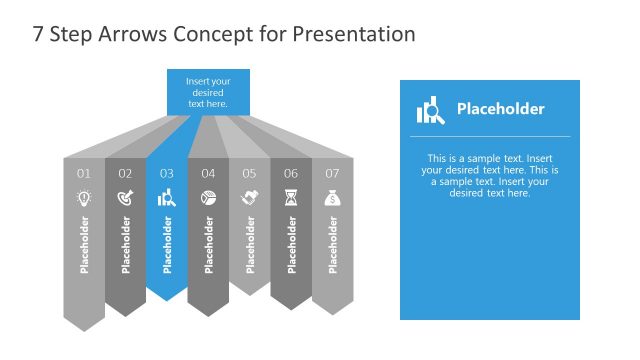
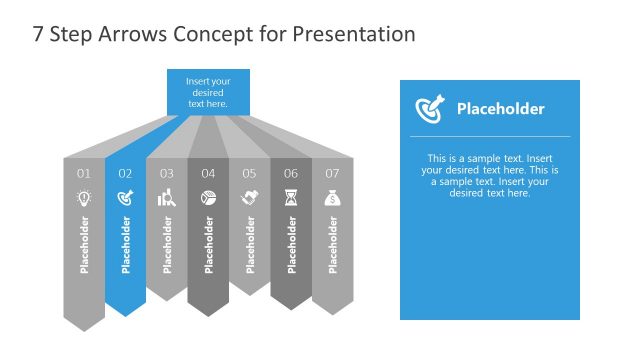
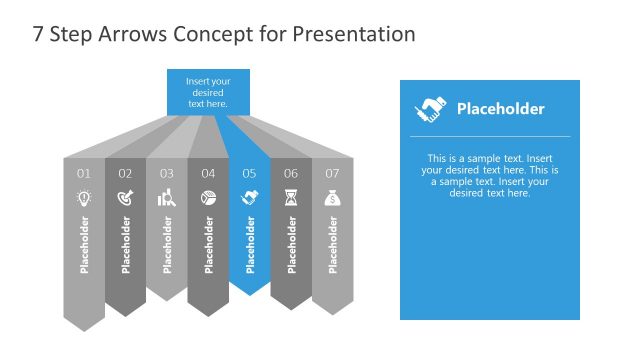
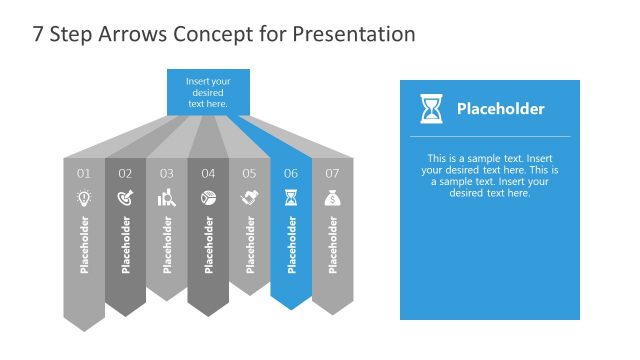
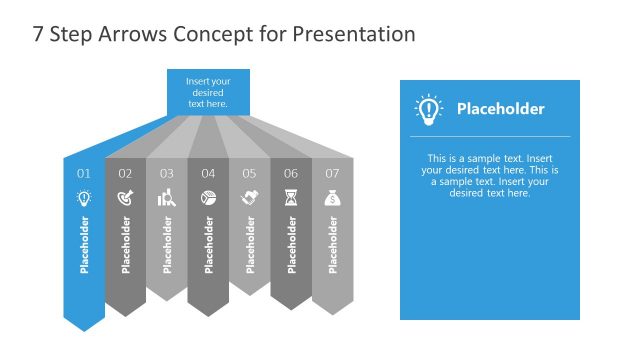
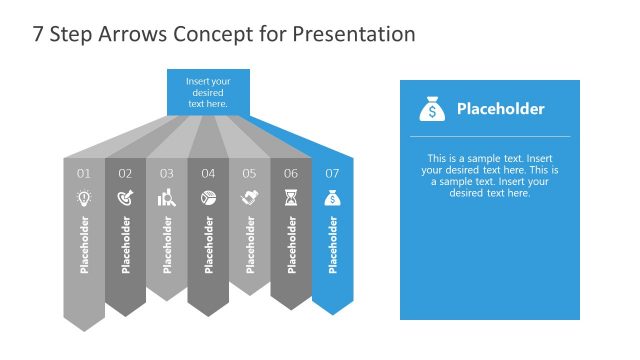
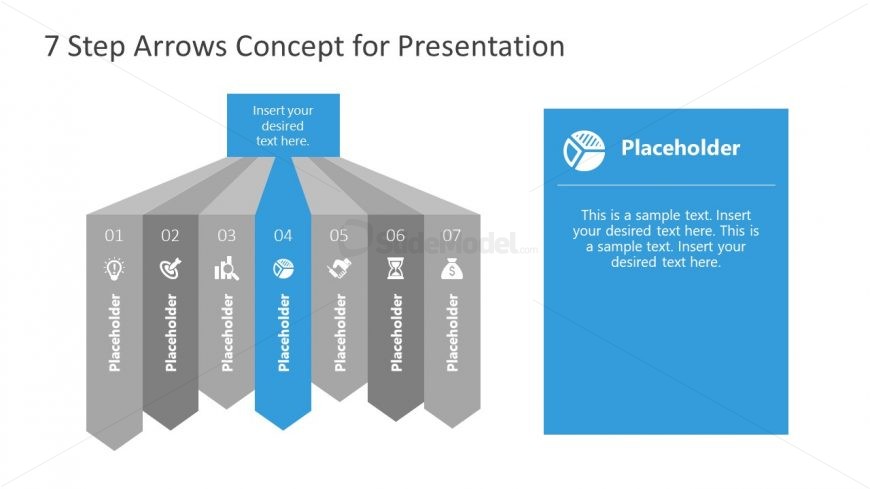
The layout features a central arrow pointing downward, flanked by six additional arrows on either side, forming a triangular shape. Each arrow contains a placeholder for text, with the fourth arrow highlighted in blue. The top section includes a title placeholder centered above the arrows. The right side features a larger blue box with a placeholder for additional text. The overall color scheme consists of gray arrows with a blue accent for emphasis. The design creates a clear visual hierarchy, guiding the viewer's attention from the title to the arrows and then to the text box.
How to Use It
This layout serves as a step-by-step process diagram, ideal for illustrating sequential actions or phases in a project. It fits well in a presentation sequence that discusses methodologies or workflows. Common scenarios include project management updates, strategic planning sessions, or training materials where a clear progression is necessary. The highlighted central arrow can represent the current focus or key step, while the surrounding arrows provide context or additional steps.
Text Placeholders & Capacity
Keep your copy within these limits so it fits without resizing. Body slots can hold roughly 30-40 words each.
| Placeholder | Count | Max characters (approx.) |
|---|---|---|
| Slide title | 1 | 40 |
| Item heading | 7 | 20 |
| Body paragraph | 1 | 220 |
Slide Keywords
Download unlimited PowerPoint templates, charts and graphics for your presentations with our annual plan.
DOWNLOAD