Slide 3 of 7 from Free 7 Step Arrows Concept PowerPoint Template
Downward Arrow Agenda Step 3
7 Step Arrows Concept for Presentation
- Diagram
- Arrow Sequence
- Process Slide
- 16:9
- 100% Editable
What’s on This Slide
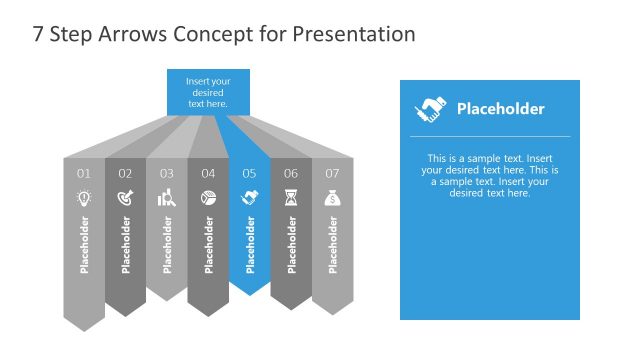
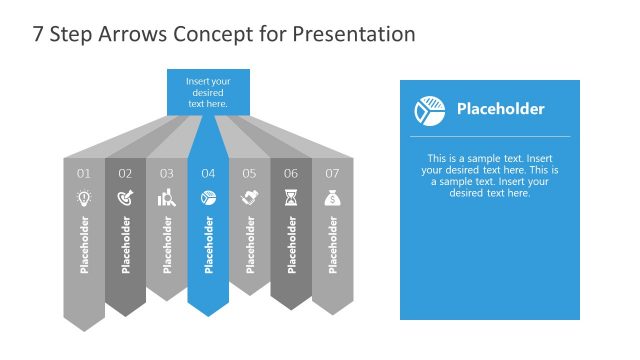
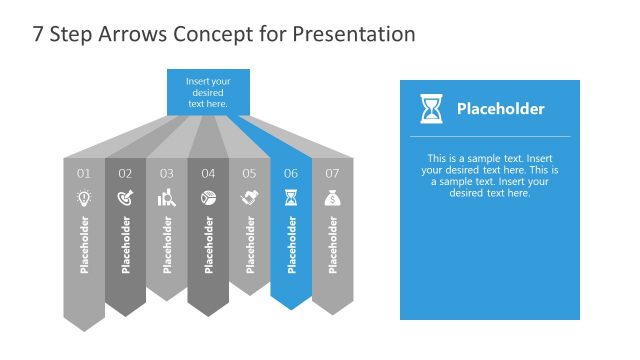
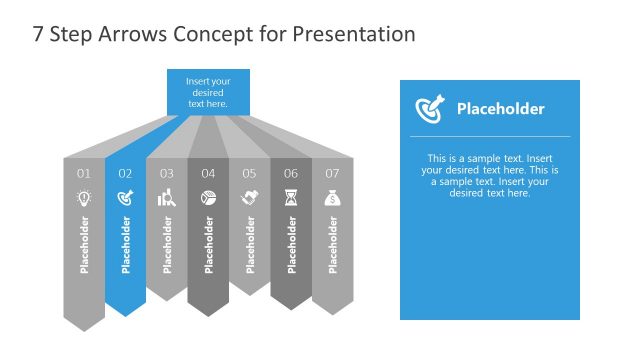
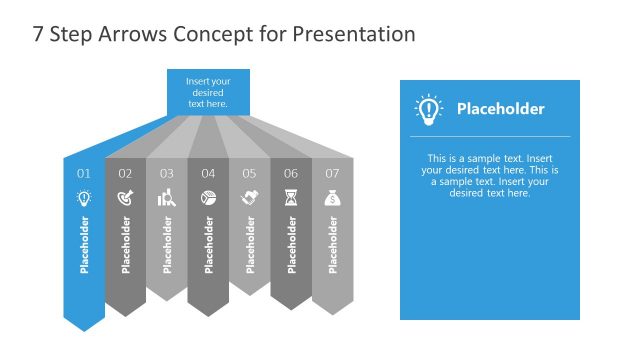
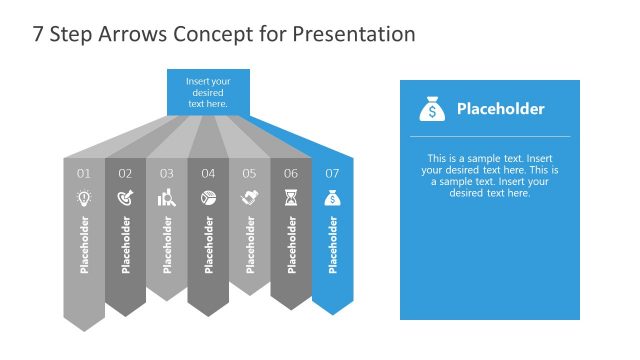
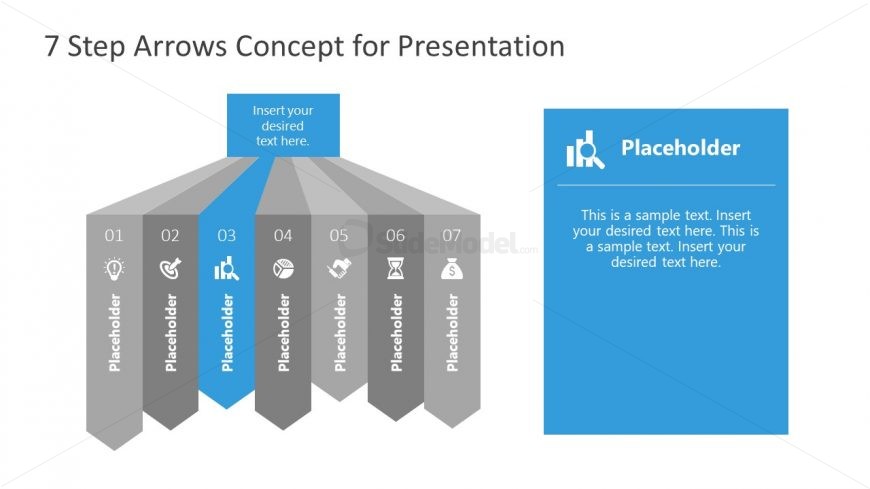
The layout features a series of seven vertical arrow shapes arranged in a staggered manner, with the third arrow highlighted in blue. Each arrow contains a text placeholder aligned centrally, labeled with numbers 01 to 07. To the right, a larger blue box contains additional text placeholders for detailed descriptions. The background is predominantly white, enhancing the visibility of the elements. The overall composition is structured to guide the viewer's attention from the numbered arrows to the highlighted section, establishing a clear visual hierarchy.
How to Use It
This layout serves as a sequential process diagram, ideal for illustrating steps in a project or strategy. It fits well in presentations that require a clear depiction of a multi-step process, making it suitable for business scenarios like project planning, product development, or strategic initiatives. The highlighted arrow can emphasize a specific step, making it useful for focusing discussion on key points within a broader framework.
Text Placeholders & Capacity
Keep your copy within these limits so it fits without resizing. Node body slots can accommodate roughly 20-25 words each.
| Placeholder | Count | Max characters (approx.) |
|---|---|---|
| Item heading | 7 | 20 |
| Item body | 7 | 100 |
| Body paragraph | 2 | 200 |
Slide Keywords
Download unlimited PowerPoint templates, charts and graphics for your presentations with our annual plan.
DOWNLOAD