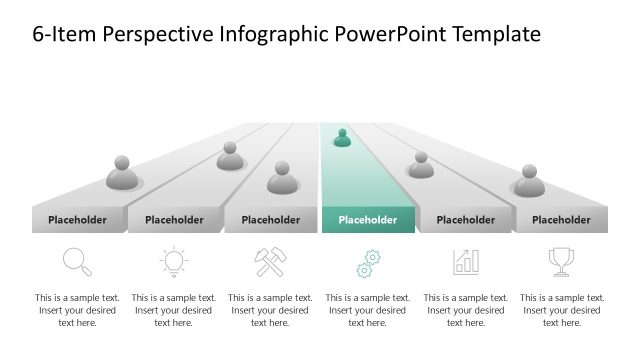
Slide 2 of 2 from Free 6-Step Perspective Infographic PowerPoint Template
Free 6-Step Perspective Infographic Template Layout
Perspective Infographic Slide Template
- Diagram
- Comparison Split
- Process Slide
- 16:9
- 100% Editable
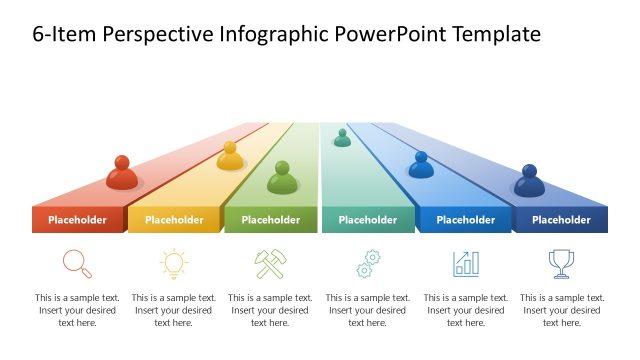
The Perspective Infographic Slide Template from the Free 6-Step Perspective Infographic PowerPoint Template offers a visually structured layout ideal for illustrating project phases, product features, or strategic initiatives. This slide uses colored horizontal bars with circular nodes and vector icons to guide viewers through sequential information clearly. Its design suits business presentations and pitch deck templates requiring editable slides that enhance clarity and engagement.
What’s on This Slide
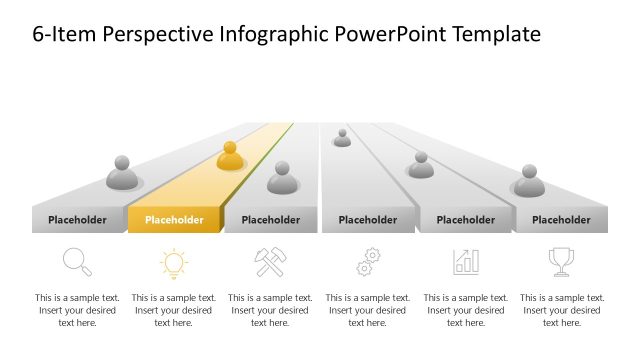
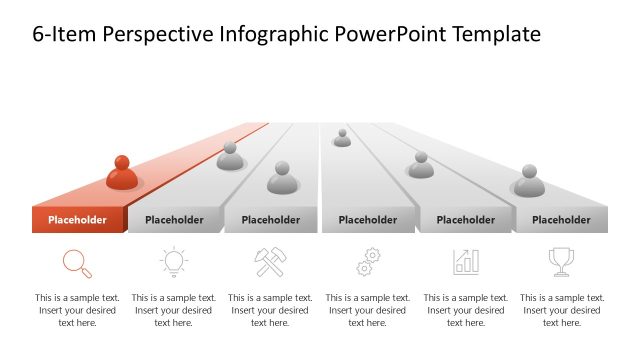
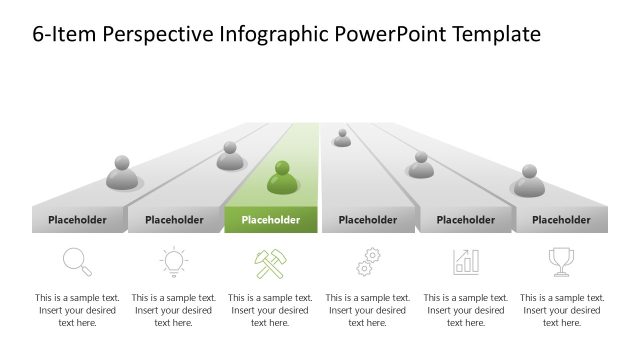
The layout features a top-centered title and a series of colored horizontal bars. Each bar contains a circular node at the top, with corresponding text placeholders below. The bars are arranged in a gradient from red to blue, with icons representing different concepts above each placeholder. The text placeholders are aligned centrally beneath each bar, allowing for descriptive text. The background is dark, enhancing the visibility of the colored elements. The overall composition is structured to guide the viewer's attention across the bars and their associated text.
How to Use It
This layout serves as a sequential infographic to present multiple concepts or steps visually. It fits well in a presentation that outlines processes or highlights key points in a structured format. Ideal for business scenarios such as project phases, product features, or strategic initiatives, it allows for clear communication of information. Use this slide to summarize or compare various elements in a cohesive manner, making it suitable for both internal and client-facing presentations.
Text Placeholders & Capacity
Keep your copy within these limits so it fits without resizing. Node labels can hold about 30 characters each, while body text can hold around 50 characters.
| Placeholder | Count | Max characters (approx.) |
|---|---|---|
| Slide title | 1 | 40 |
| Item heading | 6 | 30 |
| Item body | 6 | 50 |
Slide Keywords
Download unlimited PowerPoint templates, charts and graphics for your presentations with our annual plan.
DOWNLOADReturn to Free 6-Step Perspective Infographic PowerPoint Template.