Slide 3 of 7 from 6-Item Perspective Infographic PowerPoint Template
6-Item Perspective Infographic Slide Diagram with Focus Effect
6-Item Perspective Infographic Template
- Diagram
- Comparison Split
- Comparison Slide
- 16:9
- 100% Editable
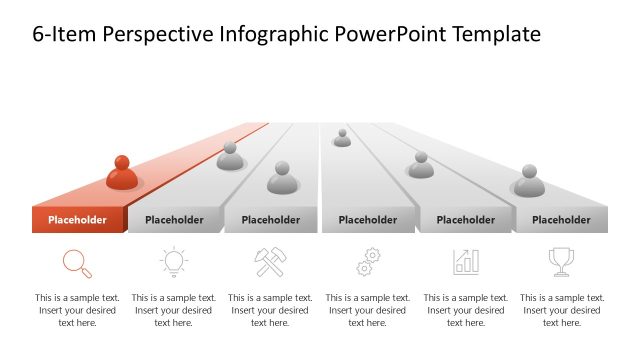
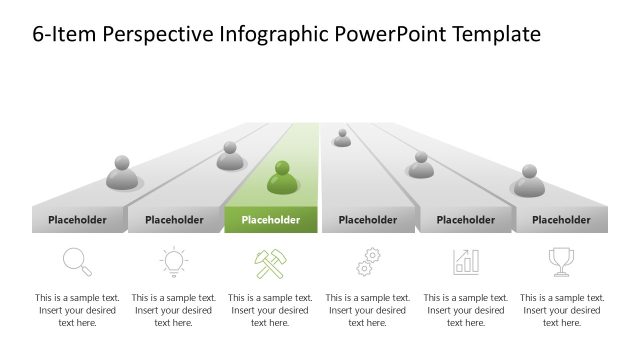
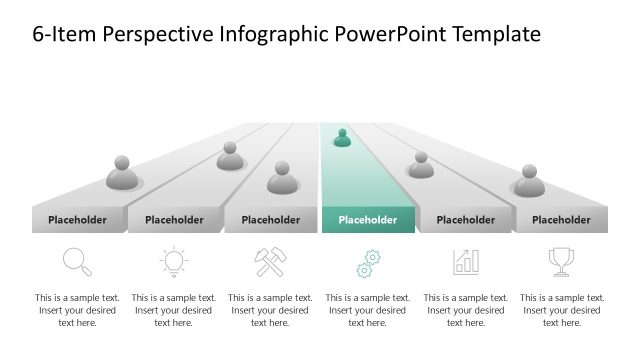
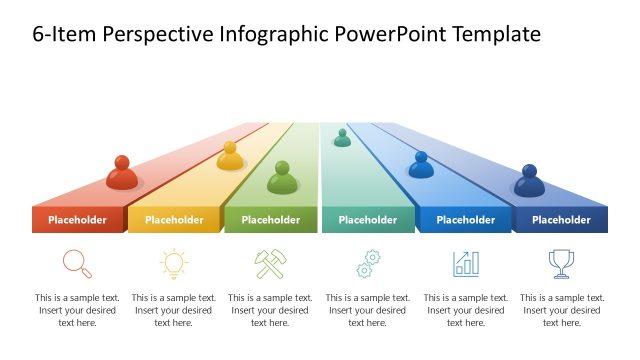
The 6-Item Perspective Infographic layout from the 6-Item Perspective Infographic PowerPoint Template offers a clean, horizontally arranged comparison slide ideal for business presentations. Featuring six sections with circular icons and text placeholders, this slide template supports clear visual hierarchy and highlights a key focus area. It is well-suited for product feature comparisons, project phase overviews, or strategic initiative presentations using editable shapes and vector icons within professional slide templates.
What’s on This Slide
The layout features a horizontal arrangement of six sections, each containing a circular icon and a text placeholder. The central section is highlighted in yellow, indicating its significance. The icons are simple shapes representing various concepts, positioned above the text placeholders. Each placeholder is aligned centrally within its section, with a consistent gray background for the other sections. The overall composition is clean, with a clear visual hierarchy emphasizing the highlighted section. The background is white, enhancing the contrast with the icons and text.
How to Use It
This layout serves as a comparative infographic, ideal for showcasing six related items or concepts. It fits well in a presentation sequence after introducing a topic, allowing for detailed exploration of each item. Use this structure in business settings to present product features, project phases, or strategic initiatives. The highlighted section can represent a key focus area or a primary offering, guiding the audience's attention effectively.
Text Placeholders & Capacity
Keep your copy within these limits so it fits without resizing. Each text placeholder can accommodate roughly 10-15 words.
| Placeholder | Count | Max characters (approx.) |
|---|---|---|
| Item heading | 6 | 30 |
| Item body | 6 | 50 |
Slide Keywords
Download unlimited PowerPoint templates, charts and graphics for your presentations with our annual plan.
DOWNLOADReturn to 6-Item Perspective Infographic PowerPoint Template.