Slide 2 of 7 from 6-Item Perspective Infographic PowerPoint Template
6-Item Perspective Infographic Slide Template
6-Item Perspective Infographic Slide
- Diagram
- Comparison Split
- Comparison Slide
- 16:9
- 100% Editable
The 6-Item Perspective Infographic slide from the 6-Item Perspective Infographic PowerPoint Template offers a clear comparison layout ideal for business presentations. This slide template features editable shapes and vector icons arranged in a balanced design, making it suitable for showcasing product features, project phases, or strategic initiatives within a corporate presentation or pitch deck template.
What’s on This Slide
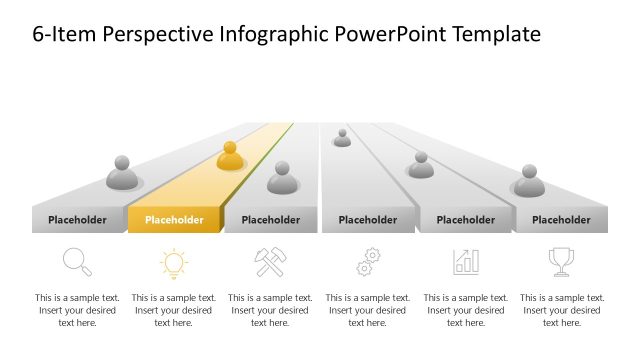
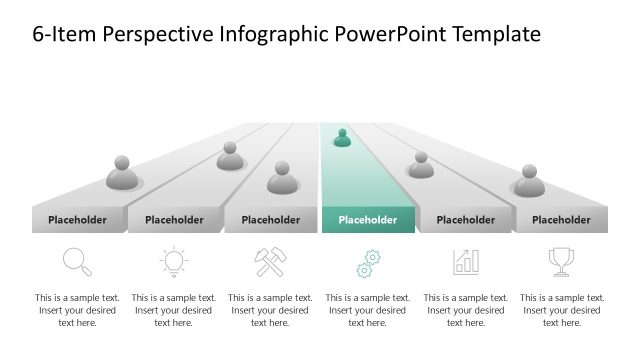
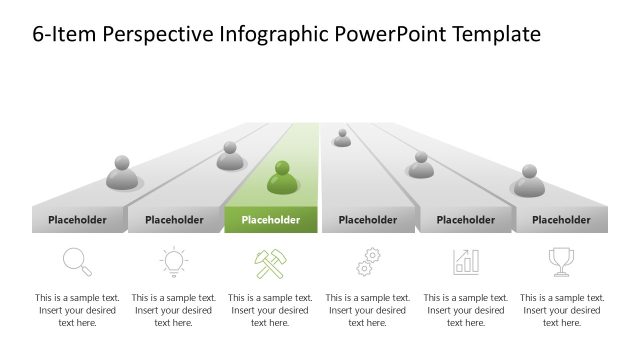
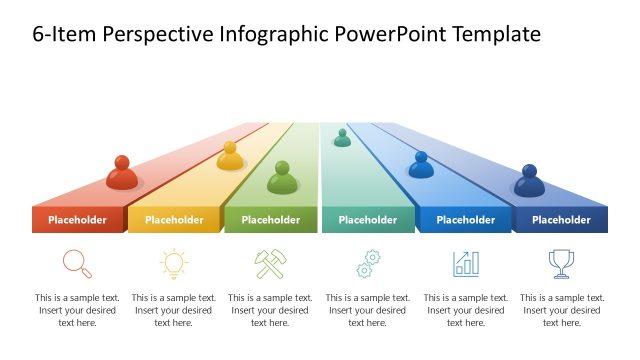
The layout features a central perspective diagram with six horizontal sections. The first section is highlighted in red, containing a circular icon and a placeholder for text. Each of the remaining sections includes a circular icon above a rectangular placeholder. The icons represent different categories, while the placeholders are aligned centrally beneath each icon. The background is white, enhancing clarity. The visual hierarchy emphasizes the highlighted section, drawing attention to its content. The overall composition is balanced, with equal spacing between elements.
How to Use It
This layout serves as a comparative infographic, ideal for showcasing six distinct items or concepts. It fits well in presentations discussing product features, project phases, or strategic initiatives. The highlighted section can represent a key focus area or priority. This structure is useful in business contexts where visual clarity and organization are essential for audience understanding. It can be employed in marketing, project management, or training sessions to effectively communicate multiple points.
Text Placeholders & Capacity
Keep your copy within these limits so it fits without resizing. Node body slots can hold about 10 words each.
| Placeholder | Count | Max characters (approx.) |
|---|---|---|
| Item heading | 6 | 30 |
| Item body | 6 | 50 |
Slide Keywords
Download unlimited PowerPoint templates, charts and graphics for your presentations with our annual plan.
DOWNLOADReturn to 6-Item Perspective Infographic PowerPoint Template.