Slide 2 of 2 from Free 6 Step Comparison Slide for PowerPoint
Free PowerPoint Comparison Template
6 Step Comparison Diagram for Presentations
- Diagram
- Comparison Split
- Comparison Slide
- 16:9
- 100% Editable
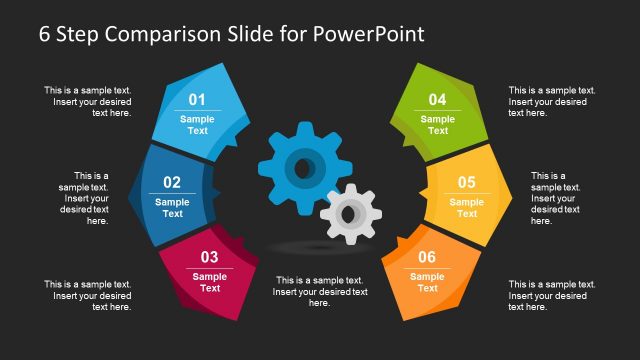
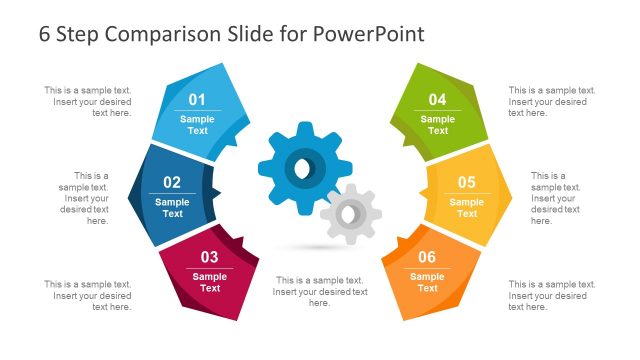
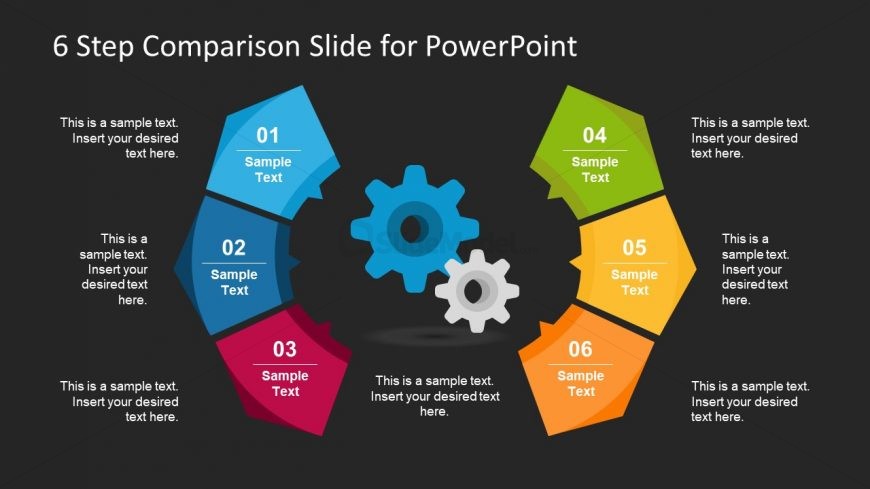
The 6 Step Comparison Diagram from the Free 6 Step Comparison Slide for PowerPoint template offers a clear visual layout for presenting product features or project phases. This slide template uses colorful, outward-pointing arrow segments arranged in a circle with interlocking gears at the center, making it suitable for business presentations and marketing strategy slide decks. Its editable shapes and organized structure support effective communication in corporate presentations and pitch deck templates.
What’s on This Slide
The slide features a circular arrangement of six segments, each labeled with a number from one to six. Each segment is a distinct color: blue, red, green, yellow, orange, and purple. The segments are shaped like arrows pointing outward, creating a flow effect. In the center, there are two interlocking gears, emphasizing the comparison theme. Each segment contains a text placeholder at the top and a larger placeholder for additional text below. The background is dark, enhancing the visibility of the colorful segments and central gears.
How to Use It
This layout serves as a comparison tool, ideal for showcasing six distinct steps or features in a process. It fits well in a presentation sequence after introducing a problem or concept, leading into detailed analysis or solutions. This structure is useful for product comparisons, project phases, or marketing strategies, allowing clear visual differentiation of each step while maintaining a cohesive design.
Text Placeholders & Capacity
Keep your copy within these limits so it fits without resizing. Each node can hold a title and a body of text, with moderate space for content.
| Placeholder | Count | Max characters (approx.) |
|---|---|---|
| Item heading | 6 | 20 |
| Item body | 6 | 50 |
Slide Keywords
Download unlimited PowerPoint templates, charts and graphics for your presentations with our annual plan.
DOWNLOADReturn to Free 6 Step Comparison Slide for PowerPoint.