Slide 1 of 2 from Free 6 Step Comparison Slide for PowerPoint
6 Step Creative PowerPoint Comparison Design
6 Step Comparison Diagram for Presentations
- Diagram
- Comparison Split
- Process Slide
- 16:9
- 100% Editable
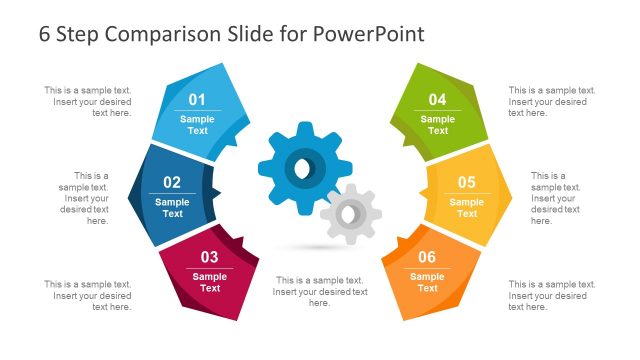
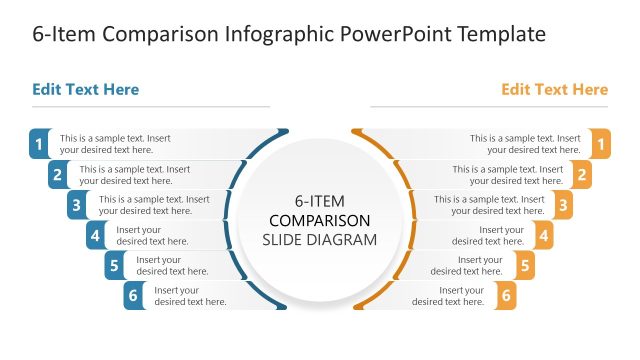
The 6 Step Comparison Diagram slide from the Free 6 Step Comparison Slide for PowerPoint template offers a structured layout ideal for business presentations. This slide template features six colorful segments arranged circularly, perfect for illustrating product feature comparisons or project phase overviews. Its clear segmentation and editable shapes support effective communication in marketing strategy presentations and other corporate slide decks.
What’s on This Slide
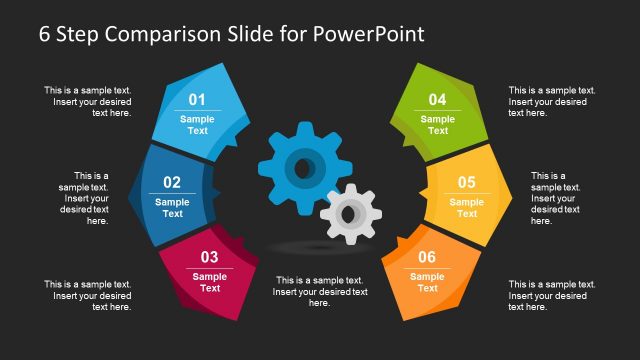
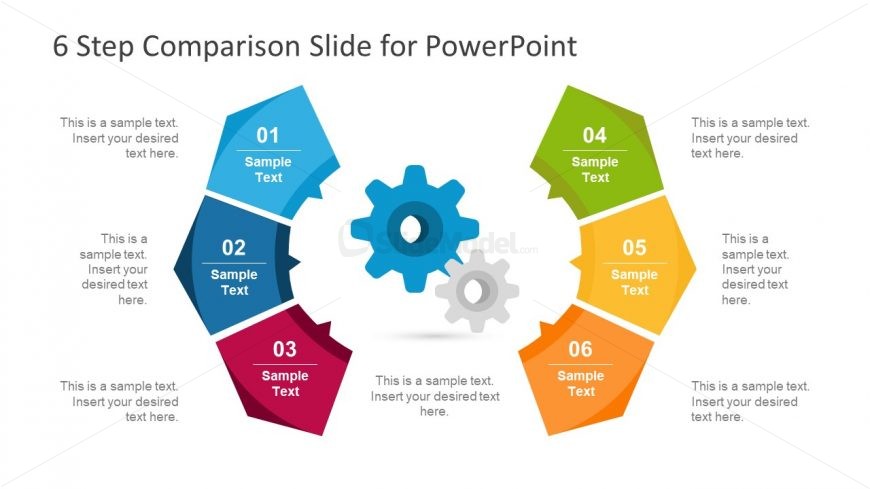
The layout features six segments arranged in a circular pattern, each displaying a number and a sample text placeholder. The segments are colored in blue, red, green, yellow, orange, and gray, creating a vibrant visual hierarchy. A pair of gears is centered within the diagram, symbolizing connection. Each segment has a title area at the top and a body text area below, both aligned centrally. The overall composition is balanced, with clear boundaries around each segment, allowing for easy differentiation between steps.
How to Use It
This layout serves as a comparison diagram, ideal for showcasing six distinct steps or features in a process. It fits well in presentations that require a structured overview of options, such as product comparisons or project phases. This format is particularly useful in business scenarios where clarity and visual engagement are essential, helping audiences quickly grasp key information. It can be used effectively in marketing, project management, or product design discussions.
Text Placeholders & Capacity
Keep your copy within these limits so it fits without resizing. Each node can hold a title and a brief description, roughly 20 and 50 characters respectively.
| Placeholder | Count | Max characters (approx.) |
|---|---|---|
| Item heading | 6 | 20 |
| Item body | 6 | 50 |
Slide Keywords
Download unlimited PowerPoint templates, charts and graphics for your presentations with our annual plan.
DOWNLOADReturn to Free 6 Step Comparison Slide for PowerPoint.