Slide 1 of 1 from Free 5-Item Comparison Slide PowerPoint Template
Free 5-Item Comparison Slide Presentation Template
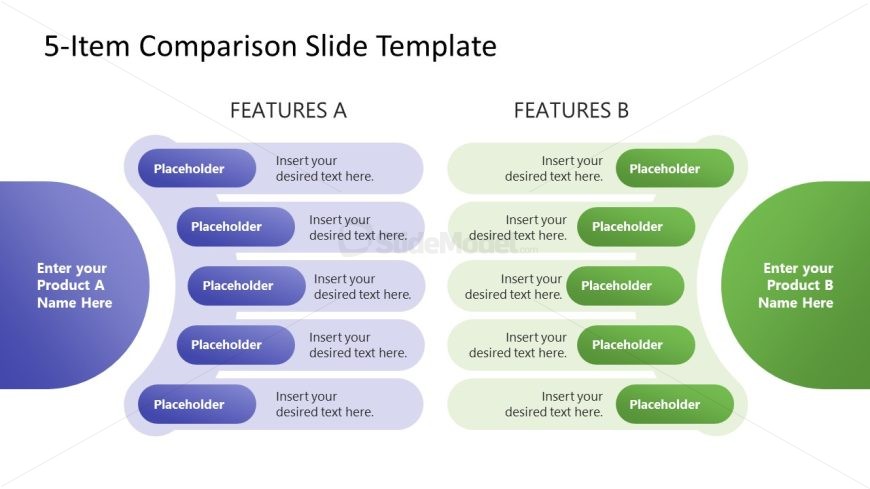
5-Item Comparison Slide Template
- Table
- Comparison Table
- Comparison Slide
- 16:9
- 100% Editable
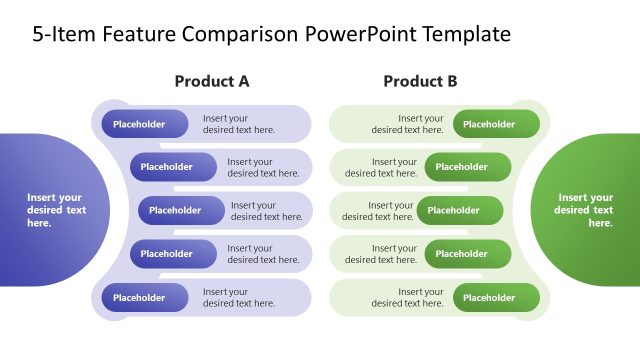
The 5-Item Comparison Layout from the Free 5-Item Comparison Slide PowerPoint Template is designed for effective product feature comparisons. This editable slide template allows users to present two sets of features side by side, facilitating clear evaluations in business presentations and sales pitches.
What’s on This Slide
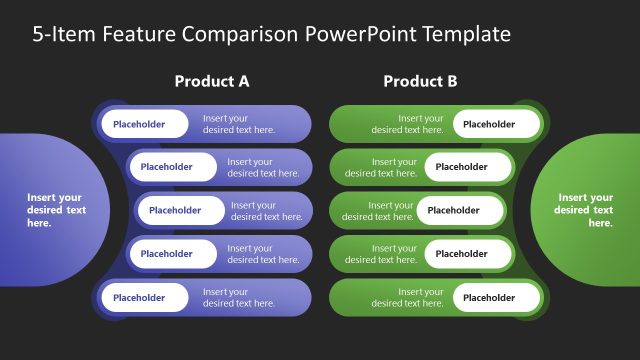
The layout features two columns labeled 'FEATURES A' and 'FEATURES B' with five horizontal rows of rounded rectangles in each column. Each row contains a placeholder for text, with the first column having a light purple background and the second column a light green background. At the top, a title area displays '5-Item Comparison Slide Template.' There are additional placeholders at the bottom left and right for product names. The overall structure is symmetrical, with clear visual separation between the two feature sets.
How to Use It
This layout serves as a side-by-side comparison tool for two products or features, ideal for presentations that require a clear distinction between options. It fits well in a sequence following an introduction or problem statement, providing a straightforward visual for decision-making scenarios. This format is useful in sales pitches, product comparisons, or feature evaluations, allowing audiences to easily assess differences and similarities.
Text Placeholders & Capacity
Keep your copy within these limits so it fits without resizing. Node slots can hold roughly 30 characters each, allowing for concise comparisons.
| Placeholder | Count | Max characters (approx.) |
|---|---|---|
| Slide title | 1 | 40 |
| Item body | 10 | 30 |
| Item heading | 2 | 20 |
| Footer | 2 | 30 |
Slide Keywords
Download unlimited PowerPoint templates, charts and graphics for your presentations with our annual plan.
DOWNLOAD