Slide 1 of 2 from Free 4 Step Simple Diagram for PowerPoint
FF0121-01-4-step-simple-diagram-for-powerpoint -16×9-2
4 Step Simple Diagram for PowerPoint
- Diagram
- Radial Hub
- Process Slide
- 16:9
- 100% Editable
The 4 Step Simple Diagram slide from the Free 4 Step Simple Diagram for PowerPoint template offers a clear visual process layout ideal for illustrating project phases or strategic priorities. This slide integrates editable shapes and vector icons arranged radially around a central hub, making it suitable for business presentations or pitch deck templates that require concise communication of progress or feature highlights.
What’s on This Slide
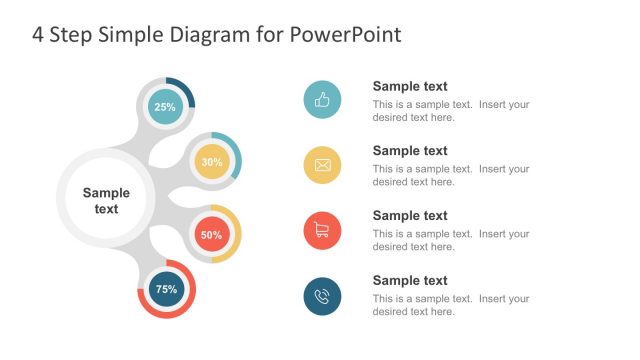
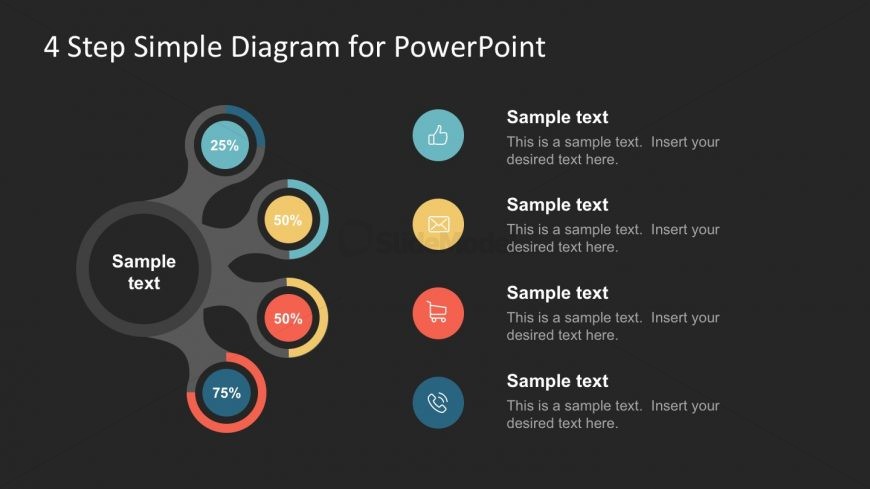
The layout features a central circular hub with a dark background. Four radial segments extend outward, each containing a percentage label and an icon. The segments are colored in blue, yellow, red, and light blue, arranged in a clockwise manner. To the right, there are four text placeholders aligned vertically, each labeled 'Sample text' with a corresponding description area. The visual hierarchy emphasizes the central hub, while the segments and icons are evenly spaced. The overall composition is balanced, with clear separation between the diagram and text areas.
How to Use It
This layout serves as a process flow diagram, illustrating four distinct steps or stages. It fits well in presentations that outline project phases, product features, or strategic priorities. This structure is useful in business contexts, such as project management updates or marketing strategies. It can be employed to visually communicate progress or highlight key metrics in a concise manner. The design allows for easy customization of text and icons to suit specific content needs.
Text Placeholders & Capacity
Keep your copy within these limits so it fits without resizing. Node labels can hold short phrases, while body text slots can accommodate longer descriptions.
| Placeholder | Count | Max characters (approx.) |
|---|---|---|
| Slide title | 1 | 30 |
| Item heading | 4 | 10 |
| Item body | 4 | 100 |
Slide Keywords
Download unlimited PowerPoint templates, charts and graphics for your presentations with our annual plan.
DOWNLOADReturn to Free 4 Step Simple Diagram for PowerPoint.