Slide 6 of 6 from 4 Step Loop Diagram PowerPoint Template
Change Management and Process Analysis Diagram
4 Step Loop Diagram PowerPoint Template
- Diagram
- Circular Cycle
- Process Slide
- 16:9
- 100% Editable
What’s on This Slide
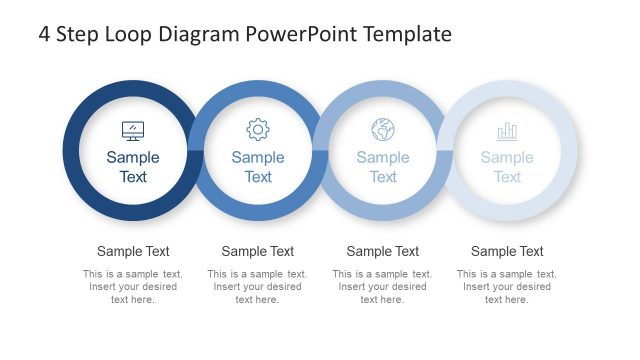
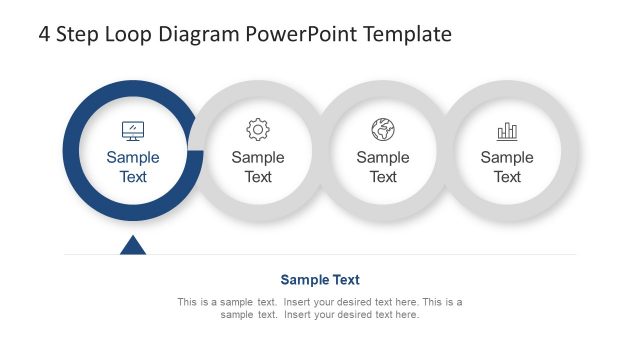
The layout features four circular nodes arranged horizontally, each containing an icon and a text placeholder. The nodes vary in shades of blue, with the first two being darker and the last two lighter. Each node is accompanied by a corresponding text placeholder below, aligned centrally. The background is dark, enhancing the visibility of the nodes. The icons within the circles represent different concepts, and the overall structure emphasizes a sequential flow. Text placeholders are positioned consistently, allowing for easy text insertion.
How to Use It
This layout serves as a visual representation of a cyclical process or business workflow. It is suitable for presentations discussing iterative processes, project phases, or continuous improvement strategies. Positioned near the end of a presentation, it can summarize key steps or reinforce a vision. This structure is particularly useful in business contexts where clarity in process flow is essential, such as in project management or strategic planning discussions.
Text Placeholders & Capacity
Keep your copy within these limits so it fits without resizing. Node labels can hold about 20 characters each, while body text can accommodate roughly 50 characters.
| Placeholder | Count | Max characters (approx.) |
|---|---|---|
| Item heading | 4 | 20 |
| Item body | 4 | 50 |
Slide Keywords
Download unlimited PowerPoint templates, charts and graphics for your presentations with our annual plan.
DOWNLOADReturn to 4 Step Loop Diagram PowerPoint Template.