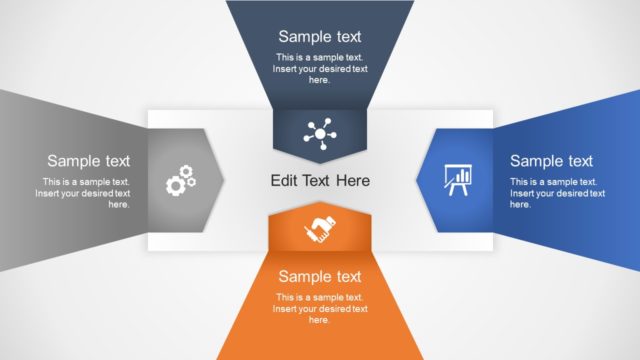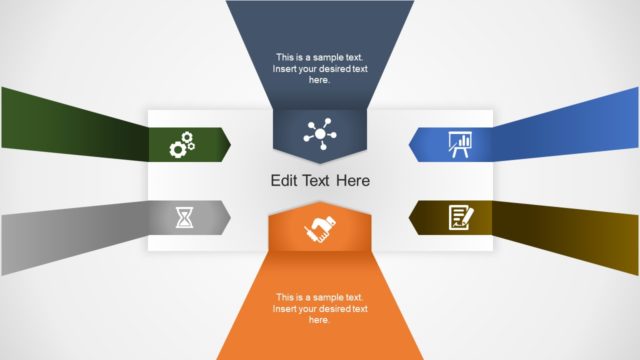
Slide 4 of 6 from Free 4-Step Positioning PowerPoint Template
Step 3 Chevron Arrow PowerPoint
4-Step Positioning Text Layout Slide
- Text Layout
- Single Statement
- Concept Explanation Slide
- 16:9
- 100% Editable
The Text Layout with Icons slide from the Free 4-Step Positioning PowerPoint Template offers a structured design ideal for business presentations and strategic discussions. Featuring editable shapes and a central icon to emphasize key actions, this slide supports clear communication of project updates or important messages within a professional slide deck.
What’s on This Slide
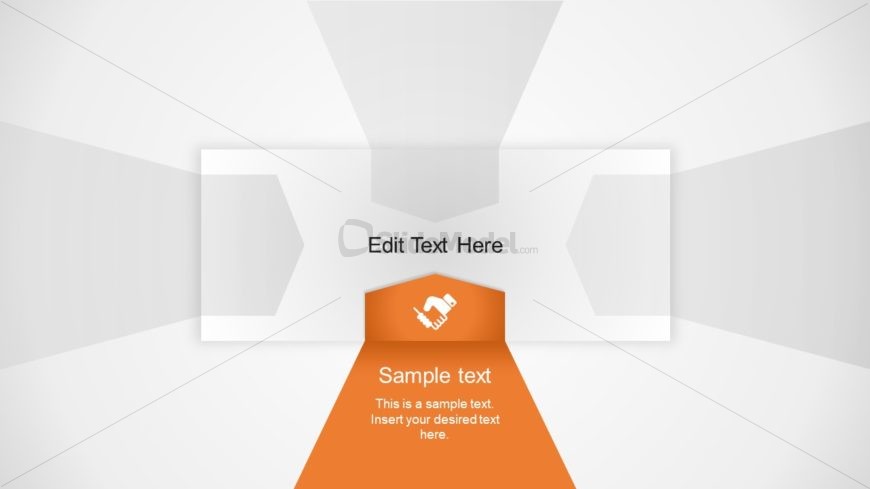
The layout features a central triangular shape in orange, directing attention downward. Two rectangular shapes are positioned at the top left and right, each containing text placeholders aligned centrally. The central triangle contains an icon of a hand holding a pen, emphasizing action. Below this triangle, a larger text placeholder is centered, containing sample text. The background is light gray with subtle gradients, enhancing focus on the central elements. The overall composition creates a clear visual hierarchy, guiding the viewer's eye from the top to the bottom.
How to Use It
This layout serves as a text-focused slide, suitable for presenting key points or summaries. It fits well in a sequence where detailed explanations follow introductory slides. This structure is ideal for business presentations, project updates, or strategic discussions, where clarity and emphasis on specific actions or ideas are necessary. It can be used to highlight important messages or calls to action, ensuring the audience's attention is directed appropriately.
Text Placeholders & Capacity
Keep your copy within these limits so it fits without resizing. Body slots can hold around 15-20 words each.
| Placeholder | Count | Max characters (approx.) |
|---|---|---|
| Slide title | 1 | 30 |
| Body paragraph | 1 | 100 |
| Callout | 1 | 50 |
Slide Keywords
Download unlimited PowerPoint templates, charts and graphics for your presentations with our annual plan.
DOWNLOADReturn to Free 4-Step Positioning PowerPoint Template.