Slide 2 of 6 from Free 4-Step Positioning PowerPoint Template
Step 1 Chevron Arrow PowerPoint
Text and Icon Layout for Presentations
- Text Layout
- Other
- Concept Explanation Slide
- 16:9
- 100% Editable
The Text and Icon Layout from the Free 4-Step Positioning PowerPoint Template offers a structured design combining editable shapes and vector icons, ideal for business presentations that require clear communication of product features or strategic insights. This slide template balances text areas with a central icon, enhancing readability and audience engagement within a professional slide deck.
What’s on This Slide
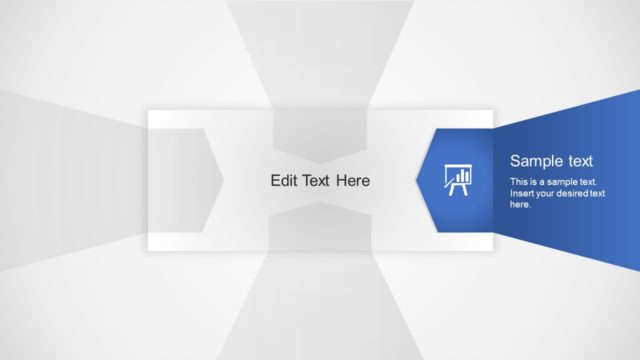
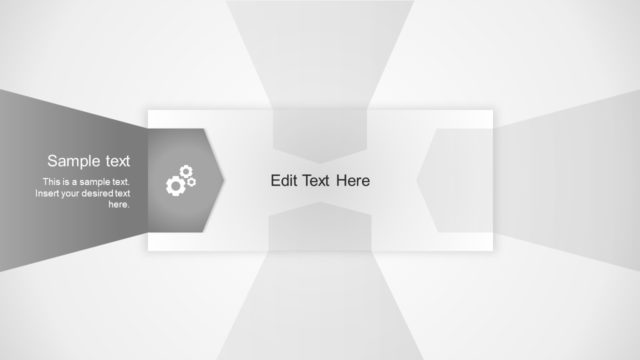
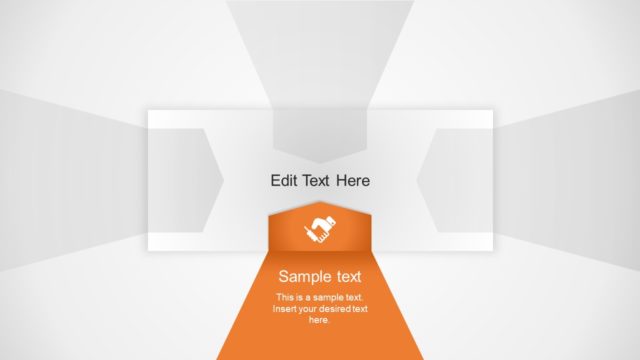
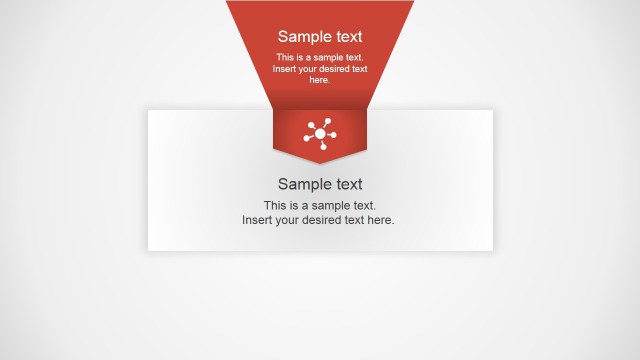
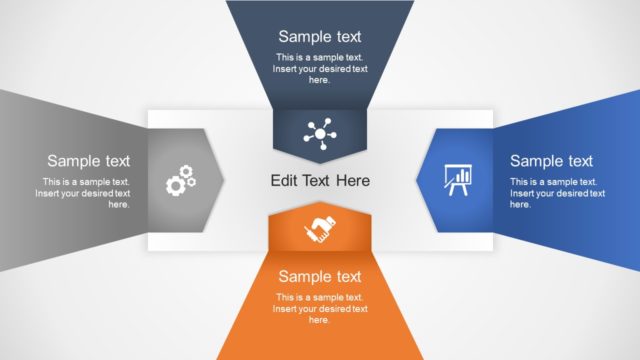
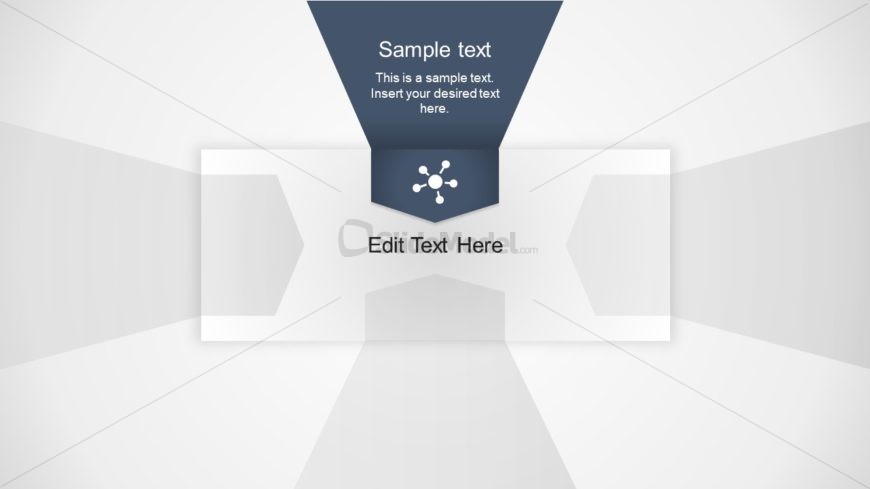
The layout features a central triangular shape at the top, containing a dark background with white text placeholders. Below, a circular icon is positioned centrally, surrounded by two rectangular areas for text, aligned left and right. The background is light gray with a subtle gradient. The central icon is visually emphasized, while the text placeholders are aligned for easy reading. The overall composition creates a balanced structure, with clear divisions between text areas and the icon, enhancing visual clarity.
How to Use It
This layout serves as a text and icon arrangement, ideal for presenting key concepts or ideas. It fits well in a presentation sequence after an introductory slide, helping to elaborate on specific points. Suitable for business scenarios such as product features, service descriptions, or strategic insights, it allows for clear communication. The design encourages concise messaging alongside relevant icons, making it effective for engaging audiences while maintaining focus on the content.
Text Placeholders & Capacity
Keep your copy within these limits so it fits without resizing. Text slots can accommodate concise phrases, roughly 10-15 words each.
| Placeholder | Count | Max characters (approx.) |
|---|---|---|
| Slide title | 1 | 50 |
| Body paragraph | 2 | 100 |
| Item heading | 1 | 30 |
Slide Keywords
Download unlimited PowerPoint templates, charts and graphics for your presentations with our annual plan.
DOWNLOADReturn to Free 4-Step Positioning PowerPoint Template.