Slide 3 of 6 from Free 4-Step Positioning PowerPoint Template
Step 2 Chevron Arrow PowerPoint
4-Step Positioning PowerPoint Slide
- Text Layout
- Other
- Concept Explanation Slide
- 16:9
- 100% Editable
The Text and Icon Layout from the Free 4-Step Positioning PowerPoint Template offers a structured format combining editable slides with vector icons to effectively summarize product features, outline strategies, or present key metrics. This slide template enhances business presentations by emphasizing central text supported by icon-accented side sections, making it a practical choice for pitch deck templates and corporate presentations.
What’s on This Slide
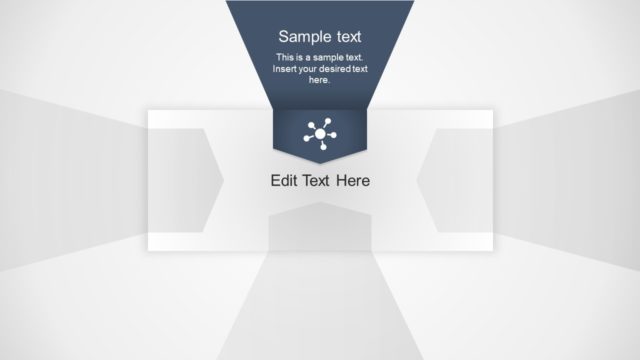
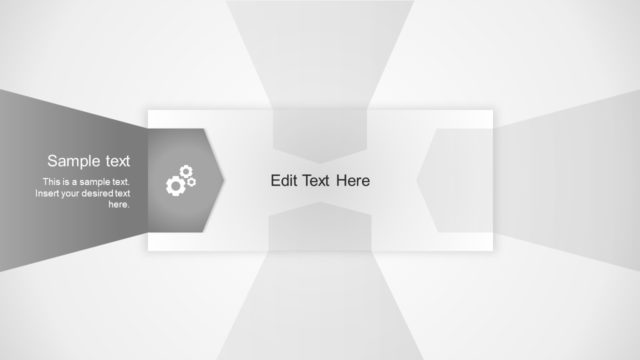
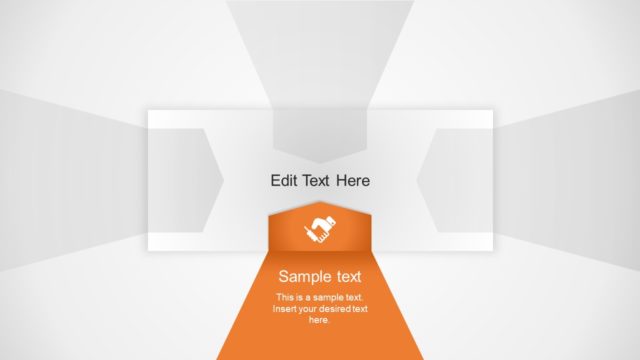
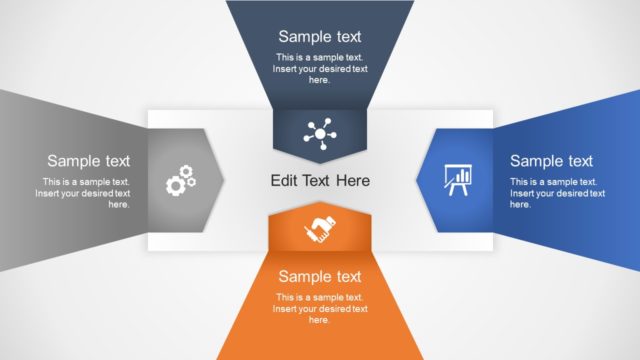
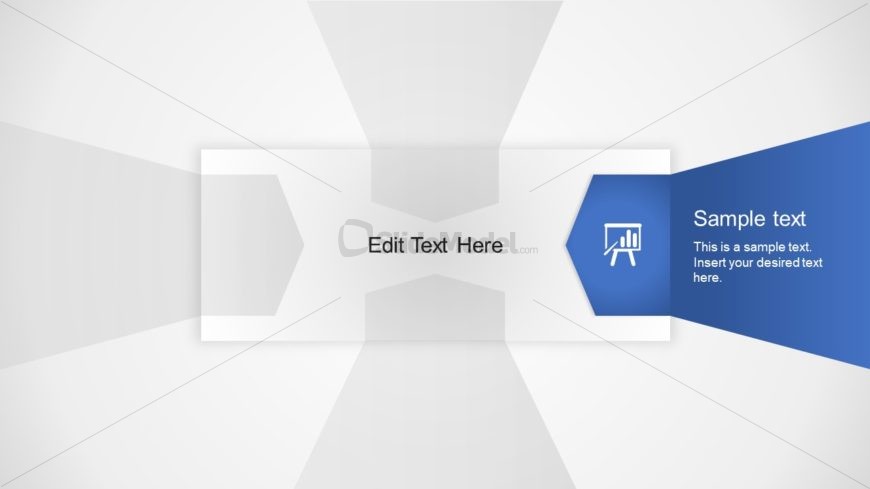
The layout features a central rectangular area for text, flanked by two angled sections on the left and right. The left section contains a placeholder for text labeled 'Edit Text Here', while the right section includes a blue hexagonal shape with an icon and sample text. The background is light with subtle gradients, enhancing the visual hierarchy. The central text area is larger, emphasizing its importance, while the side sections are smaller and contain icons. There are no charts or diagrams present.
How to Use It
This layout serves as a text and icon presentation format, suitable for highlighting key points or features. It fits well in a sequence after introductory slides, providing a clear focus on specific content. Ideal for business presentations, it can be used to summarize product features, outline strategies, or present key metrics. The design allows for easy customization of text and icons, making it versatile for various topics.
Text Placeholders & Capacity
Keep your copy within these limits so it fits without resizing. Body slots can hold about 15-20 words each.
| Placeholder | Count | Max characters (approx.) |
|---|---|---|
| Body paragraph | 2 | 100 |
| Item heading | 1 | 50 |
Slide Keywords
Download unlimited PowerPoint templates, charts and graphics for your presentations with our annual plan.
DOWNLOADReturn to Free 4-Step Positioning PowerPoint Template.