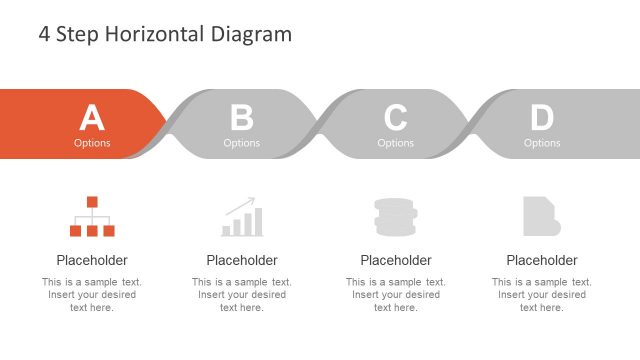
Slide 1 of 1 from Free 4 Step Infographic Diagram for PowerPoint
4 Steps Ribbon Diagram PowerPoint
4 Step Horizontal Infographic for Presentations
- Diagram
- Process Flow
- Process Slide
- 16:9
- 100% Editable
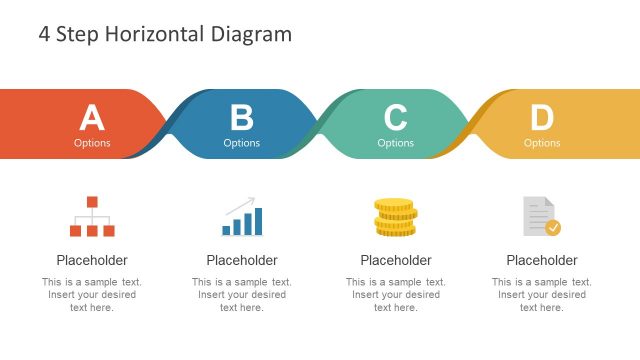
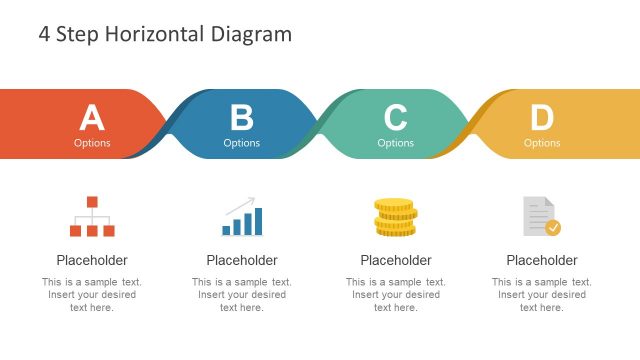
The 4 Step Horizontal Infographic slide from the Free 4 Step Infographic Diagram for PowerPoint template offers a clear process flow layout ideal for business presentations. This slide template uses a horizontal sequence with distinct colored segments and icons to visually map project phases or customer journeys. It is designed as an editable slide to simplify complex processes, making it a practical choice for pitch deck templates or corporate presentations requiring clear step-by-step explanations.
What’s on This Slide
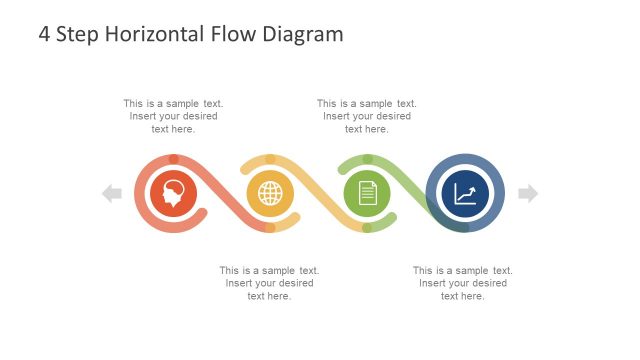
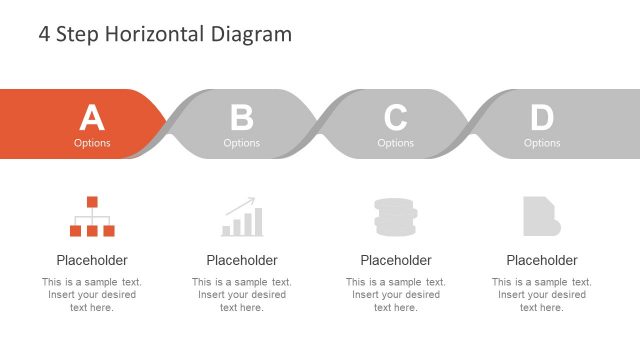
The layout features a horizontal infographic with four distinct steps. Each step is represented by a curved segment, alternating in color from orange to red, blue, and green. The first segment includes a circular start icon, while the last segment has a stop icon. Each segment contains a number and a label, with accompanying text placeholders aligned below. The overall design flows from left to right, with arrows indicating progression. Visual hierarchy is established through size variations and color contrasts among the segments.
How to Use It
This layout serves as a process flow diagram, ideal for illustrating sequential steps in a project or strategy. It can be effectively used in business presentations to outline phases of a plan, product development stages, or customer journey steps. Positioned at the beginning of a presentation, it sets the stage for detailed discussions on each step. The infographic format aids in simplifying complex information into digestible parts, making it suitable for engaging audiences.
Text Placeholders & Capacity
Keep your copy within these limits so it fits without resizing. Node body slots can accommodate roughly 15-20 words each.
| Placeholder | Count | Max characters (approx.) |
|---|---|---|
| Slide title | 1 | 40 |
| Item heading | 4 | 20 |
| Item body | 4 | 100 |
Slide Keywords
Download unlimited PowerPoint templates, charts and graphics for your presentations with our annual plan.
DOWNLOAD