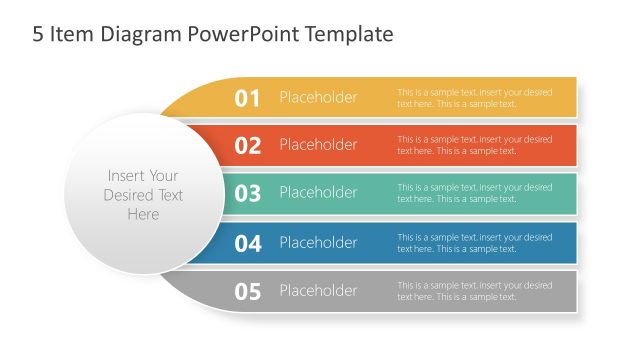
Slide 1 of 5 from 4-Item Horizontal Diagram for PowerPoint
4 Item Agenda Diagram Template
4 Item Horizontal Diagram for PowerPoint
- Diagram
- Comparison Split
- Process Slide
- 16:9
- 100% Editable
What’s on This Slide
The layout features a horizontal diagram with four distinct sections. Each section is a rectangular band, colored differently, aligned horizontally from left to right. The first section is orange, the second is red, the third is green, and the fourth is blue. Each section contains a number and a text placeholder for content. A circular placeholder is positioned centrally, overlapping the bands, allowing for additional text. The overall composition is balanced, with clear visual hierarchy indicated by the color contrast and layout. The background is white, enhancing clarity.
How to Use It
This layout serves as a structured way to present four related items or steps in a process. It is suitable for business presentations where sequential information needs to be conveyed clearly. This slide is effective for outlining project phases, product features, or strategic initiatives. It fits well in the early sections of a presentation, following an introduction or problem statement, and can be used to summarize key points or provide an overview of a topic.
Text Placeholders & Capacity
Keep your copy within these limits so it fits without resizing. Node body slots can accommodate roughly 15-20 words each.
| Placeholder | Count | Max characters (approx.) |
|---|---|---|
| Item heading | 4 | 20 |
| Item body | 4 | 100 |
| Item body | 1 | 100 |
Slide Keywords
Download unlimited PowerPoint templates, charts and graphics for your presentations with our annual plan.
DOWNLOADReturn to 4-Item Horizontal Diagram for PowerPoint.